Physical Address
304 North Cardinal St.
Dorchester Center, MA 02124
Physical Address
304 North Cardinal St.
Dorchester Center, MA 02124

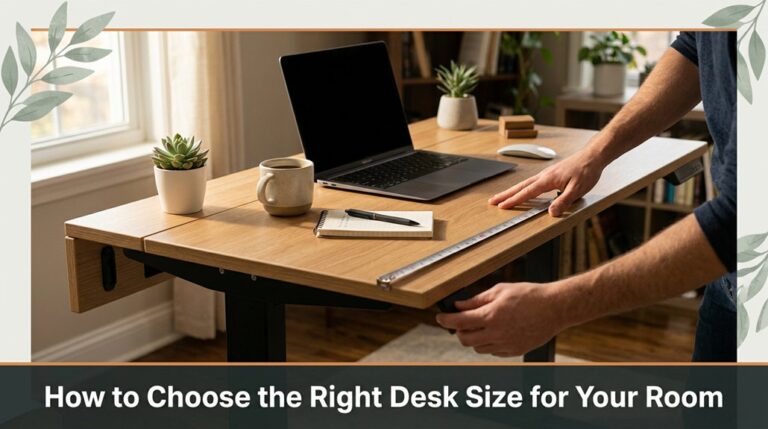
Learn how to select a desk size that fits your space and workflow by measuring your room, ensuring comfort, and avoiding clutter for an efficient workspace.
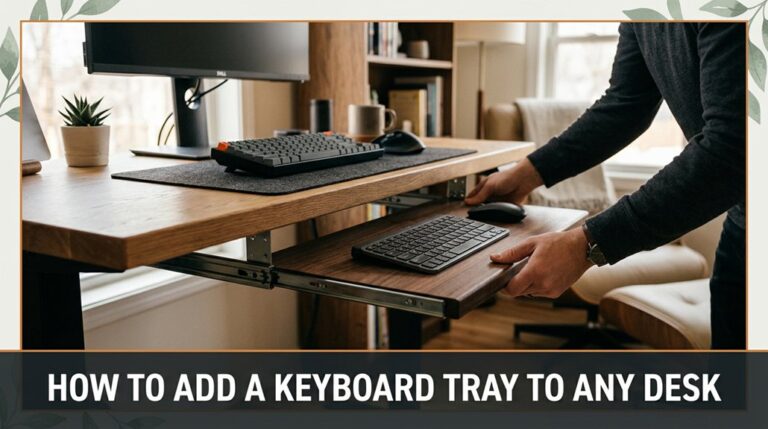
Learn how to add a keyboard tray to any desk easily by checking desk thickness, measuring space, securely attaching brackets, and adjusting for comfort to improve your workspace.
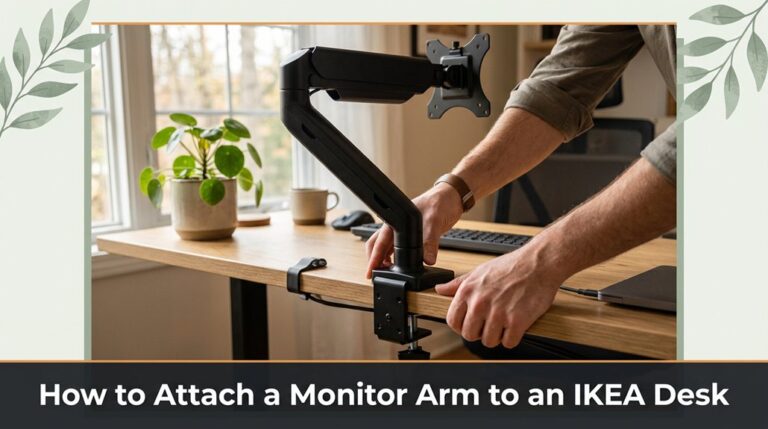
Learn how to securely attach a monitor arm to your IKEA desk by choosing a stable spot, checking desk thickness, and tightening the clamp carefully to avoid damage or wobbling.
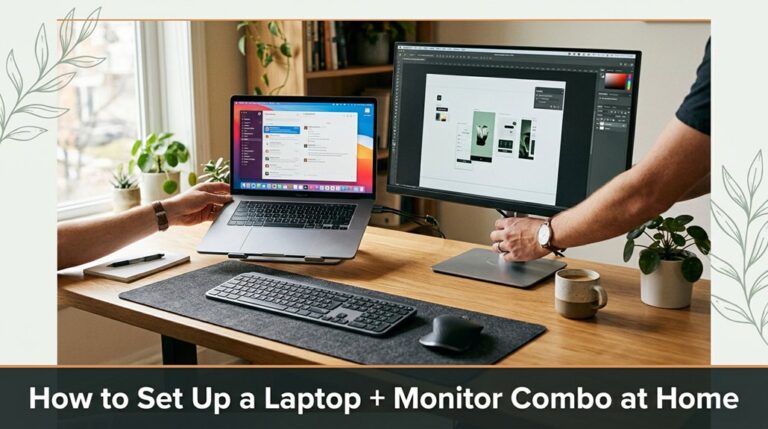
Learn how to set up your laptop with a monitor for an ergonomic workspace. Includes tips on monitor placement, cable connections, and calibration for clarity.
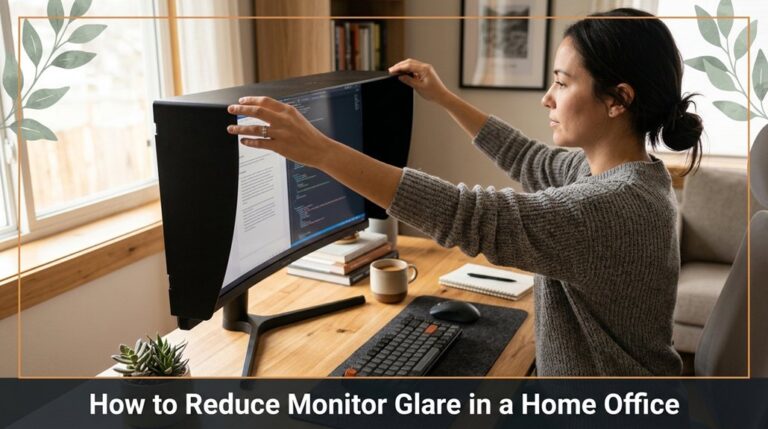
Learn effective ways to reduce monitor glare in your home office, including adjusting lighting, monitor positioning, and using anti-glare filters for more comfortable working conditions.
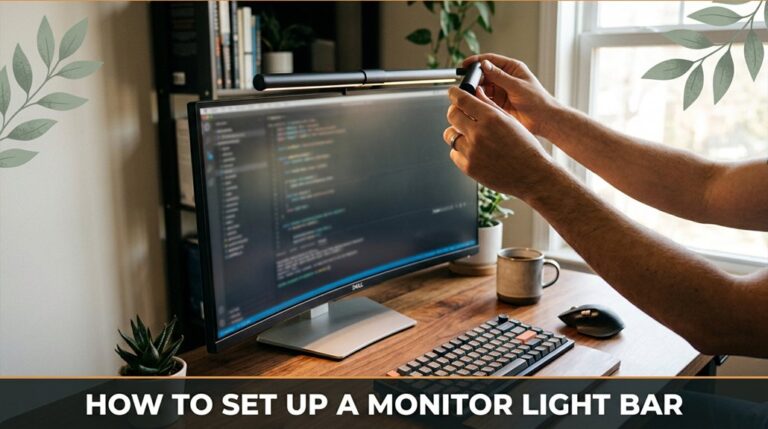
Learn how to set up a monitor light bar effectively, including proper measurement, mounting choices, cable management, and adjusting for optimal lighting with minimal glare.
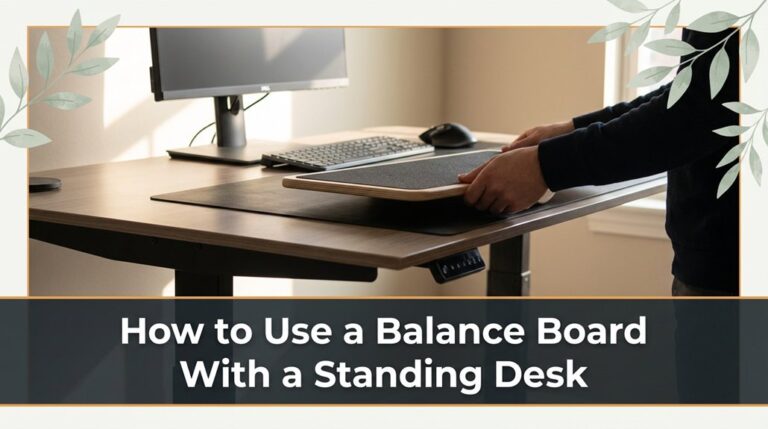
Learn how to safely incorporate a balance board into your standing desk routine to improve stability, engage your core, and increase calorie burn effectively.
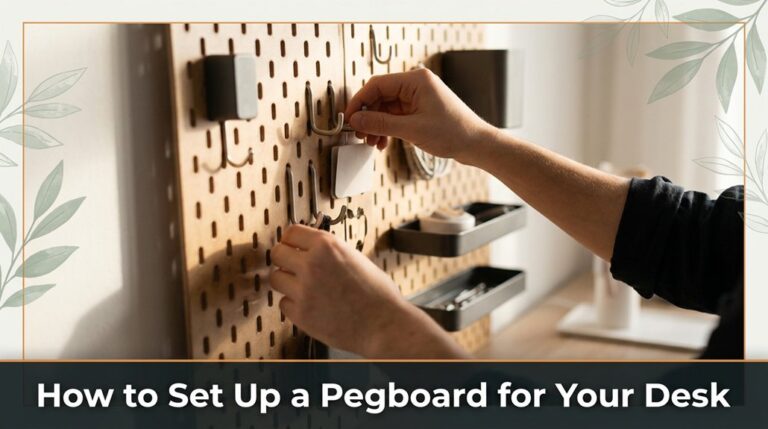
Learn how to set up a pegboard for your desk with step-by-step instructions on measuring, mounting, and organizing tools for a clutter-free workspace.
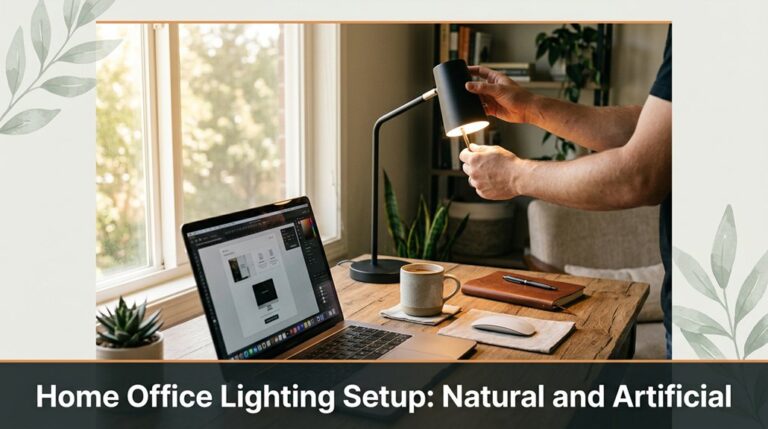
Balance natural and artificial lighting in your home office to reduce eye strain and improve focus. Use layered lighting, diffuse direct sunlight, and add adjustable LED task lights for optimal illumination.
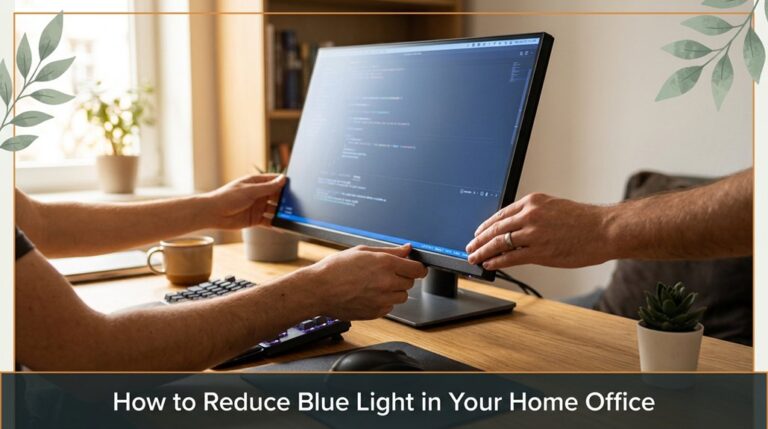
Learn effective ways to reduce blue light exposure in your home office, including adjusting device settings, proper monitor placement, and taking regular breaks to protect your eyes and improve sleep quality.



