Physical Address
304 North Cardinal St.
Dorchester Center, MA 02124
Physical Address
304 North Cardinal St.
Dorchester Center, MA 02124

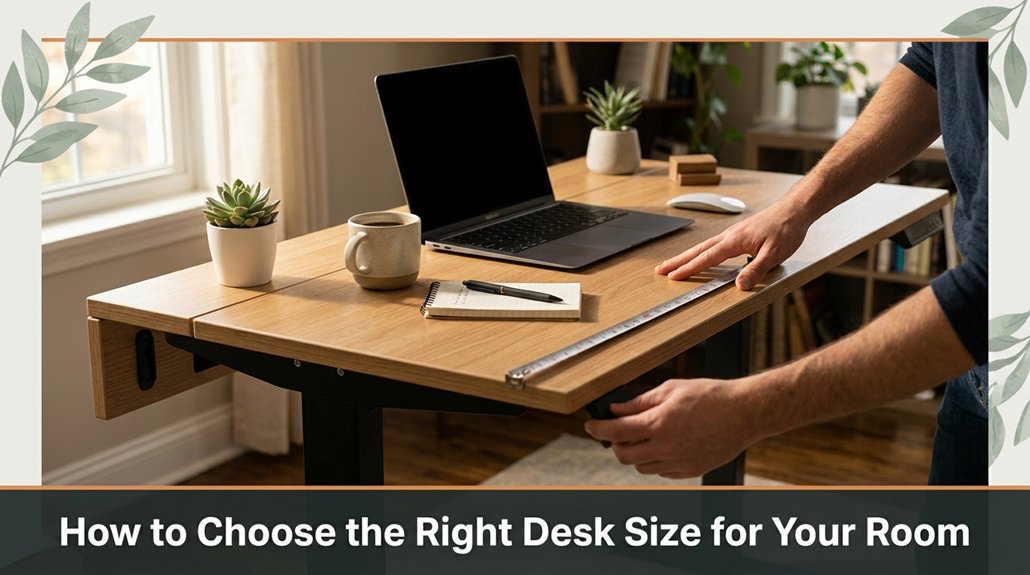
Finding a desk that fits perfectly in your room and supports your workflow can be tricky you don’t want clutter, but you also need enough space to work comfortably. First, grab a tape measure and get accurate measurements of your room, because guessing will only lead to a setup that feels tight or awkward.
Leave at least 24 inches of space in front of your desk so you can move easily and stay comfortable. Think about everything you plan to put on your desk monitor, keyboard, papers and add a few inches around each item to keep things from feeling cramped. Trust me, taking these simple steps now avoids major rearranging later and helps create a workspace that’s both functional and comfortable.
This article contains affiliate links. If you purchase through them, I may earn a small commission at no extra cost to you. I only recommend products I genuinely believe in.
Have you ever sat down at a desk that felt *off*, either way too cramped or ridiculously spacious, and wondered why it makes such a difference? That’s why knowing how to choose desk size matters.
A desk that’s too small leaves your space crowded, forcing you into awkward positions. A desk that’s too large can make your room look cluttered and overly busy, like hosting a conference in your bedroom.
You want a size that balances room for your monitor, keyboard, and that pile of papers nobody’s quite sorted yet. Think about your workflow. Are you spreading out your materials or huddling close?
Here are some steps to select the right desk size:
1. Measure your workspace. Measure the width and depth of the area where you plan to place your desk, because you want to ensure it fits comfortably without crowding other furniture.
2. Determine the essentials you need on your desk. For example, measure your monitor size, keyboard, and any additional items like a notebook or a desk lamp.
3. Add sufficient space around each item. A good rule of thumb is to add at least 4-6 inches of clearance on each side of your monitor and keyboard to avoid clutter.
4. Calculate the surface space needed:
Desk width = monitor width + keyboard width + 4-6 inches clearance on each side
Desk depth = depth of monitor + space for typing (about 2-3 feet total)
5. Assess your workflow. Are you spreading out or working in close quarters? If you tend to spread out papers or multiple monitors, opt for a larger surface.
Estimate your ideal desk size:
Common mistake to avoid:
Familiarity with desk ergonomics can help you determine not just the size but also the ideal height of your desk for maximum comfort during long working hours.
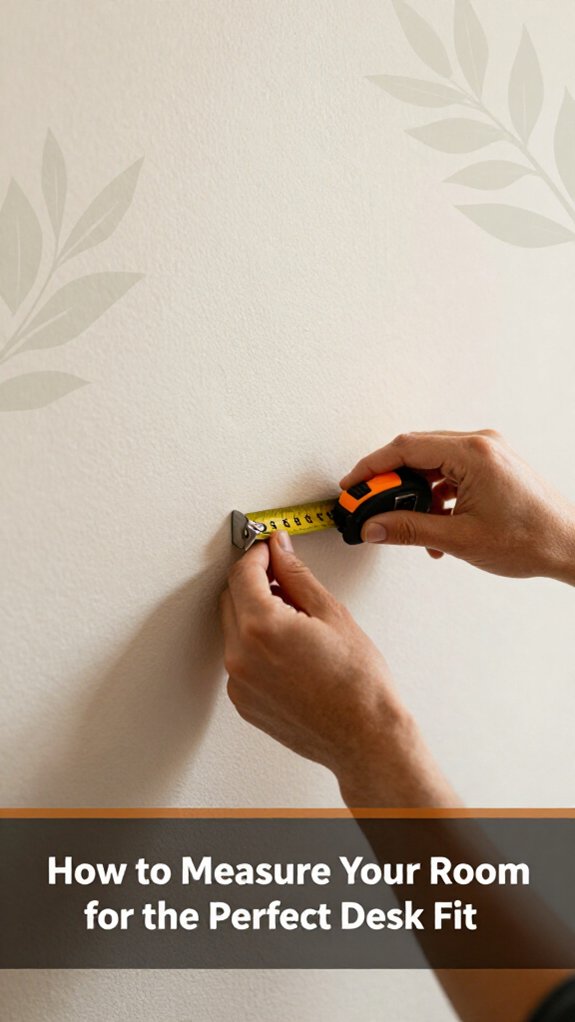
Figuring out how your room fits your perfect desk isn’t as simple as grabbing a tape measure and hoping for the best, because accurate measurements are crucial to avoid a tight fit or an oversized setup.
First, grab a tape measure. Measure the width and length of the available space where you plan to place your desk, because knowing exact dimensions helps prevent purchasing a desk that won’t fit.
Second, add a few inches to each measurement ideally 2 to 4 inches because you’ll want enough room to breathe, move comfortably, and slide your chair without knocking over lamps or other objects.
Measurement Fact:
Room clearance should be at least 24 inches (2 feet) in front of the desk for comfortable movement and ergonomic sitting posture.
Third, identify and account for obstructions like pillars, vents, or oddly placed outlets because they can interfere with the desk’s placement.
Ensure you record the position of these obstructions relative to your available space so you can plan the desk layout precisely.
If your measurements and your ideal desk size don’t align, you risk choosing a desk that’s either too tight making movement uncomfortable and increasing the risk of knocking things over or too large, cluttering your space and reducing functionality.
Common mistake to avoid:
Choosing a desk larger than your available space because it leads to cramped working conditions or the need to rearrange furniture repeatedly.
Instead, measure your room carefully and select a desk that fits comfortably, considering a clearance of at least 24 inches in front and 12 inches on the sides for optimal ergonomics. Remember that proper ergonomic setup promotes comfort and productivity throughout your workday.

When you’re setting up a desk, it’s easy to focus only on what looks good and forget about what you actually need to do your best work.
First, list your must-have tools monitor, keyboard, mouse, maybe a notebook or coffee mug because identifying essential items helps determine the space you’ll need.
Next, think about how much room those items require. For example, leave at least 24 inches of clearance in front of your monitor for comfortable viewing, because a screen too close can cause eye strain. Ensure there’s enough space for quick hand movements and comfortable arm stretches aim for at least 16 inches of lateral workspace on either side of your keyboard.
Then, consider storage options such as drawers, shelves, or a filing cabinet. If you’re drowning in paper or gadgets, you’ll need dedicated space for those items, because clutter hampers productivity and can cause frustration.
Here’s a key fact: Measure your essential items and workspace, then add a little extra for “just in case” moments.
For example, if your monitor’s top edge is to be at or just below your eye level, adjust the height accordingly. Proper ergonomic positioning ensures that your setup supports your comfort and helps prevent strain.
Finally, remember: your workspace isn’t just for looks. It must be functional enough to support your daily tasks comfortably and efficiently.
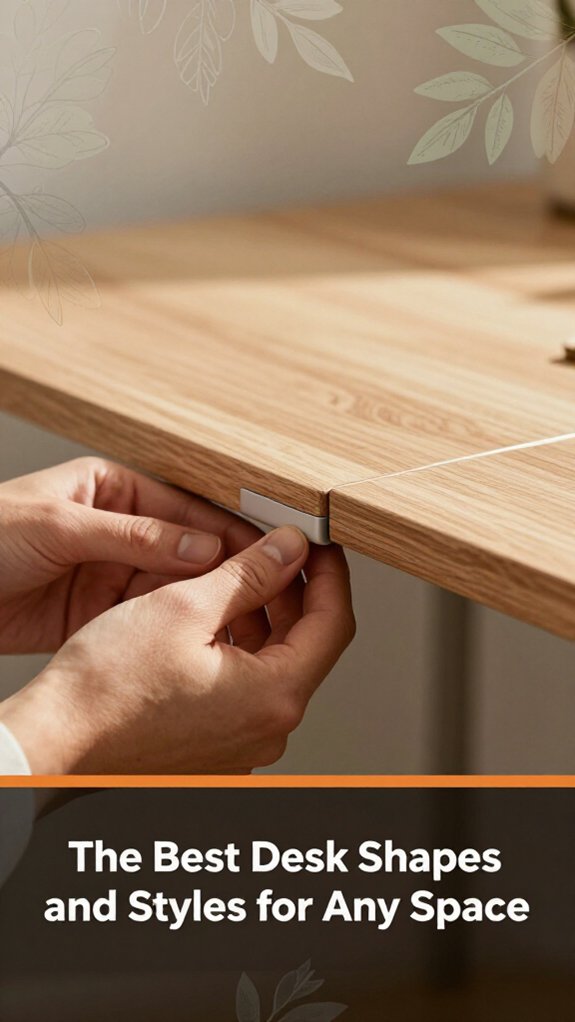
Most desks come in shapes and styles that can make your jaw drop, or make you think, “That looks great but will it fit my space?” Honestly, choosing the right one isn’t just about Instagram envy. It’s about fitting your work routine and room layout.
Let’s start with shapes. Rectangular desks are the classic, straightforward choice because they fit neatly in most rooms and provide plenty of workspace.
Rectangular desks are versatile and fit seamlessly in most spaces, offering ample workspace without fuss.
L-shaped desks are perfect if you want a corner workstation or double monitor setup. However, ensure that the corner isn’t an awkward squeeze by measuring the available space beforehand.
Measured fact:
*The typical width of an L-shaped desk should allow at least 24 inches of clearance along each adjacent wall to prevent congestion.*
Next, consider the desk style floating, standing, or minimal.
A standing desk takes some getting used to because it promotes better posture and reduces long-term back pain.
Tip: Adjust the desk so the work surface height aligns with your elbows when you’re standing; this typically means setting the desk height to approximately 40 to 42 inches for most adults.
Fact:
*The standard ergonomic desk height is between 28 to 30 inches for seated work, and 40 to 42 inches for standing desks.*
In addition, choosing a compact design standing desk can maximize space in small rooms without sacrificing functionality.
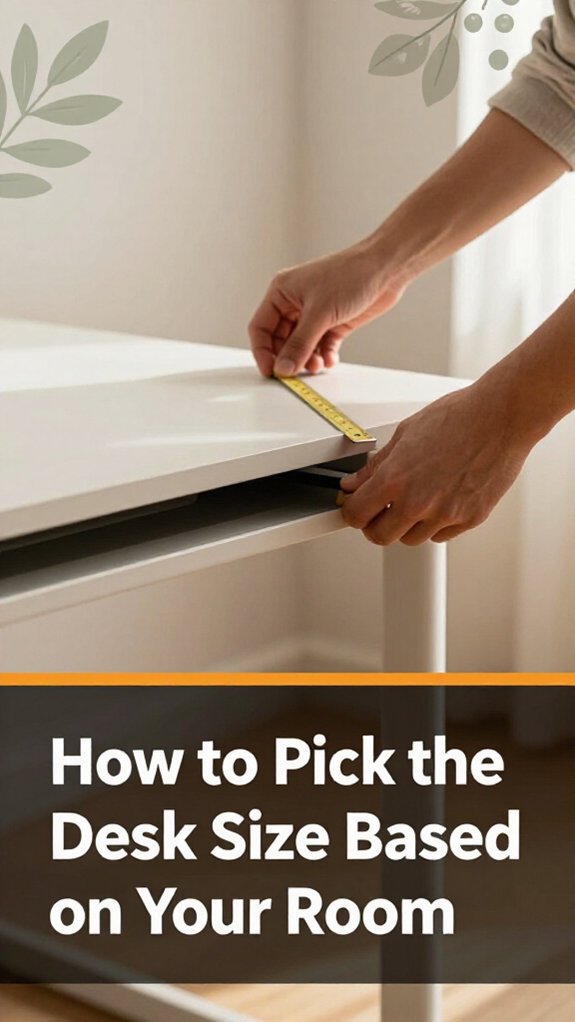
Have you ever dragged a desk into your room only to realize it’s a foot too wide or barely fits after you squeeze past? Yeah, I’m sure you’ve been there, too.
Here’s the trick: measure the space first because this ensures the desk fits comfortably. Not just where the desk *might* go, but the entire pathway to get it in.
Measurement tip:
– To allow for easy movement, you need at least 12 inches (1 foot) of clearance in front of the desk and along the sides for comfortable navigation.
All right, decide how much room you want to move around because even in tight spots, a minimum of 12 inches of clearance is necessary to prevent feeling cramped.
Next, check the dimensions of the desk because don’t just eyeball it; measure accurately.
Just because a desk looks perfect in the store doesn’t mean it’ll fit in your room’s awkward corners or around furniture.
Remember, the goal’s function, not just size, because an overly large desk can hinder movement or block natural light.
Important measurement fact:
– The desk width should be no wider than the room’s narrowest opening minus a minimum of 12 inches for clearance.
That way, your new desk won’t feel like a puzzle piece you’re forcing into place, preventing frustration or damage to your furniture and walls.
Picking a desk that’s both functional and stylish isn’t just about sweatered corner offices or sleek streaming setups. You want it to look good and work well like, actually support your marathon editing sessions without turning your back into a crumpled mess. Here’s the thing: style makes you smile when you see it, but if you can’t reach your keyboard or your phone slips behind the monitor, it’s a lose-lose.
A stylish desk should support your work comfortably reach your keyboard easily and keep essentials within arm’s reach.
All right, choose a finish that matches your decor but isn’t a dust magnet. Match the finish to your existing furniture and consider a matte surface to reduce glare and dust visibility.
Now, think about ergonomics your monitor should be eye level, and your chair should lift your hips, not your ego.
Formula for monitor height:
*Top of the monitor should be at or just below your eye level when seated, with your eyes looking slightly downward at about 10–20 degrees, to reduce neck strain.*
Here are specific steps to optimize your desk setup:
To make your workspace even more comfortable, pay attention to ergonomic principles, which can help prevent discomfort during long periods of sitting.
Balance your ergonomic needs with enough surface space for essentials:
Here’s the thing: matching your desk size to your room’s proportions isn’t as straightforward as just grabbing the biggest you can fit. Though I know you’ve probably seen that giant L-shaped setup looking pretty impressive.
Start by measuring your space because accurate measurements ensure the desk fits comfortably without overcrowding. Don’t just eyeball it use a tape measure to record the length, width, and height of the area designated for your desk.
Next, think about your movement because you need room to stretch, walk around, and get to your stuff without bumping into walls or knocking over a lamp. To do this effectively, divide your available space into clear zones.
Remember, a tiny desk in a sprawling room will feel lost, and a massive desk in a small closet will make your space look cluttered. Balance is key to creating an ergonomic and visually appealing setup.
Key measurement fact:
Step 1: Determine the ideal desk width by subtracting the required clearance from your total room width. This prevents overcrowding and allows for movement.
Step 2: Choose a depth for your desk that allows you to comfortably reach your workspace and monitor. A depth of 24-30 inches is standard, providing enough room without feeling bulky.
Step 3: Measure the height of your current chair and desk space to ensure ergonomic alignment so that your forearms are parallel to the floor when typing. Adjust or select a desk with a height of 28-30 inches.
Step 4: Place your desk within the determined measurements, and verify that there’s sufficient space to move freely around it, especially behind your chair. Because having at least 24-36 inches behind the chair improves comfort and accessibility.
Additionally, considering monitor placement in an L-shaped configuration can help optimize your workspace for better ergonomics and reduce strain during long working hours.
Avoid these common mistakes:
One of the biggest mistakes you can make when choosing a desk is going for size over function, because assuming bigger is always better can lead to cluttered spaces or limited legroom. You’ll fill that space, sure, but end up with a messy workspace or discomfort while sitting.
All right, next, don’t overlook your actual needs. If you only need a laptop, there’s no need for an expansive surface that eats up your room. Choose a desk that fits your primary tasks to maximize efficiency and comfort.
Choose a desk that suits your main tasks to boost efficiency and keep your space comfortable.
And don’t forget to leave room for a chair that moves comfortably. Cramped space kills your productivity faster than a caffeine crash.
Ensure there’s enough clearance for your ergonomic office chair, such as the Steelcase Leap or Herman Miller Aeron, which typically requires at least 24 inches of depth and 30 inches of width for comfortable movement.
Now, measure your room first, not just the spot you think looks good. Because a desk that’s too big or too small can derail your setup, it’s vital to assess the available space thoroughly.
Important Measurement Fact:
– The desk depth should be 24 to 30 inches to allow enough space for comfortably working and reaching your monitor.
To do this effectively, measure the area where you plan to place the desk, ensuring there’s enough clearance to walk around and access outlets without difficulty.
Next, consider where outlets are located. You want a workspace that allows easy access to power sources without the need to stretch or use extension cords, which can be dangerous or inconvenient.
Remember, a desk that’s too large can overwhelm your space and impede movement, while a desk too small can restrict your workspace and cause discomfort.
Always select a size that balances your functional needs and the room’s dimensions for a productive, ergonomic setup.
When you work from home, your desk setup isn’t one-size-fits-all: it’s more like a pair of jeans, really. If you have a small apartment, you’ll want compact, multitasking furniture that tucks away easily.
Big room? You can splurge on a sprawling desk with space for multiple monitors or documents and still have room to breathe.
Now, if your setup involves shared spaces, your desk should be portable or easily moved. All right, you might think stacking a tower of boxes seems clever, but trust me, stability matters.
Here’s the thing: Your needs differ with your work style. Sitting for eight hours? Invest in ergonomic features. Moving around? Opt for lightweight, adjustable options. The point is to adapt because one size definitely doesn’t fit all.
Specific Measurements and Recommendations:
– Monitor height: Raise the monitor until the top of the screen is at or just below your eye level. Because looking slightly down reduces neck strain.
Common mistakes and solutions:
Creating a harmonious workspace isn’t about tossing a few plants into the corners and calling it a day; it’s about thoughtfully applying design principles that actually work for you. You want your desk to fit your needs without turning your room into a cluttered chaos zone.
All right, start by focusing on flow. Your workspace should be intuitive easy to reach what you need, when you need it. Organize your supplies in a way that minimizes unnecessary movement, because this reduces fatigue and saves time.
Next, use the principle of balance. Distribute visual weight with accessories such as desk lamps, notebooks, and decor items so nothing feels off. For example, if you place a tall, colorful lamp on one side, balance it with a similarly sized object on the opposite side.
Look for contrast having a tidy desk with just a pop of color or texture keeps things lively. Choose contrasting colors like navy blue and copper, or different textures such as a smooth glass surface paired with a woven mousepad.
And, obviously, leave enough space around you to breathe. Because a cramped, cluttered desk isn’t just uncomfortable it kills your vibe and affects your productivity.
Important Measurements:
Common Mistakes to Avoid:
Getting your desk purchase right starts with measurements, because most people tend to mess this up. You’ve probably been 45 minutes into assembling something when you realize step 4 assumed something step 2 never told you. Here’s a quick cheat sheet:
| Step | What to Measure | Why It Matters |
|---|---|---|
| Desk Width | From wall to wall or corner to corner | Ensures the desk fits your available space, because an incorrect width can make setup difficult or prevent the desk from fitting at all. |
| Desk Width | Measure the total width of your intended space | Fits your space perfectly to prevent overcrowding or gaps that look out of place. |
| Depth | Front to back, enough room for monitor and accessories | Prevents clutter or cramped feels, because too little depth makes workspace uncomfortable and too much wastes space. |
| Height | Exact height needed for ergonomic comfort | Enables proper alignment of arms and wrists, because incorrect height can cause discomfort or strain. |
| Standing or Sitting Height | Adjust chair and desk to proper height, based on seated elbow height or standing height | Because, for sitting desks, maintain a height where your forearms are parallel to the floor when elbows are at a 90-degree angle, and for standing desks, the height should allow your elbows to be at a 90-degree bend when standing comfortably. |
| Clearance | Legroom and space for movement | Prevents accidental bumps, because insufficient clearance causes discomfort and restricts movement. |
Important Measurements and Tips:
Common Mistakes and How to Correct Them:
Yes, you can modify your desk after buying it, but be careful.
Typically, you can tweak height with adjustable legs or add-ons, and sometimes resize by disassembling and reconstructing, depending on the build.
All right, just know that resizing or altering might void warranties or compromise stability.
Natural light. It’s that sunny spot that hits your desk and makes everything seem better until you realize your screen’s glare turns everything into a blurry mess.
You want your workspace where you face the window, not with your back to it. All right, look for that sweet spot where sunlight hits your desk without bouncing off the screen.
It’s about balancing brightness and glare trust me, your eyes will thank you.
You want a small-room desk made from lightweight, durable materials like engineered wood or laminate.
Metal frames also work they keep things sturdy without bulk. Avoid heavy solid wood if space is tight trust me, moving it’s a workout.
All right, choose something sleek and compact, but don’t skimp on stability.
Look, incorporating ergonomic features isn’t rocket science, but it does require focus. You want your monitor at eye level, so get an adjustable stand or arm. Your keyboard should be elbow-height, on a slide-away tray if needed.
All right, invest in an adjustable chair with lumbar support trust me, slouching’s a quick way to turn fun work into misery.
Before you start, measure your space one size doesn’t fit all, especially for comfort.
Yes, you should definitely consider future room renovations.
All right, if you plan to add furniture or change the layout, pick a slightly larger desk just enough so you don’t have to start from scratch when things shift.
Keep in mind, renovations might mean knocking down a wall or expanding a space. So, think long-term.
Trust me, I’ve learned the hard way; it’s far easier to buy a bigger desk now than replace it later.
Alright, so choosing the right desk size? Think of it like fitting a puzzle piece you want it snug but not squished. Get your measurements right, consider your storage needs, and pick a shape that feels natural. Trust me, the last thing you want is your desk fighting you every time you sit down. Do it right, and you’ll be thanking yourself every time you sit at your perfect setup like finding that sweet spot in a hammock.





