Physical Address
304 North Cardinal St.
Dorchester Center, MA 02124
Physical Address
304 North Cardinal St.
Dorchester Center, MA 02124

Learn effective strategies to negotiate a home office stipend with your employer, including crafting a clear case and handling objections for successful results.
Learn how to evaluate a second-hand standing desk effectively, including checking for damage, testing adjustments, and ensuring safe, quality purchase.
Learn how to responsibly recycle or donate your old office furniture, including tips on sorting, finding local centers, and avoiding landfill waste.
Setting up a secure home office network with a modern router and strong passwords protects your devices and data. Learn how to update firmware, create separate networks, run a VPN, and monitor traffic to prevent unauthorized access and ensure safe remote work.
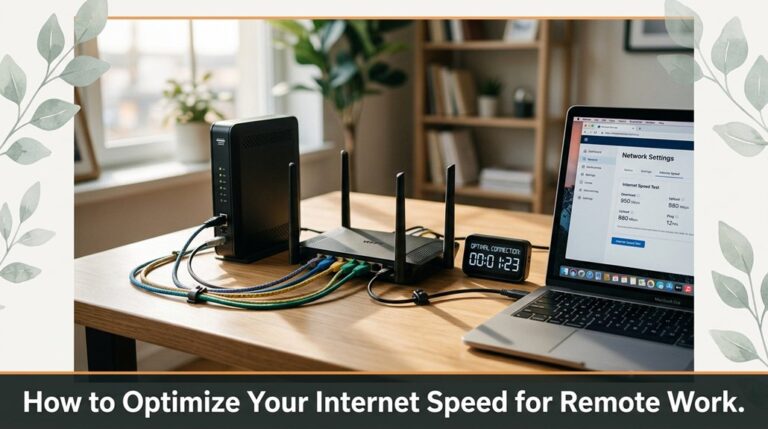
Improve your remote work setup by optimizing internet speed. Learn how to test, update firmware, enable dual-band Wi-Fi, prioritize apps, and use wired connections to ensure a reliable, fast connection for productivity.
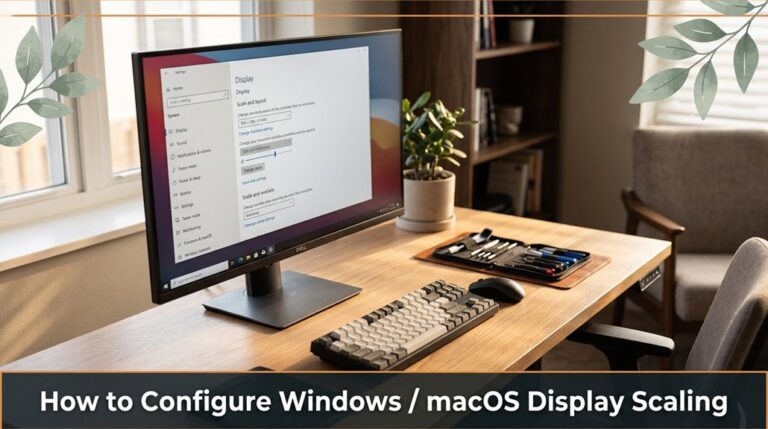
Learn how to adjust display scaling on Windows and macOS to ensure text and icons look sharp and comfortably sized. This guide helps you find the perfect scaling setting for a clear and comfortable viewing experience.
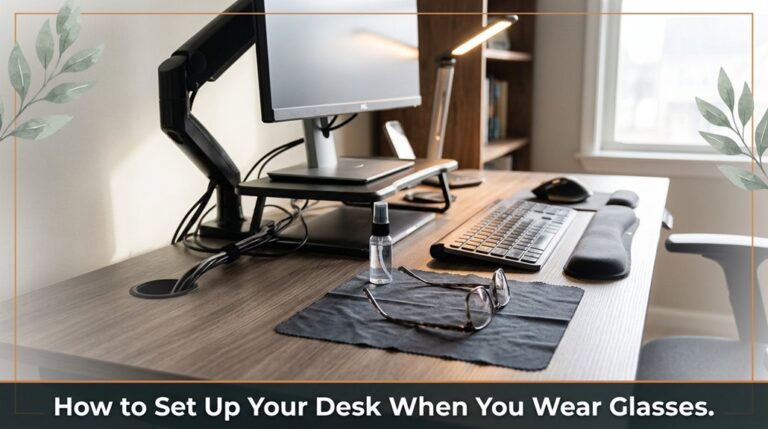
Learn how to arrange your desk with glasses in mind. Proper monitor placement, lighting, and adjustments can reduce glare and eye strain.
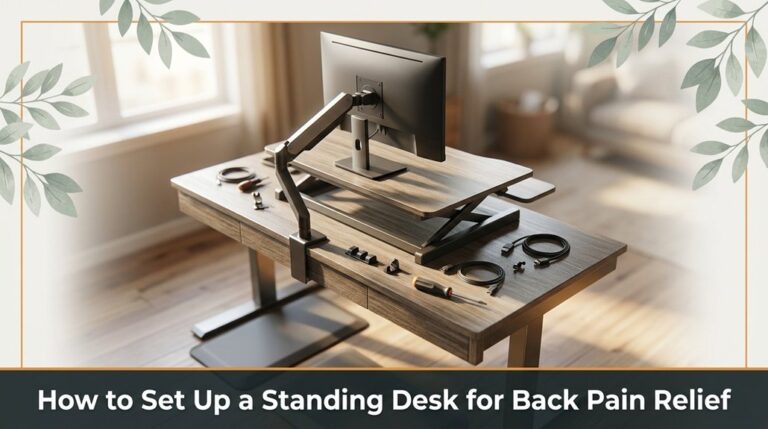
Learn how to set up your standing desk to reduce back pain by properly positioning your monitor, keyboard, and mouse, and gradually increasing standing time for maximum comfort.

Learn effective strategies to reduce home office distractions, improve focus, and increase productivity with these practical tips.

Learn effective and affordable ways to soundproof your home office, including sealing gaps, adding soft furnishings, and strategic furniture placement to reduce noise.



