Physical Address
304 North Cardinal St.
Dorchester Center, MA 02124
Physical Address
304 North Cardinal St.
Dorchester Center, MA 02124

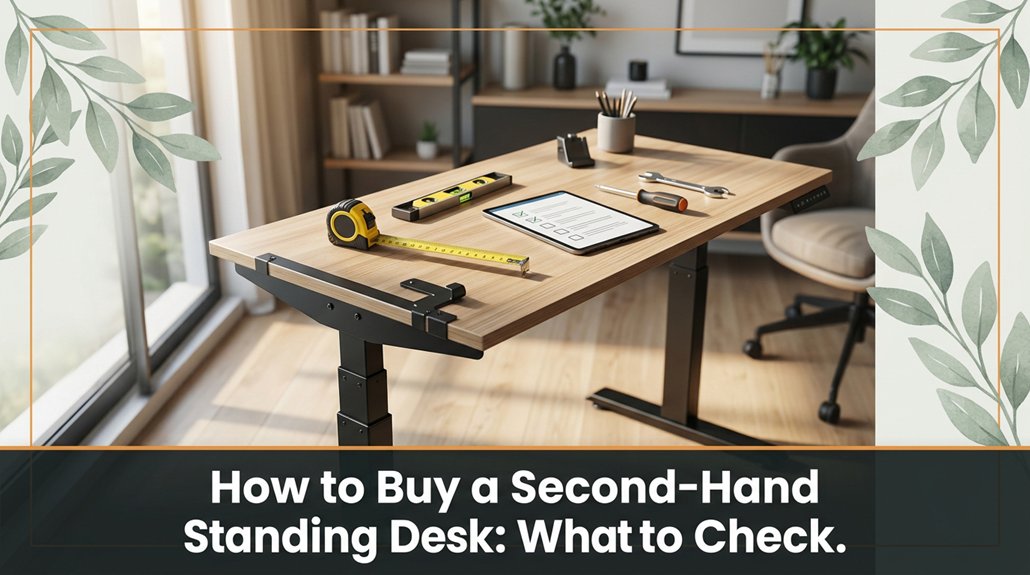
Thinking about buying a second-hand standing desk? If your back’s been aching from sitting too long or you want a more affordable ergonomic upgrade, you’re in the right place. Before you commit, it’s worth knowing what to look for to make sure you’re not stepping into a rust bucket or ending up with something that won’t last. Let’s walk through the essentials so you can shop smarter and avoid surprises.
Alright, before you start scrolling through listings or handing over your hard-earned cash, the first hurdle is making sure you’re dealing with a seller you can trust.
When buying used standing desks, check reviews, ratings, and reputation. You want someone who’s been established for a while preferably a seller with a track record of satisfied customers rather than a sketchy, one-time gig seller with no feedback.
Prioritize established sellers with positive reviews over one-time gig or unverified sources.
Ask for detailed photos of the standing desk, ideally taken from multiple angles showing the entire surface, frame, and adjustment mechanisms.
If the seller provides only vague images or dodges questions about the desk’s condition, that’s a red flag indicating they may not be forthcoming about issues.
It’s also important to check for transparency regarding any damages, scratches, or mechanical problems. Don’t be shy about requesting proof of purchase, receipts, or maintenance records to verify the desk’s history.
Focus on local sellers on trusted platforms like Facebook Marketplace or Craigslist that have positive feedback and multiple completed transactions.
These platforms often include seller ratings, reviews, or feedback from previous buyers, which can help gauge reliability.
Remember, if a deal sounds too good to be true such as significantly below market value for a high-quality used standing desk it probably is.
Trust your instincts and conduct thorough research before making any commitments.
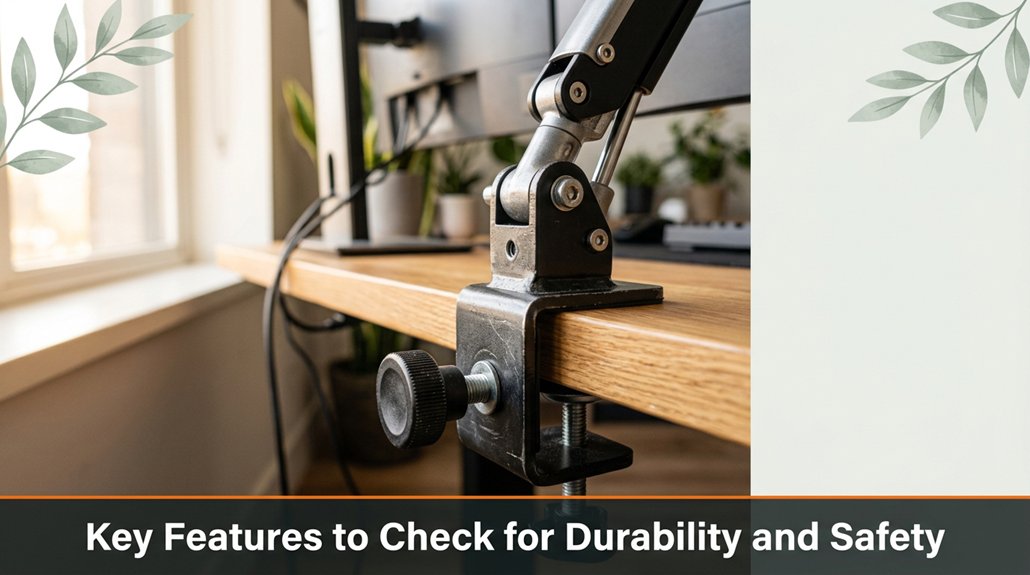
When it comes to durability and safety, there are a few key features you should never overlook no matter how tempting the price. First, check the material of the desk’s frame. Metal frames, such as steel or aluminum, are more reliable and resistant to bending or breaking compared to flimsy plastic or particleboard. Gently tap on the frame; if it sounds hollow or rattles, it indicates poor construction quality, and it’s best to keep looking.
Look for smooth, tight-moving legs test them by adjusting the height several times. Legs that stick, wobble, or feel loose suggest inadequate stability and could compromise safety during use.
Next, test the lifting mechanism if you’re considering a height-adjustable desk. Raise and lower the surface three or four times; if it squeaks loudly or feels jerky, it signals wear and potential failure over time.
Now, thoroughly examine the joints and welds for signs of cracks, corrosion, or poor workmanship. Cracks or rust in welds can weaken the entire structure and pose safety risks.
Additionally, verify the weight capacity, especially if you plan to support heavy monitors, such as a 27-inch LED display, or equipment like printers, speakers, or multi-monitor setups. Ensure the desk can support at least 200-300 pounds, matching or exceeding your total load, to prevent collapse during use.
Furthermore, checking the height adjustment mechanism for smooth operation can help determine its longevity and reliability over years of use.
Before you get too carried away imagining your perfect setup, ask the seller about the desk’s history. Find out how long they’ve had it and how often they’ve used it. Did they use it daily for work or more like a decorative piece in a guest room?
Ask if it’s ever experienced stability issues, such as wobbling or creaking, or if the motorized height adjustment has failed. Inquire about any upgrades, replacements, or repairs these details can reveal how well the desk has held up over time. For example, if the adjustable legs have been replaced or if the motor has been serviced, it indicates ongoing maintenance.
Understand whether the desk was used solely for light tasks, like occasional computer work, or for heavy-duty activities, such as standing at an industrial workstation with loads exceeding 50 pounds. A desk that has been subjected to intense or daily use may have more wear, whereas one gently used like a piece of art is likely to be in better condition.
Ask specifically about its history of usage and any problems encountered. Knowing if the desk has been pushed to its limits or maintained carefully will help you assess its longevity and suitability for your needs. Additionally, back pain relief can be improved by ensuring the desk supports good ergonomic practices, such as proper height adjustment and frequent movement during use.
All right, don’t just nod dig into the real story behind the desk’s journey to make an informed decision.
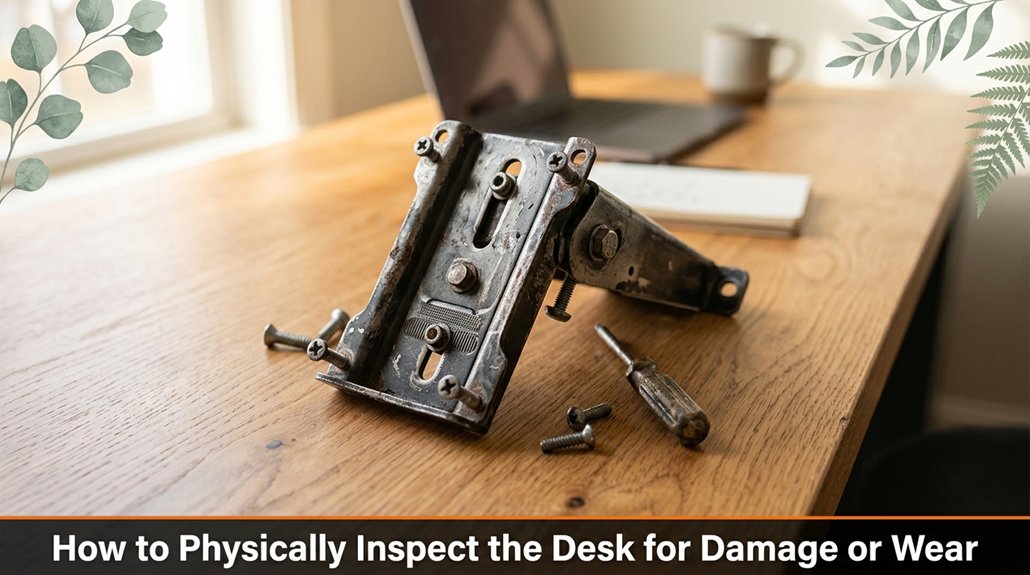
A quick visual once-over is your best friend when checking for damage or wear on a second-hand standing desk. Look for dents, scratches, or bent metal that’s a clear sign of physical impact or fatigue, and these issues can compromise the desk’s structural integrity. Examine the surface for cracks or chips; even small imperfections can worsen over time, leading to further damage or instability.
Leaning on the frame and joints is essential are they wobbly, loose, or show signs of stress? A stable frame indicates good condition, while looseness suggests possible failure under load. Feel around for rust spots, flaking paint, or corrosion, as these are signs of moisture ingress that can weaken metaled components over time.
Now, inspect the moving parts thoroughly. Check whether the lifting columns, typically made of steel or aluminum, are scratched, chipped, or show signs of uneven wear, which could affect smooth operation. Test the adjustment mechanisms such as hand cranks, electric motors, or button controls to ensure they still turn or function smoothly without sticking or unusual resistance. This not only predicts the desk’s current performance but also indicates its potential lifespan.
Additionally, knowing ergonomic principles can help you evaluate whether the desk’s design supports healthy posture and reduces strain during use.
| Damage Type | What to Look For | Why It Matters |
|---|---|---|
| Scratches & dents | Visible damage on surface | Detracts from aesthetic value and may compromise durability |
| Rust & corrosion | Flaking paint, rust spots | Indicates moisture exposure that can weaken metal parts |
| Bends & warps | Warped frame, bent joints | Reduces stability and may cause uneven surface level |
| Loose joints | Shake or wiggle the desk over time | Risks collapse under load, affecting safety |
| Chipped parts | Cracks in edges, corners | Signs of impact or wear that could lead to structural failure |
Performing these detailed visual and tactile inspections ensures that you assess the desk’s current condition accurately. This proactive step helps you avoid future repairs or safety hazards, ensuring the standing desk will support your work setup reliably and comfortably.
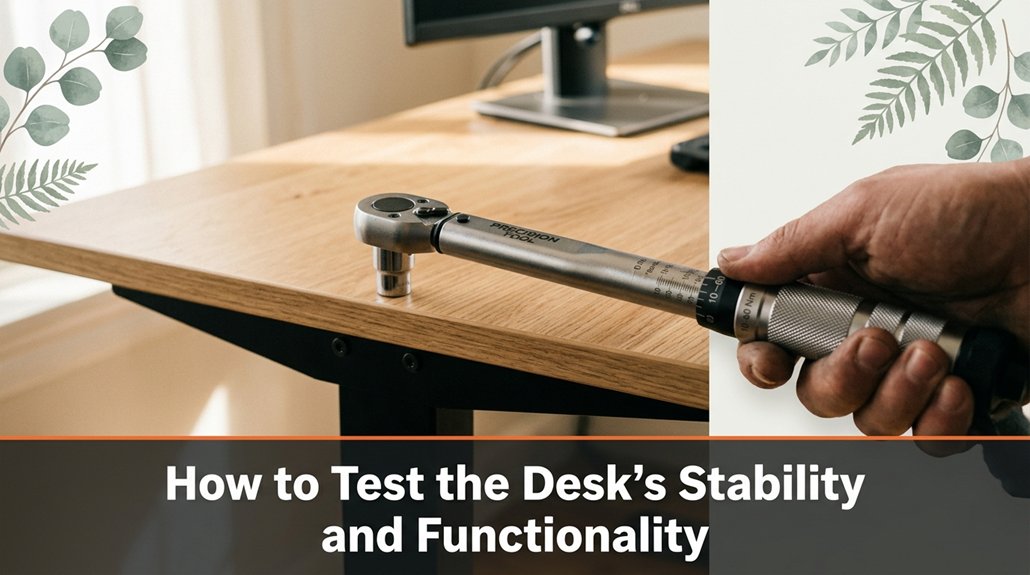
Once you’ve thoroughly inspected the surface and frame of your standing desk, it’s essential to test its stability and functionality. First, raise and lower the desk multiple times don’t just operate the height adjustment once; perform several cycles to verify consistent performance.
Pay attention to whether the desk moves smoothly without jerks, unusual noises, or resistance; any hitching or grinding indicates potential mechanical issues that could compromise safety and reliability.
Next, gently push down on the work surface if it wobbles or tilts, the desk’s stability is questionable and may require adjustment or further inspection.
To ensure the desk maintains its intended height, set it to various levels and hold each position for a few minutes. It should remain steady without drifting or slipping, demonstrating the efficacy of its locking mechanisms and stability at different elevations.
Remember, it may take two or three attempts to get a good feel for the mechanism’s responsiveness, as some models have more complex or sensitive adjustment systems. Additionally, regular inspection of all moving parts and adjustment mechanisms can help prevent future issues and extend the lifespan of your standing desk.
Testing these features thoroughly ensures you select a desk that offers consistent performance and stability for your daily work or task needs.
If a standing desk looks too good to be true wobbly, greasy, or missing pieces it probably isn’t safe. You should carefully inspect for unstable components that wobble when you touch them or creak under slight pressure, as these are signs the desk may not support your weight reliably.
Wobbly or greasy desks likely signal instability and hidden damage inspect carefully before using.
Grease marks on joints often indicate poor maintenance practices or hidden rust inside, which could compromise the desk’s structural integrity. Missing screws or loose bolts are serious red flags don’t assume they can be easily replaced without proper tools or replacement parts.
Look closely for bent or cracked metal frames, especially around the support beams and leg structures. If the frame exhibits warping, splits, or visible fractures, it suggests the desk could collapse under normal use, posing safety hazards.
Check the motorized or mechanical parts if you notice grinding noises, irregular movements, or if the desk fails to adjust smoothly across its height range, these are signs of malfunction that can lead to sudden failure.
Pay attention to safety labels or manufacturer information stickers if they’re missing, it indicates a lack of proper maintenance or that the desk may not meet safety standards. Confirm that the desk has clear instructions on weight limits and assembly, as ignoring these can increase risk.
Always evaluate the stability, structural integrity, and clarity of manufacturer documentation before deciding to use a used standing desk. Additionally, understanding ergonomic safety principles can help you identify potential hazards and ensure your workspace remains safe.
Looking to get the best price on a second-hand standing desk? First, do thorough research. Check online marketplaces such as eBay, Facebook Marketplace, or Craigslist, and evaluate listings carefully.
Don’t solely focus on the lowest bid examine the seller’s reviews, ratings, and look at detailed photos of the desk to assess its condition. Understanding the typical price range for the specific model you want, both new and used, helps you avoid overpaying or falling for deals that are too good to be true these can be red flags.
Negotiate assertively, just like you’d at a local market, rather than passively accepting the initial offer. You can ask for discounts if the desk is slightly used or shows minor signs of wear, or if it requires small repairs such as loose screws or scratched surfaces.
Be prepared to walk away if the deal doesn’t meet your criteria; patience is key because demand for ergonomic standing desks often causes prices to fluctuate over time.
Consider the value of additional items included with the desk. If the seller is offering cables, monitor stands, or ergonomic accessories like anti-fatigue mats, these can enhance your setup without extra cost.
Remember, timing your purchase carefully can make a difference buy when demand is lower, such as during off-peak seasons, to secure a better deal.
It’s also important to assess the quality and condition of the desk. Ensure the frame is sturdy, the height adjustment mechanisms function smoothly, and the surface is free of significant damage.
Furthermore, understanding ergonomic features, such as adjustable height settings and support mechanisms, helps you choose a desk that promotes long-term comfort and health.
A fair deal involves not just the price but also the reliability and operational lifespan of the desk.
In conclusion, focus on making a well-informed, strategic purchase. Prioritize price and quality over impulse buying, and ensure that the deal aligns with the desk’s condition and your ergonomic needs.
This approach will help you secure a second-hand standing desk that offers excellent value and durability, rather than rushing into a purchase that could break down or require costly repairs soon after.
Look, buying a second-hand standing desk isn’t rocket science it’s more about luck and a keen eye. Did you know nearly 60% of used furniture has hidden damage or safety issues? If you check the seller’s reputation, inspect for wear, and test stability, you’ll avoid headaches later. Trust me, a little extra caution today saves you from a wobbly, unsafe workspace tomorrow. Now go get that desk your back will thank you.





