Physical Address
304 North Cardinal St.
Dorchester Center, MA 02124
Physical Address
304 North Cardinal St.
Dorchester Center, MA 02124

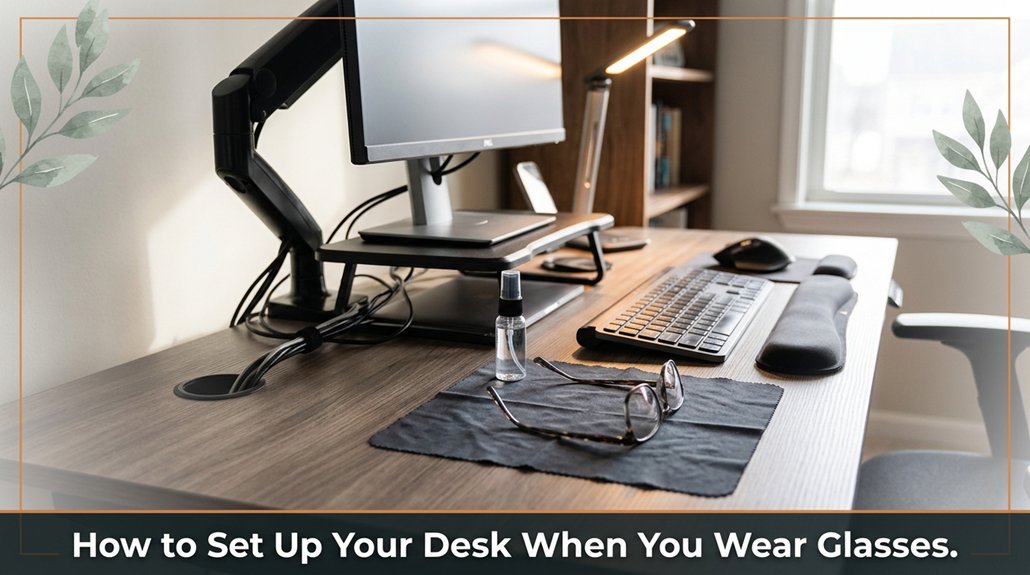
If you wear glasses and work at a desk, glare can be a constant annoyance that makes your day harder. To reduce eye strain, start by positioning your monitor directly in front of you about an arm’s length away closer than you might think, but not so close that your eyes get tired. Tilt the screen slightly downward and angle it back about 10 to 20 degrees to cut down on glare bouncing off your glasses. Use matte screen filters and softer, more diffuse lighting avoid harsh lights or reflections that create glare on your lenses. Adjust your monitor’s brightness to match the ambient light around you, and don’t be afraid to make tiny tweaks; often, the smallest adjustments lead to the biggest difference. Stick with these tips, and you’ll find the glare less bothersome, making your workspace more comfortable and easier on your eyes.
So, here’s the deal: glare is the enemy, and the first step in winning that battle is all about your monitor placement. You want your screen’s brightness and position to work with your glasses, not against them.
Set your monitor directly in front of you, about 15 to 20 inches (38 to 50 centimeters) away from your eyes, slightly below eye level roughly 2 to 3 inches (5 to 8 centimeters) lower than your line of sight. This way, you avoid craning your neck or staring upward, which can lead to discomfort over time. Proper placement minimizes reflections and reduces glare hitting your glasses, which can cause eye strain and reduce visual clarity.
Angle the monitor so that your reflections don’t bounce directly into your eyes. Tilt the screen back approximately 10 to 20 degrees to prevent glare from ceiling lights or windows.
Too much brightness can worsen glare; therefore, dim your monitor to match ambient lighting conditions aim for around 120 to 150 cd/m² (candelas per square meter) creating a comfortable viewing environment. Adjusting your screen brightness and contrast accordingly can significantly reduce eye fatigue.
While glasses with anti-reflective coatings help, they aren’t foolproof. This setup significantly reduces glare and eye strain, helping you work more comfortably and see clearly without constantly adjusting or squinting.
Proper monitor positioning and brightness adjustment are simple yet effective methods to protect your visual health and maintain focus during long work sessions.
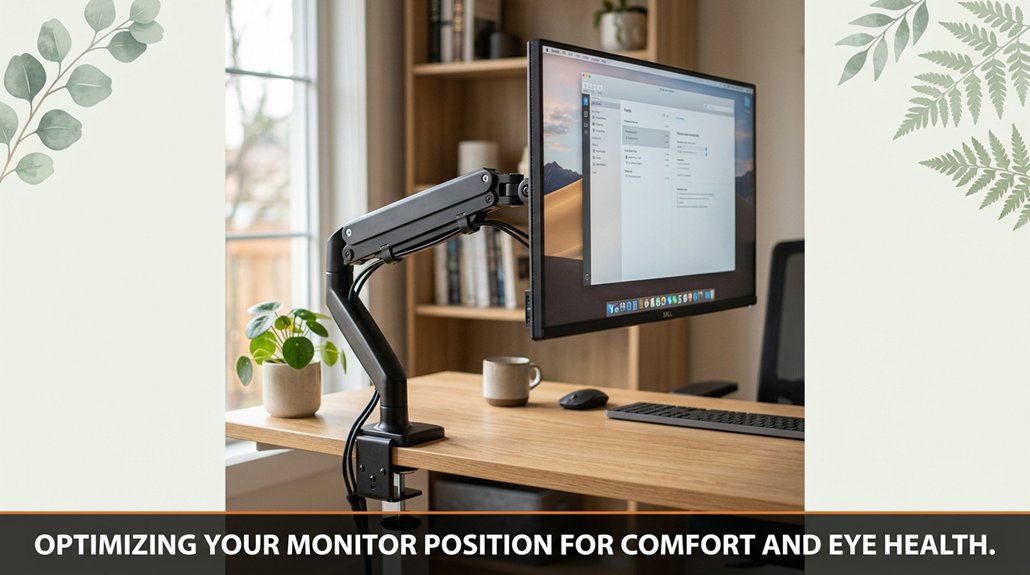
Your monitor is the most significant element for ensuring comfort and protecting your eyes, so positioning it correctly is essential. It should be directly in front of you and set at eye level. If the monitor is too low, you’ll tilt your head downward, causing neck strain and eye discomfort. Conversely, if it’s too high, you’ll have to crane your neck upward, which can also lead to discomfort.
Adjust the monitor so that the top edge is approximately at your eye level, which typically means it’s about 2 to 3 inches below your line of sight when sitting upright. This positioning minimizes unnecessary neck movement and prevents your eyes from darting up or down, reducing strain over extended periods.
Next, set the monitor distance to about an arm’s length, roughly 20 to 30 inches from your eyes. Sitting too close causes your eyes to work harder to focus, leading to fatigue, while sitting too far away may cause you to squint or lean forward, both of which can cause neck and eye strain.
Maintaining the correct distance promotes comfortable viewing and supports good posture. Proper monitor placement not only enhances visual comfort but also helps prevent headaches and long-term eye fatigue, making it a fundamental aspect of ergonomic workspace setup.
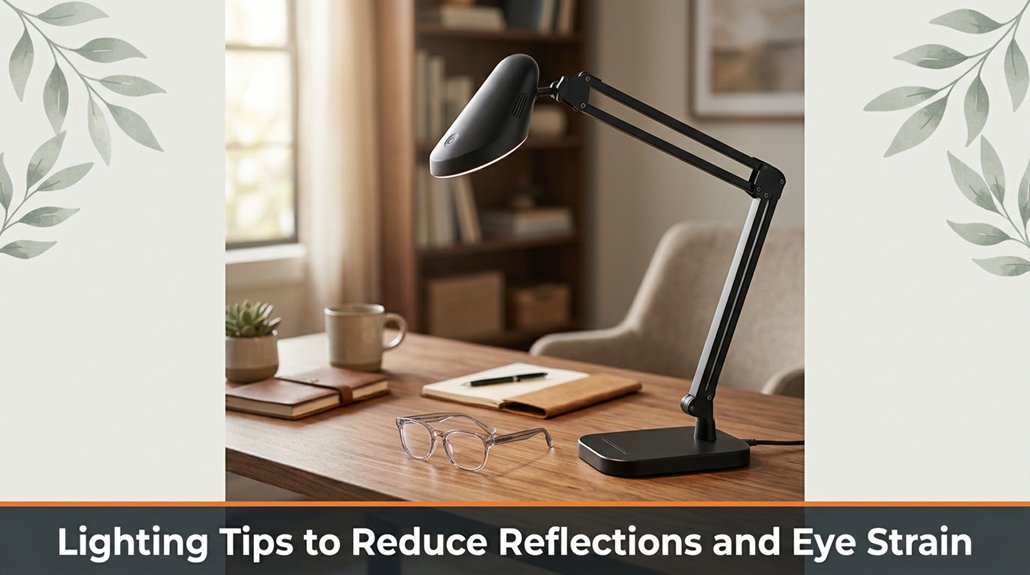
Lighting can make or break your setup, especially when it comes to avoiding reflections on your screen and reducing eye strain. Glare bouncing off your monitor can cause frequent blinding flashes, making it difficult to focus and causing eye fatigue over time.
Proper lighting reduces glare and eye strain, helping you focus and work comfortably.
Here’s what you should do:
Proper lighting setup is essential for creating a comfortable, glare-free workspace. Adjusting these elements helps reduce eye strain, prevents headaches, and allows you to focus better throughout your work sessions.
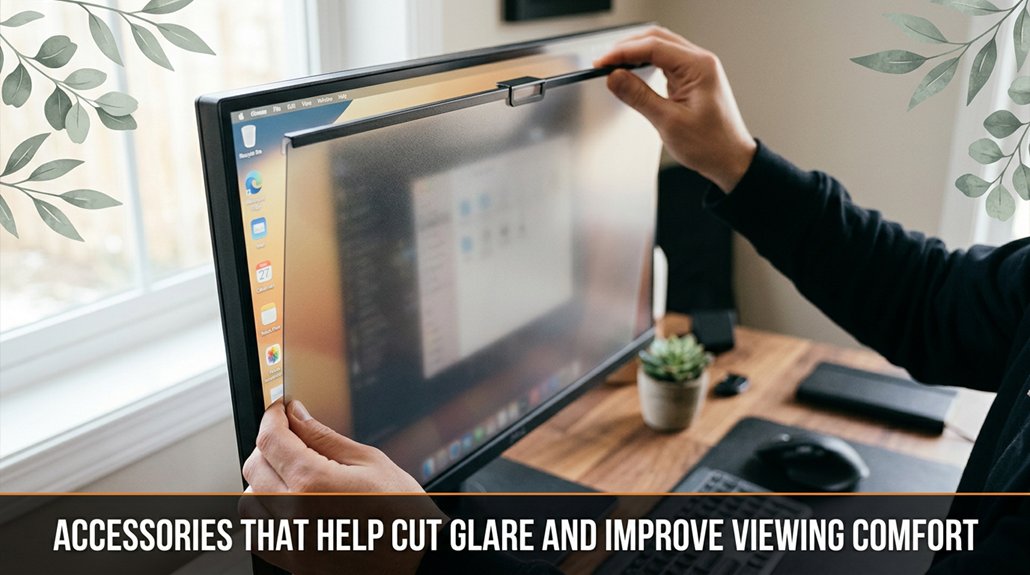
There are a handful of accessories that can seriously reduce glare and make your screen much more comfortable to view. And no, I’m not talking about some fancy anti-glare coating. Think matte screen filters, clip-on shades for glasses, or even tinted blue-light blocking overlays.
A matte filter, for example, decreases reflections from overhead lights and nearby windows. This means no more squinting at shiny spots or struggling to see details because of distracting glare. These filters are typically designed to fit common monitor sizes, such as 24-inch or 27-inch displays, and can be easily attached or removed as needed.
Clip-on shades are a quick, portable solution particularly useful if your glasses don’t have built-in anti-glare coatings. They attach directly onto your glasses frame, providing an additional tinted layer that reduces light intensity entering your eyes. It’s important to choose high-quality clip-ons made from durable, lightweight materials, and with a tint that doesn’t distort colors or clarity.
Tinted blue-light blockers are another option, which can be applied as overlays or integrated into screen covers. These filters typically block wavelengths between 415-455 nanometers, which are known to contribute to eye strain and disrupt sleep cycles. By reducing blue light exposure during extended screen time say, over a workday exceeding 8 hours you help lessen eye fatigue and improve overall comfort.
Keep in mind, selecting accessories with high optical clarity and a proper fit is crucial to avoid compromising image sharpness or color accuracy. The goal here isn’t perfect elimination of glare, which is often impossible, but rather reducing brightness and reflections enough so your eyes aren’t constantly overwhelmed or fatigued. Additionally, understanding the importance of visual ergonomics can help you optimize your entire workspace and prevent further discomfort.
This way, you can maintain focus and comfort during long hours in front of screens.
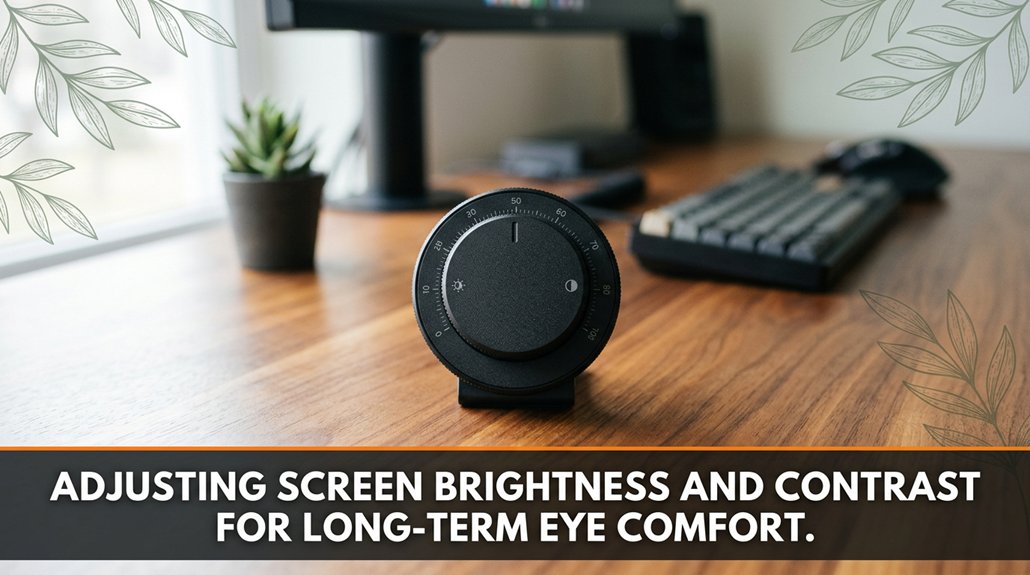
Adjusting your screen brightness and contrast correctly can significantly impact your long-term eye comfort. While it may seem straightforward, many people make mistakes by neglecting how these settings influence fatigue and strain over time.
Keep your brightness level close to your ambient room light aim for a setting where the screen is neither too bright nor too dim relative to your environment. For example, if you’re in a room with 300 lux lighting, your monitor brightness should be set to approximately the same luminance level to reduce eye strain.
Adjust contrast so that blacks are distinct without being overly dark and whites are clear without causing glare striking a balance that prevents visual fatigue.
Avoid setting your brightness to maximum, as excessively bright screens can cause your eyes to tire more quickly, especially during extended use. For instance, a display brightness above 350 cd/m² in a dark room can lead to discomfort. Bright screens in dimly lit spaces are a common cause of eye strain; dim your monitor or improve room lighting by adding a warm-colored desk lamp or indirect lighting to evenly distribute luminance.
Remember that lighting conditions vary throughout the day what’s comfortable in the morning may not be suitable for late evening. Adjust your display settings accordingly; for example, lower brightness in darker environments or when viewing content late at night, and increase brightness during the day or in well-lit rooms.
Additionally, proper monitor distance plays a crucial role in reducing eye strain and maintaining long-term eye health. Spending a few minutes fine-tuning these settings is an investment in your eye health. Properly calibrated brightness and contrast settings will help prevent symptoms like dry eyes, headaches, and blurred vision, ensuring greater comfort during prolonged screen use.
Your eyes will thank you for taking this simple yet vital step.
Setting up your desk so reflections don’t turn your workspace into a mirror maze might seem straightforward until you realize your glossy monitor, such as a 24-inch widescreen LED or a 27-inch gaming monitor with a reflective glass surface, keeps doubling as a vanity mirror.
First, angle your monitor slightly downward, around 10 to 15 degrees. This adjustment reduces glare and minimizes reflections bouncing back at your eyes, helping prevent eye strain and visual discomfort during long work sessions.
Next, position your desk lamp behind or beside the monitor, rather than in front of it. For example, placing an adjustable LED desk lamp with a 3,000 to 6,500 Kelvin color temperature on the side or behind your display directs light away from your screen and glasses, decreasing glare and harsh reflections.
Lighting behind the monitor effectively diminishes glare, whereas lighting in front can create a spotlight on your glasses and cause double vision phenomena.
Regarding natural light, avoid placing your window directly behind your workspace. The natural sunlight bouncing off your glasses can create annoying glare and contribute to visual fatigue.
For instance, a large south-facing window with blinds or curtains can be beneficial if positioned correctly using blinds or sheer curtains to diffuse sunlight prevents excessive reflection and provides a comfortable level of ambient light.
Proper monitor height can also help maintain an optimal neck and eye position, reducing the risk of discomfort during prolonged use.
Keep in mind, this process isn’t complicated, but success hinges on small adjustments.
Carefully position your monitor, lighting, and furniture to reduce reflections and increase comfort.
Long-term comfort with your glasses and workspace doesn’t come from miracle fixes overnight; it’s about building habits and making thoughtful adjustments that stand the test of time.
You want your glasses to sit comfortably without causing strain or constantly slipping. To achieve this, use adjustable monitor stands or risers, such as those that raise your screen to eye level, typically around 20-24 inches from the floor. Trust me, this simple adjustment can significantly reduce neck and shoulder pain caused by looking down or up at your monitor.
Regularly get your eyesight checked at least once a year or whenever you notice changes in clarity or comfort. Your prescription may change, and updating your glasses or contact lenses ensures your setup remains optimal and reduces eye strain.
Schedule annual eye exams to keep your vision clear and glasses up to date, reducing strain and maintaining comfort.
Keep your workspace clutter-free by organizing cords with cable management solutions like clips or sleeves. A neat desk minimizes distractions and prevents accidental tugging or pulling on your glasses or electronic devices, which contributes to overall comfort and focus.
Choose ergonomic chairs that support your lower back with adjustable lumbar support and seat height. For example, an office chair with a seat height adjustable from 16 to 21 inches and a lumbar support that can be customized helps maintain proper posture.
Remember, no fancy monitor mount can compensate for poor seating habits.
Don’t forget to blink frequently aim for about 15 times per minute and take regular breaks every 20 minutes for at least 20 seconds. This practice helps prevent dry eyes and reduces eye strain, regardless of how advanced your eyeglasses or workspace setup may be.
By implementing these habits and adjustments such as correct monitor height, regular eye checkups, organized workspace, ergonomic seating, and mindful eye care you’ll set yourself up for long-term comfort.
Your glasses and eyes will thank you for the thoughtful routine you establish.
Alright, so you set up your desk like a pro no more glare, no more squinting, and definitely no more excuses not to hit “save” on your work. Just remember, the goal isn’t perfection; it’s comfort without fussing. Keep tweaking until it fits you like that favorite pair of jeans. Trust me, once you get it right, you’ll wonder why you suffered through glare for so long. Happy working glasses or not.





