Physical Address
304 North Cardinal St.
Dorchester Center, MA 02124
Physical Address
304 North Cardinal St.
Dorchester Center, MA 02124

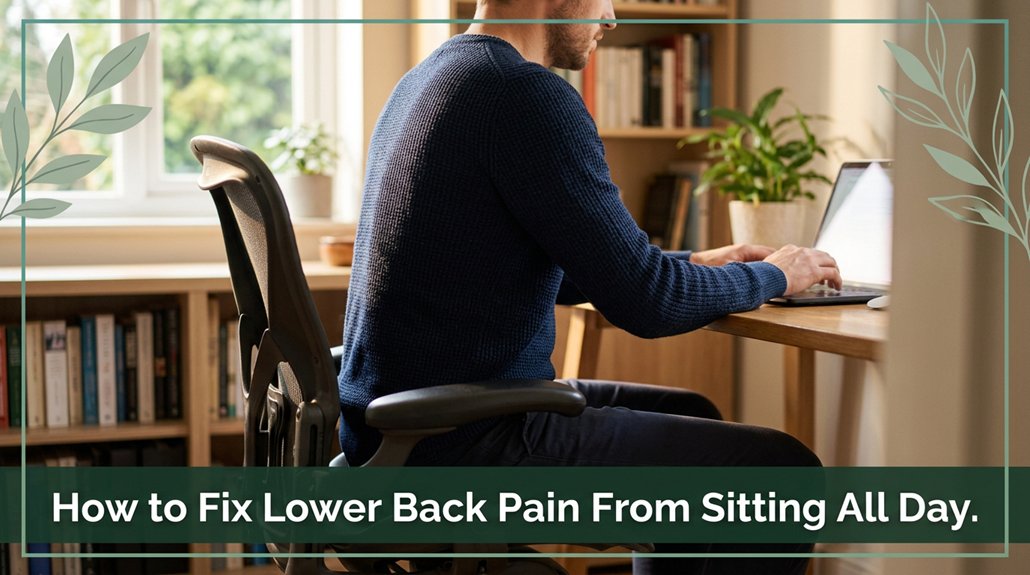
If your lower back is aching after sitting all day, you’re not alone and it’s a problem many experience. Fixing that stubborn pain starts with some simple yet effective changes. You want to get up often like every 30 minutes to stretch or walk around; your discs and muscles will thank you. Adjust your chair so your feet are flat and your knees are at a right angle that’s how you reduce pressure on your lumbar discs. Also, keep good posture ears over shoulders, shoulders over hips because slouching just invites trouble. Trust me, a few smart tweaks and you’ll start to notice that ache beginning to fade; keep going, and you’ll discover even more ways to keep your back happy.
This article contains affiliate links. If you purchase through them, I may earn a small commission at no extra cost to you. I only recommend products I genuinely believe in.
All right, let’s face it sitting all day is like giving your lower back a slow, steady dose of trouble. When you sit too long, your lumbar discs face more pressure than when you’re standing. According to OSHA ergonomic guidelines, this increased pressure can lead to disc compression and accelerated wear. It’s like squishing a sponge repeatedly; eventually, it wears out and might even herniate.
Sitting too long compresses lumbar discs, risking wear, herniation, and lower back pain. Take breaks and support your posture.
Slouching or leaning forward more than necessary doubles or triples that pressure, speeding up disc wear and micro-tears. Many ergonomists recommend maintaining proper sitting posture, with your hips and knees at about 90 degrees (which means sitting upright without leaning excessively forward).
You’ve probably felt that ache creeping in after hours at your desk those micro-strains on ligaments and muscles. Over time, this static posture reduces lumbar mobility and weakens your stabilizing muscles, such as the multifidus and transverse abdominis.
Research on spinal biomechanics suggests that prolonged poor posture can contribute to conditions like lumbar facet joint syndrome or sciatica. If you sit for extended periods, your lower back isn’t just getting lazy; it’s getting stressed out in ways you mightn’t immediately realize.
In fact, sitting for more than 6 hours a day can significantly increase the risk of developing lower back pain and related musculoskeletal issues. This ongoing stress on vertebral structures and surrounding ligaments underscores the importance of regular movement and ergonomic adjustments. Additionally, ergonomic desk setup can greatly reduce strain and support proper spinal health.
The practical takeaway is that frequent breaks, proper lumbar support, and maintaining good posture are essential to protect your lower back health.
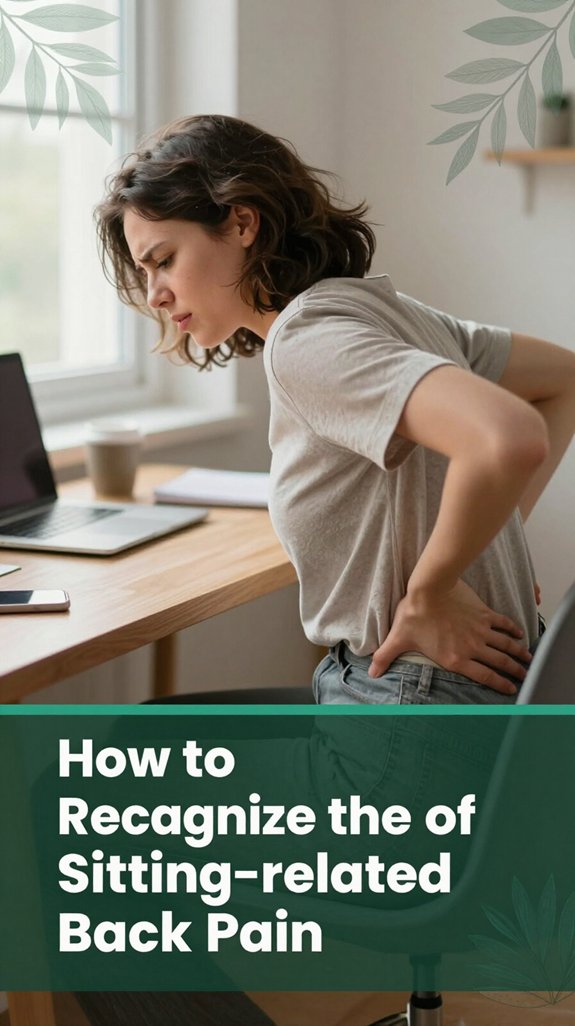
Ever had that feeling where your lower back suddenly feels stiff and achy just after sitting for a while? You’re not imagining it. Here’s how you can tell if your back is signaling sitting trouble:
If you experience these signals, your back is trying to alert you to potential problems. Ignoring them can lead to chronic pain or musculoskeletal disorders.
Being attentive to these signs and adjusting your sitting habits is crucial for maintaining spinal health.
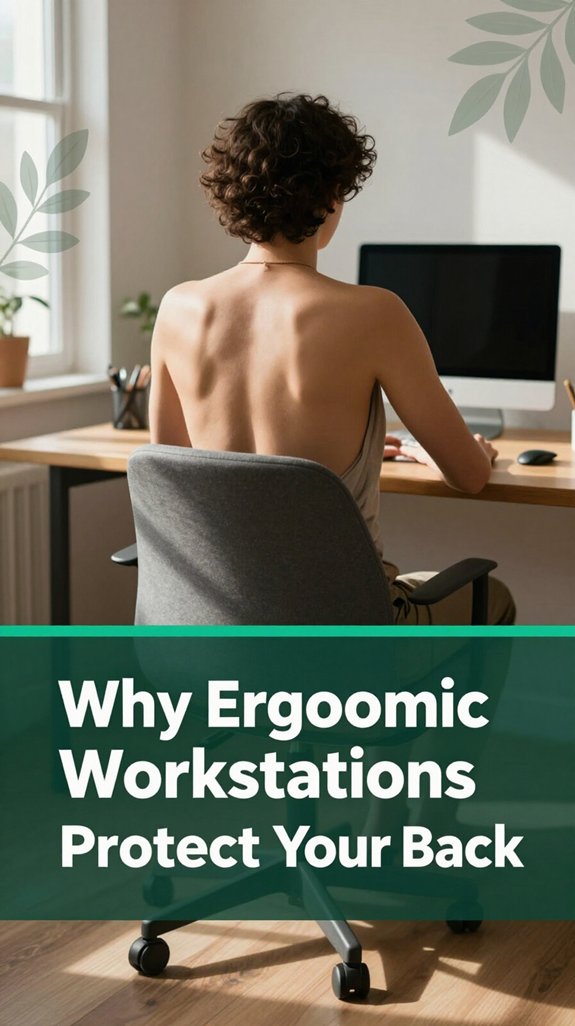
Have you ever noticed how your back feels a little less cranky when your chair is just right? It’s like your spine finally gets a break. That’s because ergonomic workstations are designed to keep things aligned ears over shoulders, shoulders over hips reducing the uneven pressure that causes pain. According to OSHA ergonomic guidelines, proper spinal alignment can help prevent musculoskeletal disorders related to prolonged sitting.
The built-in lumbar support helps your lower back maintain its natural curve, which research on spinal biomechanics suggests prevents discs from being compressed or degenerating more rapidly. Sitting with proper lumbar support also reduces strain on the lumbar intervertebral discs and surrounding soft tissues.
Proper ergonomics can decrease the likelihood of developing chronic back problems by promoting better posture. Additionally, adjusting your chair for optimal seat depth ensures your lower back remains supported without restricting circulation.
Sit-stand desks and adjustable setups break up long stretches of static sitting, giving your spine a little relief and encouraging movement, which many ergonomists recommend for spinal health.
Proper monitor height and keyboard position limit that forward-bent posture a common cause of thoracic kyphosis and lumbar strain keeping strain off your lumbar discs. Ideally, the monitor should be at eye level, about 20 inches (roughly arm’s length), to avoid neck and back strain.
When the keyboard is placed so your elbows are at a 90-degree angle, it reduces shoulder and upper back tension, supporting better thoracic and cervical alignment.
These ergonomic features help you sit smarter, so your back doesn’t have to work overtime. When your workstation supports proper posture and encourages movement, you can reduce discomfort and lower the risk of developing chronic back conditions.
Ultimately, using ergonomic tools effectively is key to maintaining spinal health during prolonged periods of sitting.
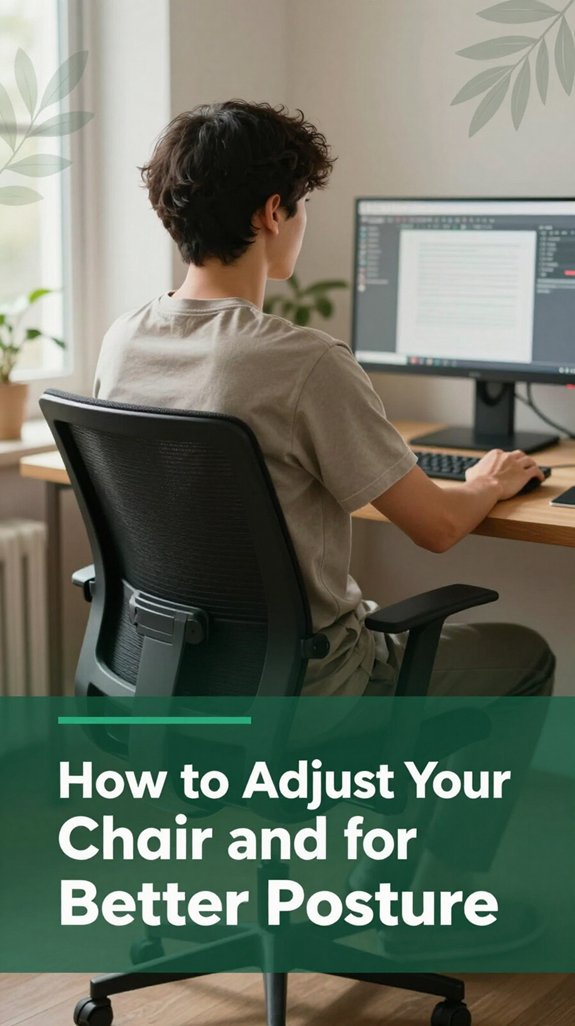
Alright, let’s get real about your chair and desk setup because if they aren’t adjusted properly, your back will let you know pretty quickly. Here’s what you need to do:
These simple adjustments can make a significant difference in your comfort and spinal health during extended periods of sitting.
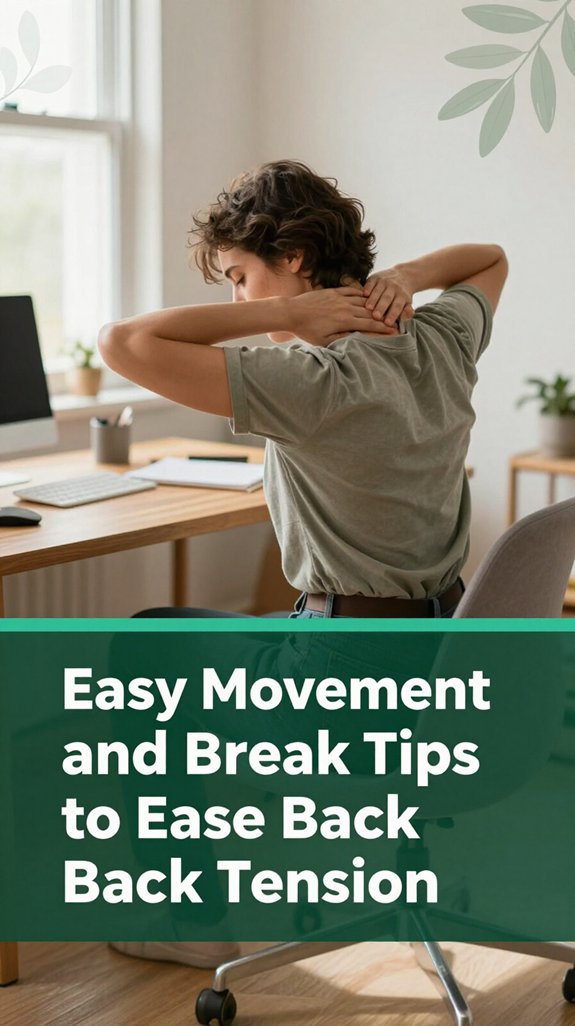
All right, you’ve probably felt it happen after sitting through a meeting or staring at your screen for what feels like forever, your lower back is telling it’s ready to call it quits. According to OSHA ergonomic guidelines, short, regular movement breaks can be your secret weapon. Standing up every 30 minutes for just 1-2 minutes actually lowers spinal disc pressure and muscle tiredness.
Plus, quick walks to the water cooler or bathroom serve as “movement snacks” that keep your hips, glutes, and spinal stabilizers active. These simple actions can help prevent stiffness and reduce strain on your lumbar, thoracic, and sacral regions. Use this table to remind yourself:
| Action | Why it helps | How often |
|---|---|---|
| Stand or walk | Reduces stiffness and boosts circulation, which helps prevent sedentary-related discomfort | Every 30-60 minutes |
| Gentle pelvic tilt | Eases muscle tension in the lumbar region and improves mobility in the lower back | During work |
| Fidget and shift | Prevents prolonged load on the same muscles, reducing the risk of muscle fatigue | Constantly |
Making these movements part of your daily routine can also help combat the sedentary behavior linked to many back problems. Doing these simple movements will help keep your back muscles and spinal discs healthy. Your back will thank you.
Imagine this: you’ve just stood up from your office chair, and suddenly your hips feel tight, almost like they’re protesting being stuck in that seated position all day. According to OSHA ergonomic guidelines, maintaining flexibility in the hips and lumbar spine can help prevent discomfort and musculoskeletal issues. Maintaining proper posture throughout the day can also significantly reduce strain on your lower back and hips. Here’s what you can do quickly to loosen things up:
These simple moves can relieve lumbar and hip muscle tension, improve joint mobility, and support spinal health during long hours of sitting or standing.
Regularly incorporating these stretches can help maintain lower back and hip flexibility, reducing discomfort and the risk of conditions like sciatica or hip impingement.
If you’ve been sitting at your desk all day, you’ve probably noticed that your lumbar lower back starts feeling more like a tight, unhappy friend than a helpful support system. According to OSHA ergonomic guidelines, prolonged sitting can lead to muscle strain and discomfort in this area.
I get it after hours of slouching, your back’s like, “Seriously, what am I supposed to do here?” Here’s the thing: strengthening your core muscles and posterior chain can make a significant difference. Try incorporating exercises such as planks, bird-dogs, or the gentle yet effective ADIM (Abdominal Draw-In Maneuver).
These targets deep spinal stabilizer muscles that control your lumbar and thoracic vertebrae, not just superficial muscles like the rectus abdominis. Additionally, strengthening exercises can improve your overall posture, making daily activities less taxing on your back. Regularly engaging in ergonomic practices can also help in preventing further discomfort.
Also, don’t forget your glutes and hamstrings they’re essentially your back’s best friends because they work together during lifting or bending movements. Research on spinal biomechanics suggests that a balanced posterior chain reduces lower back pain and enhances posture. With consistent effort, you’ll notice less discomfort, improved spinal alignment, and perhaps even that satisfying “I feel good” sensation after a long day of sitting.
You probably already know what it’s like to sit for hours on end your coffee cold, your thoughts drifting, and your lower back starting to remind you that it’s not exactly thrilled.
Here’s the thing: your lumbar discs and muscles dislike static positions, according to OSHA ergonomic guidelines. So, you should give them a break.
Basically, the more you “snack” on movement throughout the day, the better your lower back feels and the less stiff you’ll be at the end.
Incorporating regular movement prevents muscle imbalances and reduces the risk of conditions like sciatica or lumbar strain.
All right, if you’ve ever spent hours sitting at your desk and suddenly realized your lumbar back feels tighter than a pair of new jeans, then you’re not alone.
Here’s what you should know: cold therapy is your friend in the first 48 to 72 hours after a new lumbar injury. It helps reduce swelling and quiets inflammation, which per research on spinal biomechanics suggests is crucial for initial injury management. Use an ice pack wrapped in a towel for 10 to 15 minutes, and do it up to three times a day. Applying cold therapy soon after injury can prevent the development of chronic pain conditions.
After a couple of days, switch to heat therapy, such as a warm compress or heating pad, to ease muscle tightness or stiffness that lingers in the lumbar, thoracic, or sacral regions. Remember that prolonged sitting can often lead to disc pressure buildup and hip flexor tightening, exacerbating back pain.
Just don’t overdo it; excessive heat can cause burns or increase inflammation, according to Mayo Clinic recommendations. Keep the sensation comfortable and listen to your body’s signals easy does it.
Incorporating both cold and heat therapy appropriately can support recovery from back strain or minor injuries, leading to reduced pain and improved mobility.
Many of us spend a significant portion of our day sitting, often in positions that seem harmless but can gradually contribute to worse back pain over time. To mitigate this, consider the following strategies:
Sometimes, pain just doesn’t go away no matter what you do your self-care, stretching, resting, or OTC medications it keeps lingering or even gets worse. You might think, “It’s just tight muscles,” but if it lasts longer than a week or two, it’s time to get serious.
All right, here’s the thing: if your back pain interferes with work, sleep, or everyday activities like walking or dressing, you need to see a healthcare professional.
Don’t wait around if it persists beyond four to six weeks per Mayo Clinic recommendations since the underlying cause may be more than just muscle strain. If you notice red flags such as numbness, weakness, difficulty controlling your bladder, or pain following trauma, an urgent evaluation with a medical provider is essential. Persistent or worsening pain can also be a sign that further investigation is necessary to rule out more serious issues.
Research on spinal biomechanics suggests that such symptoms may indicate nerve compression, spinal fractures, or other serious conditions. Catching problems early can prevent long-term complications and improve outcomes.
Therefore, let these signs be your cue to seek prompt professional assessment.
If you spend most of your day at a desk, you’ve probably noticed how sitting can feel like a sneaky villain gradually tightening up your lumbar, hip, and sacral regions without you really noticing until you stand up and everything protests. Here’s the thing: staying active outside of work is key.
According to OSHA ergonomic guidelines, aiming for 150–300 minutes of moderate exercise weekly such as brisk walking, cycling, or swimming can help promote spinal health. Incorporating core and hip-strengthening exercises like bridges, planks, or lunges a few times a week can also support lower back stability. These activities help maintain the lumbar and pelvic regions’ strength, reducing strain on the spinal discs and surrounding musculature. Regular exercise improves blood flow to the lower back and helps nourish the tissues, reducing the risk of pain and injury.
Keep your weight in check; research on spinal biomechanics suggests that even a small weight reduction can significantly decrease lumbar disc pressure and improve overall back comfort.
Additionally, regularly stretching your hip flexors and hamstrings can counteract the limited mobility caused by prolonged sitting, which often leads to tightness in these muscle groups something that can contribute to lumbar and thoracic kyphosis.
Long-term, adopting these habits helps keep your lumbar and sacral spine resilient so you can sit, stand, and dance your way through life pain-free.
You should take a movement break every 20–30 minutes, friend. Honestly, it’s about giving your spine a break before it starts protesting.
Just stand up, stretch, or walk for about 1–2 minutes. Your discs and muscles get squished out from sitting too long, and movement helps flood them with fresh blood and nutrients.
It’s simple, but trust me, your lower back will thank you big time.
You’ll want to do knee-to-chest stretches to gently flex your lower back and open up those stiff muscles.
Hip rotations also help, loosening up the paraspinal muscles that get tight from hours of sitting.
All right, add some cobra or sphinx extensions to revive your lumbar spine, and don’t forget the double knees-to-chest to stretch your hips and lower back simultaneously.
Trust me your back will thank you.
You know, sitting posture alone won’t totally prevent chronic back pain, and that’s the honest truth. It’s one piece of a bigger puzzle things like weak muscles, tight hips, and stress play huge roles.
All right, you can tweak your chair, but if you’re inactive or stressed, your back’s still at risk. The key? Keep moving, strengthen your core, and don’t rely on perfect posture as a magic fix.
Weight management can seriously help your back. When you lose even a small chunk of weight, you reduce the pressure on your lumbar discs and joints think of it like taking some weight off a backpack before a hike.
Plus, shedding belly fat improves your posture and core strength, making it easier to support your spine. Basically, if you want less back pain, keep an eye on your weight; it’s a game-changer.
If your back pain sticks around past a week despite trying to rest, ice, or OTC meds, *or* if it’s increasingly sharp, or radiates into your legs, you should definitely see a doctor.
Also, if you notice numbness, weakness, or if pain worsens at night, these are red flags.
Trust me, ignoring it won’t make it go away, and early medical advice can save you a lot of trouble later.
All right, here’s the thing sitting all day can really take a toll. Did you know nearly 80% of adults experience back pain at some point? I get it; I’ve been there, feeling that weird ache after hours at the screen. The good news? Small tweaks like better posture, movement, and an ergonomic setup can make a real difference. So, give these tips a try, and your back might just thank you by feeling a whole lot better.





