Physical Address
304 North Cardinal St.
Dorchester Center, MA 02124
Physical Address
304 North Cardinal St.
Dorchester Center, MA 02124

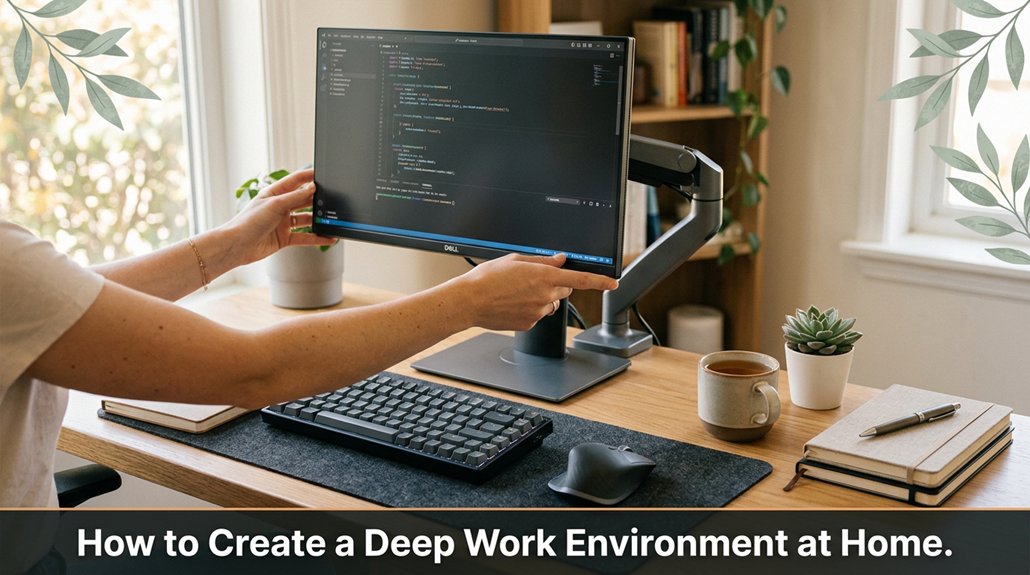
Looking to get seriously focused at home without falling into distraction? Creating a deep work zone might be simpler than you think no magic tricks required, just smart adjustments. Start by carving out a dedicated space your couch isn’t the best work hub unless you love constant interruptions and set clear work hours, maybe with a “Do Not Disturb” sign to keep others out. Keep your area tidy and free from unnecessary gadgets that can pull your attention away, and make sure your lighting feels good natural light is a game changer for eye comfort. Pay attention to ergonomics too: adjust your chair and monitor so you’re comfortable and alert. Noise-canceling headphones or background sound can help drown out distractions, and scheduling breaks with techniques like Pomodoro keeps your focus sharp. Follow these simple steps, and you’ll be amazed at how much more you can get done once you get into the groove, there’s even more to refine.
This article contains affiliate links. If you purchase through them, I may earn a small commission at no extra cost to you. I only recommend products I genuinely believe in.
Let me tell you, if you don’t prioritize deep work when you’re working from home, you’re basically throwing your productivity into a black hole. That’s why a deep work environment home office is essential. You need a space where distractions are minimal, and your focus can thrive.
Sure, you’ve probably set up a desk, but if your workspace is cluttered or noisy, good luck maintaining that laser-sharp focus.
First, arrange your workspace to reduce clutter. Clear away unnecessary papers and items because an organized space minimizes visual distractions and helps you focus better.
Next, ensure your environment is as quiet as possible. Use noise-canceling headphones like Bose QuietComfort 35 II or Sony WH-1000XM5 to drown out background noise because this promotes sustained concentration.
Then, set up your ergonomic workstation. Adjust your chair so that your hips are level with or slightly above your knees, and your feet are flat on the floor. Position your monitor so the top of the screen is at or just below eye level, approximately 20 to 30 inches from your face, because this reduces neck and eye strain.
For example:
All right, you get your chair adjusted, and then bam you realize your laptop’s in a different galaxy from the monitor.
The point? Your environment must support your attention, not sabotage it.
Avoid common mistakes like working in a cluttered or noisy space. These environments create visual or auditory distractions that interrupt focus and decrease productivity. Instead, strive to create a dedicated, organized workspace with minimal noise.
Creating an ergonomic workspace that supports your body can help prevent chronic pain and injury, ensuring you stay healthy and productive over the long term.
Deep work isn’t just a luxury; it’s a necessity because sustained, focused effort enhances your productivity and work quality.
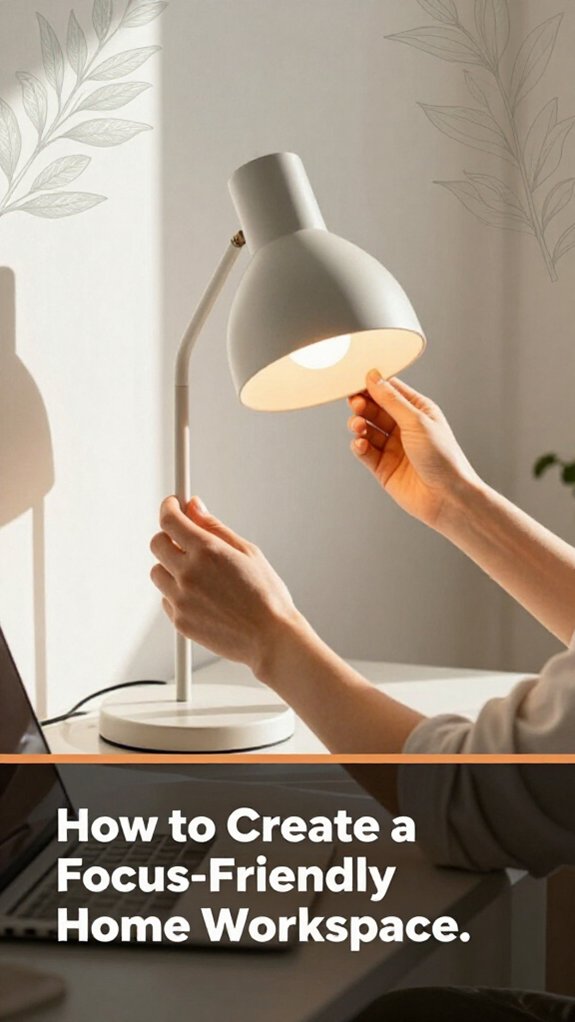
Ever wonder why some home workspaces just feel right while others make you want to toss your laptop out the window? It’s all about focus.
First, choose a dedicated spot because switching desks halfway through your day can break your concentration and reduce productivity.
Next, get good lighting because natural light is best, but if that’s not possible, use a desk lamp that provides at least 400 lumens to ensure sufficient illumination. If your cat decides to turn off your sunlight, a decent desk lamp can compensate for the lack of natural light.
Now, keep essentials within arm’s reach because a cluttered workspace kills deep focus. Ideally, keep frequently used items like your mouse, keyboard, notebook, and writing utensils within 18 to 24 inches of your seated position, so you minimize unnecessary movement.
And finally, personalize your workspace adding a few plants like pothos or succulents, or placing a favorite mug can boost your mood and make the space more inviting.
To enhance your focus, consider creating an optimal environment, which includes factors like lighting, noise levels, and overall comfort, all of which influence your ability to concentrate.
However, avoid overdoing it; clutter and excessive decoration can distract you from your work.
Get your setup sorted, but don’t obsess over achieving the perfect arrangement. The key is consistency; once you create a focus-friendly space, your brain will thank you.
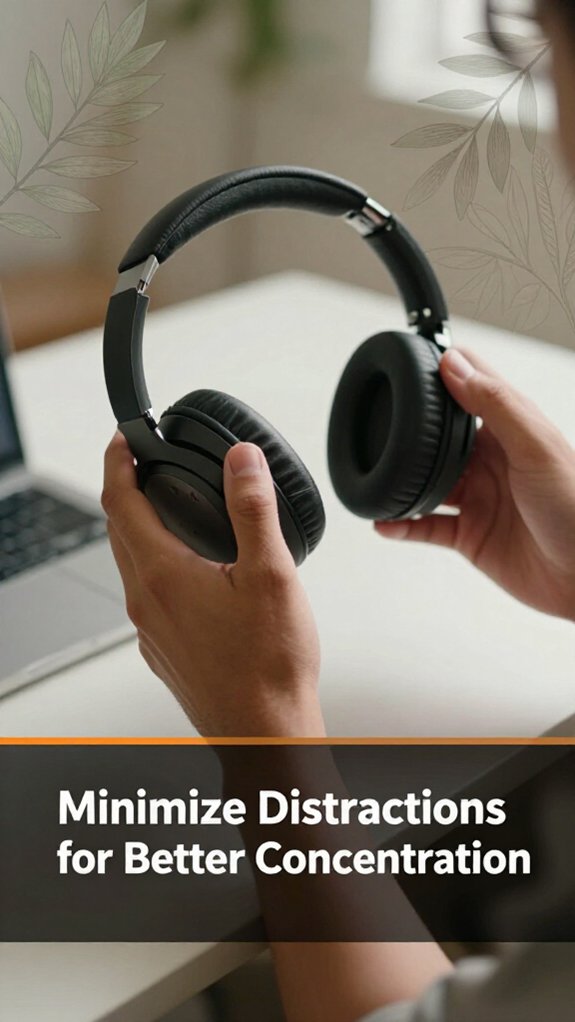
Distractions are like bees buzzing around your head annoying, persistent, and impossible to ignore if you don’t swat them away first.
First, silence your phone by putting it on don’t disturb mode or, better yet, leave it in another room. Notifications function like tiny, glowing sirens trying to pull you away from what matters; silencing them minimizes interruptions.
Next, close those extra browser tabs. Trust me, that news site or online store isn’t going anywhere at least not right now. Closing unnecessary tabs reduces visual clutter and prevents you from getting sidetracked by tempting distractions.
Closing unnecessary browser tabs keeps your workspace tidy and helps you stay focused on what matters.
If you work with background noise, use headphones. Playing background music or white noise can help drown out external distractions because consistent auditory input can improve focus.
Now, clear your workspace of anything unrelated to your current task. Remove pens, snacks, or stress balls not needed immediately. A cluttered desk is a distraction magnet; keeping only essential items within arm’s reach encourages sustained concentration.
Measurement fact: Position the monitor 20 to 30 inches from your face, with the top of the screen at or just below eye level, to reduce neck strain during prolonged work sessions.
Maintain an ergonomic workspace by ensuring your chair supports your lower back, your feet are flat on the floor, and your monitor is at eye level because proper alignment minimizes fatigue and enhances focus. Additionally, ensuring your workspace is well illuminated according to OSHA guidelines helps reduce eye strain and maintain alertness.
Now that you’ve cleared a space to focus, it’s time to draw some definite lines between work and the rest of your life. You need boundaries because they prevent work from sneaking into personal time, like that persistent coworker who refuses to let go.
Here’s the thing:
Here’s a helpful tip:
Monitor placement and height: Raise your monitor until the top of the screen is at or just below your eye level to reduce neck strain.
Position the monitor 20 to 30 inches from your face, because proper placement reduces eye strain and improves posture.
Additionally, laptop ergonomics should be a priority because using a laptop without accessories often forces a forward head position, shoulder rounding, and poor wrist angles issues you can correct with the right accessories.
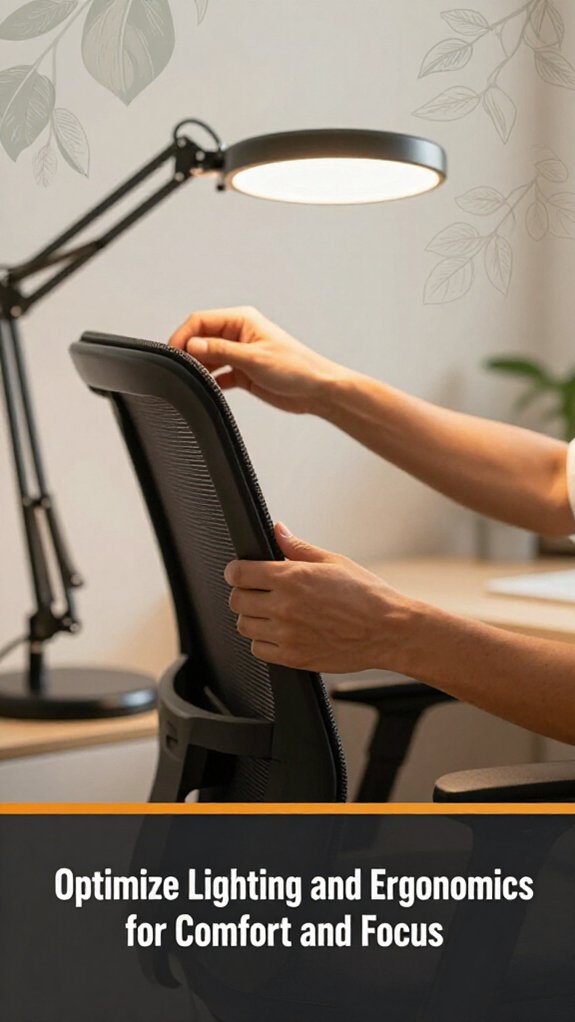
Lighting and ergonomics mightn’t sound like the most exciting parts of creating a home office, but trust me, they’re the secret to staying comfortable and laser-focused.
First, find a natural light source if possible, because daylight improves mood and reduces eye strain. Window light is your best friend. If natural light isn’t available, use a good desk lamp, preferably adjustable like an LED desk lamp with dimming features to avoid harsh shadows or glare.
Maximize natural light or use adjustable desk lamps to reduce eye strain and improve your mood.
Lighting Fact: Position your light source so that it illuminates your workspace without creating glare on your monitor or reflecting into your eyes; approximately 20 to 30 inches from the work surface is ideal.
Now, about ergonomics:
Ergonomics Tips:
Remember to test your setup:
Vague mistake to avoid: Sitting too low or too high can cause neck or back discomfort, because improper monitor height forces you to crane or tilt your head.
Do this instead: measure the distance from the floor to your seated eye level and adjust your monitor to match that height.
Comfort isn’t optional; it’s everything for maintaining focus and preventing fatigue in your home office.
There are about a dozen tools and gadgets you think you need for deep work, such as fast Wi-Fi, a sleek keyboard, noise-canceling headphones, right? All right, let’s focus on the essentials.
1. Quality monitor size depends on your space and eyesight, but more screen real estate equals fewer tab switches.
*Fact:* Position the monitor so the top of the screen is at or just below eye level, approximately 20 to 30 inches from your face, to reduce neck strain and improve focus.
2. Reliable mouse your fingers deserve comfort; don’t settle for junk.
*Tip:* Choose an ergonomic mouse like the Logitech MX Master 3, which supports natural hand positioning, reducing fatigue during long work sessions.
3. Reliable keyboard prefer mechanical or ergonomic options to maintain comfort and minimize typing fatigue.
*Tip:* Model recommendations include the Keychron K2 or the Microsoft Sculpt Ergonomic Keyboard.
4. Cable management get those cords out of sight to eliminate visual clutter; tangled cables kill focus.
*Best practice:* Use cable clips or sleeves to route cables along the underside of your desk or behind it, ensuring a clean workspace.
5. Digital blockers or timers apps like Freedom or TomatoTimer help keep distractions at bay because they limit access to distracting sites and enforce focused intervals.
Additional note: Avoid common mistakes like using a monitor placed too close (less than 20 inches from your face), which strains your eyes; or a monitor too high or low, leading to neck pain. Taking steps to optimize your office chair can also significantly improve your overall ergonomic setup and reduce discomfort during extended work sessions.
Adjust your setup so that your elbows are at a 90-degree angle when typing, and your monitor is directly in front of you.
Key measurements:
Ever notice how slipping into work mode can feel as elusive as finding a clean sock in a laundry basket? I’m sure you’ve been 45 minutes into setting up, holding a monitor arm and trying to tighten a clamp while wondering where the manual’s step 4 disappeared to. Here’s the thing: routines and rituals are your secret weapons.
Start with a consistent “start work” cue perhaps pouring your morning coffee from a Bialetti moka pot or switching on a specific playlist. Because these cues create a predictable trigger for your brain, they help signal that it’s time to focus.
Follow this with a set of repeated actions every day, such as:
It’s important to keep these routines simple and consistent because regular repetition reinforces the habit. Don’t overthink each step or try to perfect it; instead, focus on performing the routine reliably.
A common mistake is attempting to rush through setup without purpose, which can lead to discomfort or distraction. For example, quickly adjusting your monitor without aligning it at the correct height can cause neck strain. Instead, ensure your monitor top aligns with your eye level, and use ergonomic tools like a monitor riser or adjustable arm to achieve proper placement.
Remember: the key is predictability. Over time, these rituals will make deep work feel as natural as your morning stretch or at least close enough.
When you finally get your workspace set up monitor at eye level, keyboard comfortable, cables tucked away you might think you’re done. Nope. Now, you need to declutter and add visual cues because a messy desk is an open invitation for distraction.
Decluttering isn’t glamorous, but it’s the most effective way to trick your brain into focusing when the fridge calls.
Key fact:
*Distance from monitor to face:* 20 to 30 inches, with the top of the monitor at or just below eye level, to promote ergonomic comfort and reduce neck strain.
Scheduling breaks might seem obvious, but it’s one of those things that’s easy to forget when you’re deep into your project. I’m sure you’ve been 45 minutes into assembling something when you realize step 4 assumes something step 2 never told you.
So, here’s the thing: set a timer because timing your work sessions helps maintain focus.
Use the Pomodoro Technique 25 minutes of work followed by a 5-minute break because it’s proven to improve productivity and mental clarity. During those breaks, get up, stretch, or grab a glass of water because movement helps reduce fatigue.
Using the Pomodoro Technique boosts productivity work 25 minutes, then take a quick break to stretch and refresh.
Trust me, sitting straight through longer stretches only worsens your focus and leads to discomfort. Your back will thank you if you pause regularly and stretch. All right, don’t ignore these breaks; they’re essential to keep your mind sharp.
Remember, your brain needs to hit pause not just to avoid burnout but to stay consistently productive.
Specific Measurement:
Position your monitor 20 to 30 inches from your face to prevent eye strain and promote good posture.
Raise the monitor until the top of the screen is at or just below your eye level, because this alignment reduces neck strain and encourages proper spinal posture.
The truth is, no two work styles are exactly alike, so your environment shouldn’t be, either. You need to customize it so it actually works for you, not some generic ideal. Here’s the lowdown:
Specific measurements for ergonomic setup:
All right, now that’s set, tweak your tools and layout until something clicks.
Your workspace isn’t something you can just set and forget, because regular evaluation is essential trust me, I’ve been there, routinely ignoring that nagging feeling something’s off until I’ve wasted an hour scratching my head.
So, you have to evaluate your setup regularly. Schedule a quick check every month set an alarm if necessary because consistent review prevents small issues from accumulating.
First, assess your chair: is it still comfortable? Because an uncomfortable chair can cause back pain and distraction, replace or adjust it accordingly.
Check your chair regularly to prevent discomfort and back pain adjust or replace it as needed.
Next, check your monitors: are they positioned with the top of the screen at or just below your eye level? Because looking slightly down is less fatiguing on the cervical spine than looking straight ahead or upward, raise your monitor until this position is achieved.
Measure the monitor distance: position your monitor approximately 20 to 30 inches away from your eyes, because this reduces eye strain and fosters comfortable viewing.
If you recently replaced your mouse or keyboard, evaluate whether the new device is actually better in ergonomics and usability, because an ill-fitting or poorly responsive device can hinder your productivity and cause discomfort.
Then, look at noise levels: if something’s distracting you, fix it. For example, replace a noisy office badge or equipment with a noise-canceling app or headphones, because reducing auditory distractions helps maintain focus during deep work sessions.
Remember, if your workspace is uncomfortable or inefficient, you won’t perform deep work effectively.
Keep in mind that your setup isn’t static; it’s a living thing, just like your workflow. Continuously tweak and improve based on your ongoing assessments.
Highlighted fact:
Monitor should be positioned so the top of the screen is at or just below eye level, approximately 20 to 30 inches from your eyes.
You gotta set clear boundaries, plain and simple.
Designate a specific work zone and stick to it no work emails during dinner, no computer in bed.
Use a timer or schedule to remind you when your work hours start and end.
Honestly, it’s about discipline.
Otherwise, you’ll find work creeping in like that one unread email, and suddenly, your personal time’s the one that disappears.
You can’t just snap back into focus after interruptions. Here’s the thing: first, pause and take a deep breath your brain needs a reset, not a stress sprint.
Then, identify the main point you left off no fluff, just the core. Next, reframe your task briefly to regain clarity, and finally, set a timer for a focused sprint.
Trust me, these tricks minimize lost momentum, and you’ll get back on track faster.
You’ve gotta strike a balance, so you control noise without losing essential background sounds.
All right, invest in noise-canceling headphones for the loud stuff your best friend when the vacuum or construction kicks in.
Now, set a consistent background sound white noise, fans, or ambient music that masks jarring interruptions but doesn’t distract.
Obviously, you want to keep it at a volume where you can focus but still hear your own thoughts… or the delivery guy knocking.
Think of your workspace like a bakery; affordability is key. Start with a sturdy desk secondhand or DIY with plywood works.
Add some ergonomic support, like a lumbar cushion or a stack of books as a makeshift monitor riser. Use household items for noise barriers thick curtains, rugs, or even positioned books.
All right, don’t forget to declutter: a clean space clears mental blocks faster than anything. You’ve got this no fancy tools required.
Your family can support your deep work by respecting your focused time think of it like a mute button for interruptions.
Explain why it’s important clearly, so they get it. Set clear boundaries like a “do not disturb” sign on the door.
Encourage them to help manage small distractions, like don’t ask “where’s the milk?” during your deep work hours.
Trust me, a little understanding goes a long way.
So, there you go. Building your deep work haven is kind of like assembling furniture you’ll hit snags, question your choices, and wonder if the manual’s out of date. But once set up, hope it feels like slipping into a favorite pair of shoes comfortable, reliable, and just right for the job. Keep tweaking, stay disciplined, and remember: your workspace should work for you, not the other way around.





