Physical Address
304 North Cardinal St.
Dorchester Center, MA 02124
Physical Address
304 North Cardinal St.
Dorchester Center, MA 02124


If your back is aching after long hours at your desk, you’re probably wondering if switching to a standing desk can help. The good news is, it can reduce discomfort by up to 32%, mainly because standing activates your muscles and helps maintain better spinal curves compared to sitting especially if you stay active and shift around. But standing all day isn’t a perfect solution and can bring its own issues, so finding the right balance of sitting, standing, and moving is key. If you want tips on how to do that without turning into a human statue, keep going.
This article contains affiliate links. If you purchase through them, I may earn a small commission at no extra cost to you. I only recommend products I genuinely believe in.
Have you ever wondered if standing desks actually do anything to help your back, or if they’re just the latest office fad? I’ve been there standing up after a long stretch and thinking, “Well, is my back less sore now, or did I just trick myself?” According to research, standing desks can reduce back pain, but with some caveats.
Multiple trials show that sit-stand desks decrease back discomfort by as much as 32% research on spinal biomechanics suggests this is achieved by reducing sedentary time. Prolonged static sitting for hours puts excessive pressure on lumbar intervertebral discs, which can lead to pain and discomfort.
Standing desks help activate large muscle groups in the legs, glutes, and core, promoting a neutral spine and reducing discomfort. Alternating between sitting and standing interrupts constant compression on the lumbar, thoracic, and sacral regions of the spine; this can help prevent conditions such as lumbar strain or thoracic kyphosis.
According to OSHA ergonomic guidelines, regularly changing positions and moving around improves spinal health. Additionally, ensuring your standing desk setup aligns with proper ergonomic principles like maintaining appropriate height adjustment can maximize these benefits.
Sit-stand desks can cut back pain by up to 32% by reducing prolonged sitting and spinal disc pressure.
If you set up your standing desk properly such as keeping the monitor at eye level, elbows bent at about 90 degrees (which reduces shoulder strain), and standing at a comfortable angle you can make it effective.
Just don’t expect miracles overnight; consistent movement and proper ergonomics are key.
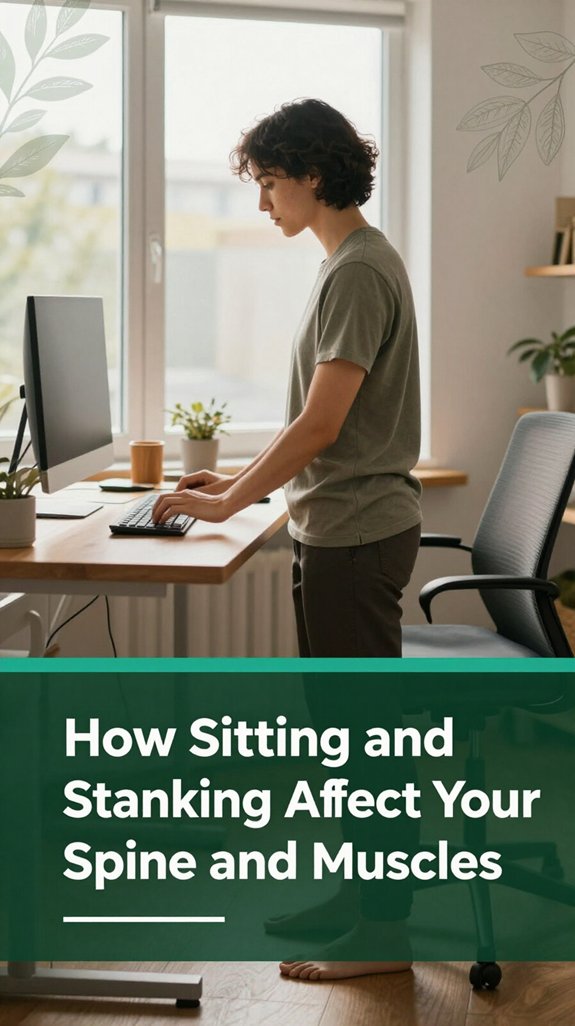
When you sit, your spine doesn’t stay in its natural, slight S-shape as noted by research on spinal biomechanics. Instead, it flattens out, especially in the lumbar region. This flattening occurs because your back is trying to relax, but it results in a loss of the spinal curves that are important for support.
Research shows that sitting reduces the lumbosacral and thoracolumbar angles, causing the spine to adopt a less natural position. Cross-legged sitting, for example, increases this effect, straightening your lumbar spine even more and decreasing the normal lumbar lordosis by up to 75 percent, according to OSHA ergonomic guidelines.
This means your lower back is working overtime just trying to hold everything in place, effectively fighting against gravity. As a consequence, muscles in the thoracic and lumbar regions become tenser and stiffer because they’re compensating for the altered spinal alignment.
These muscle tensions can lead to discomfort and potential dysfunction over time. Prolonged sitting, especially without proper support, may also contribute to poor circulation and increased pressure on spinal discs.
Standing distributes loads more evenly across the spine, with the cervical, thoracic, lumbar, sacral, and coccygeal segments maintaining their natural curves, which supports spinal health. However, prolonged standing can also cause muscle fatigue, particularly in the lower extremities and the lumbar area.
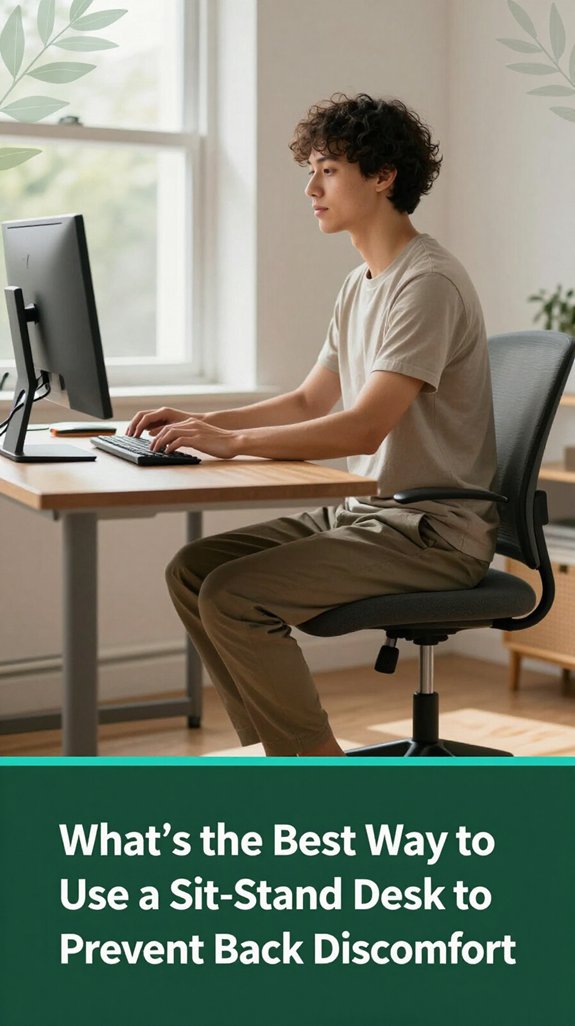
Ever wonder if there’s a secret sauce to using a sit-stand desk without ending up with more back pain? Trust me, I’ve been there trying to find that perfect rhythm, only to feel like a wobbly giraffe. Here’s the deal: you want your desk at elbow height elbows at 90°, shoulders relaxed, according to OSHA ergonomic guidelines. Keep your monitor at or just below eye level, roughly an arm’s length away, to prevent forward head posture, which research on spinal biomechanics suggests can lead to neck and upper back strain.
And a quick tip switch between sitting and standing like you’re flipping a light switch, not a wood-fired oven. This dynamic movement helps reduce musculoskeletal fatigue and promotes circulation. To determine the proper standing desk height, consider the elbow-height formula, which ensures your desk is set to support healthy ergonomics.
| Sit | Stand |
|---|---|
| Feet flat | Head aligned |
| Knees at 90° (which helps maintain proper lumbar curvature) | Lumbar support to promote healthy low back alignment |
| Hips level | Neutral wrists to avoid strain |
| Micro-stability | Dynamic movement to prevent stiffness |
All right, that’s the gist posture, rhythm, and movement keep back discomfort at bay. Remember, maintaining proper ergonomic alignment and frequent position changes are key to preventing back pain during your workday.
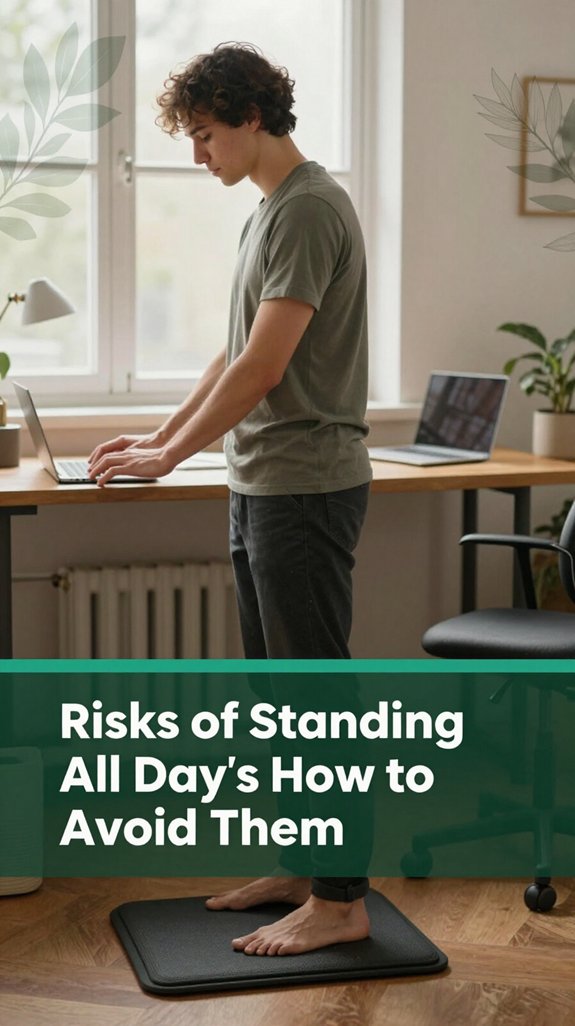
Prolonged standing might seem like a good way to stay active while you work, but truthfully, it’s just trading one discomfort for another and sometimes, worse problems.
You’ve probably noticed that your legs swell or your feet ache after a few hours, and your lower back might start to feel stiff or even sore. According to OSHA ergonomic guidelines, standing all day puts relentless pressure on your joints, muscles, and veins.
Your knees, hips, and ankles are under constant load, which can lead to cartilage wear and varicose veins. Additionally, research on spinal biomechanics suggests that standing for extended periods increases compression on the lumbar and thoracic vertebrae, potentially contributing to sciatica and thoracic kyphosis.
Plus, your heart has to work harder to pump blood back up from your legs, which can increase fatigue and strain. Nearly half of workers worldwide stand for over 75% of their working day, highlighting how common this issue is. To avoid these issues, you should focus on balancing standing with movement, rest, and some smart adjustments to your workspace.
Using anti-fatigue mats, incorporating sit-stand desks, and taking regular breaks to walk or stretch are effective strategies to reduce musculoskeletal strain. Being mindful of posture and shifting weight frequently can also mitigate standing-related stress and improve comfort throughout the day.
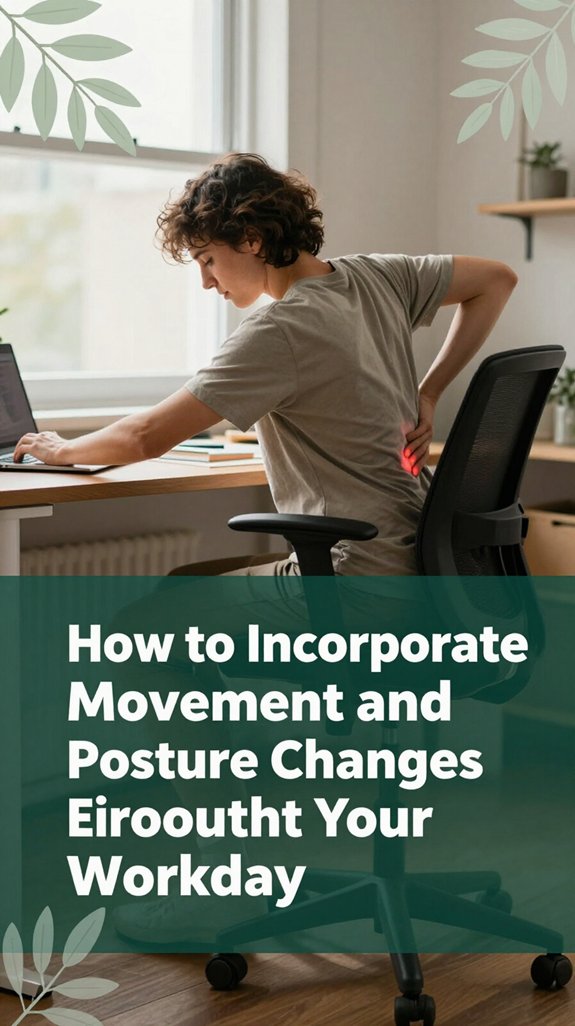
All right, let’s get real staying in one position all day is basically asking for trouble. You’ll probably end up feeling stiff, tired, and like your back’s had enough. According to OSHA ergonomic guidelines, this can contribute to musculoskeletal disorders such as lower back pain, sciatic nerve irritation, or thoracic kyphosis.
Here’s what helps: alternate sitting, standing, and walking every 30 to 60 minutes. You might start with five-minute stand-ups, then work your way up to 15-minute intervals. Think of it like a dance sometimes you’re on one foot, sometimes shifting, sometimes walking.
This variation encourages movement that fosters better circulation and reduces the risk of static postures causing muscle strain. Incorporating posture adjustments and dynamic movements into your routine actively supports musculoskeletal health.
| Position | Imagery |
|---|---|
| Micro-movements | Rock side-to-side, ankle rolls (around 15–20 degrees), sway gently to promote ankle and hip mobility. |
| Posture adjustments | Shift weight from one cheek to the other, stagger stance with one foot slightly forward (about 2–4 inches), use an adjustable footstool to elevate and relax the lumbar spine. |
| Short walks | Take stairs, do quick laps to the printer, go for a lunchtime stroll to boost circulation in the lower extremities and relieve lumbar muscle tension. |
Adding these movements throughout your workday helps keep circulation flowing, and your back, hips, and legs will thank you. Regularly shifting your posture and moving reduces the risk of developing chronic issues such as lower back strain, sciatic discomfort, or cervical tension.
Remember incorporating these simple movement habits can make a significant difference in preventing musculoskeletal discomfort and maintaining your productivity and well-being.
Now, here’s the tricky part: while standing desks are often promoted as a solution for back pain, research on the optimal amount of standing is still unclear. You might stand for 30 minutes, then sit for an hour, and wonder if you’re doing enough or too much.
Research on spinal biomechanics suggests that the ideal balance between sitting and standing remains unconfirmed. Some studies show slight relief in back discomfort, but no one has determined the precise duration or ratio of standing to sitting that promotes long-term spinal health.
According to OSHA ergonomic guidelines, excessive standing can also put strain on the lower back and legs, so moderation is key. It’s evident that more standing isn’t automatically better for back health, and the long-term effects of varied sitting and standing patterns are still a mystery. Proper workstation setup is essential for minimizing strain, which includes ergonomic recommendations on monitor height, keyboard placement, and chair adjustments.
In fact, a recent systematic review found that prolonged standing did not significantly reduce perceived low back pain compared to sitting, and there was considerable variability in study results which highlights the need for personalized approaches. If you’re experimenting with your posture, remember that finding a sustainable balance is important. You’re not crazy for feeling unsure about the perfect schedule current research indicates that individual needs vary.
Ultimately, maintaining awareness and adjusting your routine based on comfort and spinal feedback may offer the best approach until more definitive studies are available.
Ever wonder if a standing desk will really help you reduce persistent back pain? According to research on spinal biomechanics, it can if used correctly. Here are some key takeaways:
Yes, but it depends. If you have severe or chronic back conditions, standing alone probably won’t fix things think of it as a piece of the puzzle, not the whole fix.
Studies suggest sit-stand desks can help reduce discomfort for mild issues but haven’t shown they reverse serious spinal problems.
Plus, standing all day might just add new problems like sore legs or worse back pain so use them wisely, and listen to your body.
You should aim for standing sessions of about 15 to 30 minutes. I know, it sounds short, but that’s what most studies recommend to prevent growing discomfort or fatigue especially in your legs and lower back.
Start slow, maybe 10-15 minutes, then add a few minutes each week. All right, your muscles need time to adapt, and trust me, pushing too long at once just invites more aches.
Absolutely, certain standing desk features can make a difference for your back.
Think adjustable heights, so you’re not stuck in a hunch or an awkward stretch. A good desk has a wide range about 22–48 inches so it fits your body, not the other way around.
Plus, programmable presets and easy movement options encourage you to switch positions often and stay neutral, helping prevent that “wait and see” moment when your back finally protests.
Yes, standing desks can help with other musculoskeletal issues, but it’s not a magic fix. You might notice less neck and shoulder tension if your setup encourages good posture, but be careful staying in one position too long can cause leg, foot, or ankle pain, and even worsen circulation.
The trick is switching between sitting and standing, using supportive mats, and moving around. No one-size-fits-all, but mindful variation really helps.
All right, here’s the truth: the best way to keep back pain at bay is a mix of strategies.
You need to alternate sitting and standing every 30-60 minutes, sit with proper ergonomic setup (monitor at eye level, elbows at 90°), and move around.
Stretch, take breaks, and listen to your body. Trust me, combining posture adjustments with regular movement is like giving your back a daily tune-up because, let’s face it, nobody wants a nagging ache.
Look, a standing desk isn’t some magic fix that’ll turn your back into steel. It can help if you use it wisely alternate standing with movement, keep good posture, and don’t stand like a statue. I’ve been there, waiting to see if my lower back was going to betray me after an hour of “standing,” and trust me, it’s all about balance. You’re in control you just have to find what works without turning yourself into a human flamingo.





