Physical Address
304 North Cardinal St.
Dorchester Center, MA 02124
Physical Address
304 North Cardinal St.
Dorchester Center, MA 02124

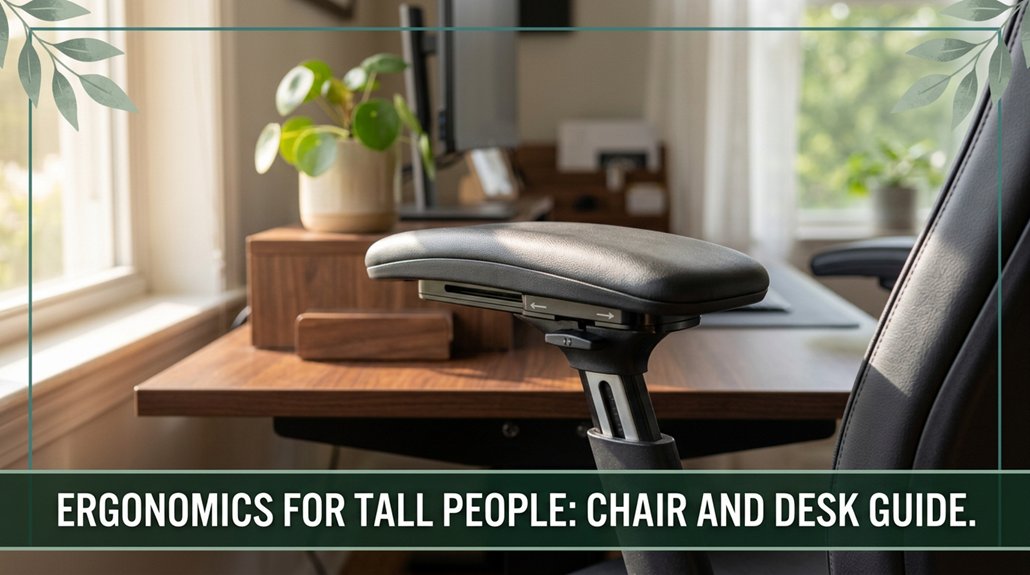
If you’re tall, you know those desks and chairs often aren’t built with your height in mind. Finding the right ergonomic setup can make a huge difference in how comfortable your workspace feels every day. So, focus on a chair with a seat depth of 20–22 inches and a backrest that supports your entire spine, especially your thoracic and cervical areas.
Your chair height should allow your hips to be level or slightly higher than your knees no squished thighs. The desk? It should be adjustable to around 28–33 inches, and your monitor needs to be at or just below eye level. Stick with these tips, and you’ll learn how to build a workspace that actually fits you.
If you’re over six feet tall, chances are your office setup isn’t doing you any favors trust me, I’ve been there. That’s why ergonomics for tall people really matter.
Standard desks are usually set at about 720 mm (which means about 28 inches), according to OSHA ergonomic guidelines. This height often causes your elbows to sit lower than your forearms, leading to improper arm and shoulder positioning. You may end up with hips below your knees, sticking you in a posterior pelvic tilt. This tilt can contribute to lower back pain because it affects the natural lumbar curve, and research on spinal biomechanics suggests maintaining proper pelvic alignment helps reduce strain.
Seat pans designed for average heights often cut off thigh support, putting unnecessary pressure on the popliteal fossa behind your knees and increasing discomfort during prolonged sitting. Proper seat depth is essential for distributing pressure evenly across your thighs.
The backrest rarely supports your full spine, especially the thoracic and lumbar regions, which causes you to lean forward. Leaning forward strains your neck and upper back muscles, potentially leading to thoracic kyphosis. Upgrading to chairs with adjustable lumbar support can help maintain proper spinal curvature and reduce muscle fatigue.
Fixed armrests that don’t match your elbow height elevate your shoulders, causing tension in the trapezius muscles and contributing to neck and shoulder strain. All these mismatches add up, leading to discomfort, fatigue, and possibly long-term posture issues like sciatica or cervical radiculopathy.
You need gear that adapts to your height such as height-adjustable desks, ergonomic chairs with lumbar support, and properly positioned monitor stands so that your workstation promotes healthy postures.
Ensuring your setup aligns with your anthropometric measurements can prevent musculoskeletal disorders and improve comfort over the course of a workday.
Getting the right office chair when you’re tall isn’t just about comfort; it’s about preventing strain on your back, shoulders, and neck, which many tall users already struggle with during long sitting periods.
According to OSHA ergonomic guidelines, an ideal chair for tall individuals should have a seat depth of at least 20 to 22 inches; this ensures adequate thigh support without compressing the popliteal artery and vein, which can cause discomfort and numbness behind the knees.
OSHA recommends a seat depth of 20-22 inches for tall chairs to prevent knee compression and improve comfort.
Ensure the chair has a tall backrest, measuring 24 inches or more, to adequately support the thoracic and cervical spine, reducing the risk of developing thoracic kyphosis or upper back pain.
Adjustable lumbar support is essential, particularly if it can be positioned to align with the L1 to L5 vertebral region, supporting the lumbar lordosis and mitigating lower back strain especially for users with existing lumbar issues.
Do not overlook seat height aim for a minimum of 21 inches from the floor which accommodates taller leg lengths and promotes proper femoral positioning. This height helps prevent compression of the popliteal space and encourages a healthy sitting posture. Proper seat depth is just as important to ensure that the entire thigh is well-supported without pressure on the back of the knees.
In addition, considering the ergonomic design features such as adjustable armrests and headrests can further enhance comfort and support for taller users.
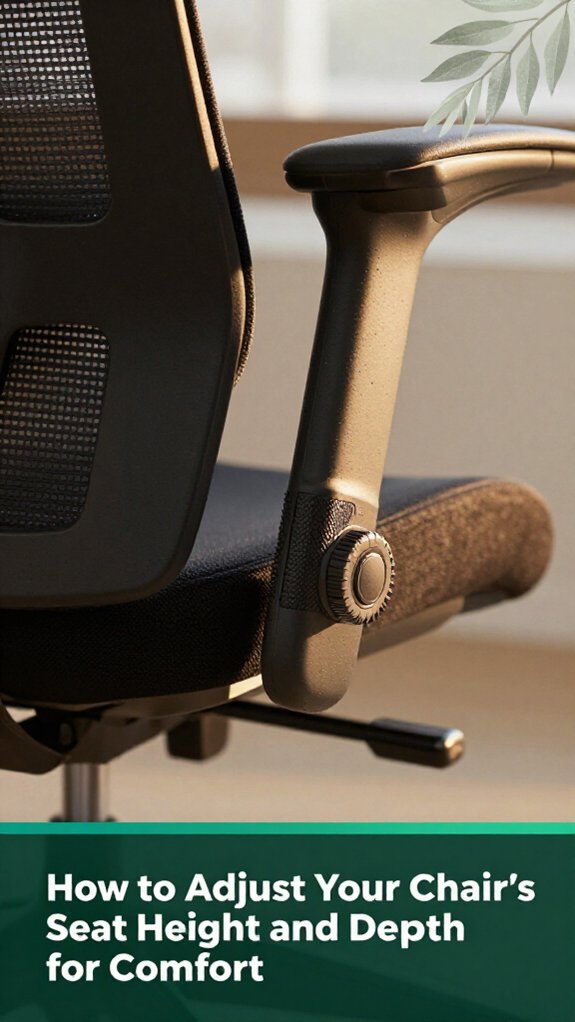
Let’s talk about how to set your seat height and depth so your chair actually works for you, not against you. The goal is simple: keep your hips level or slightly above your knees for comfort, with your feet flat on the floor. According to OSHA ergonomic guidelines, proper positioning can help reduce lower back strain and improve circulation.
Proper chair adjustments are essential for maintaining good posture and preventing musculoskeletal issues during prolonged sitting. Use the pneumatic lever to adjust the seat height until your thighs are parallel to the ground, leaving a 2-3 cm gap at the back of your knees. This gap allows for healthy blood flow and prevents compression of the popliteal arteries and nerves.
Check your elbow height; if your elbows hit the desk too high, bump the seat up a bit to maintain neutral shoulder and arm positions. For seat depth, move the chair forward or back to create a 2-3 finger gap behind your knees. This space ensures your thighs are fully supported without pressure on the popliteal area, reducing the risk of sciatic nerve compression.
Make sure your thighs are supported along their entire length and aren’t pressed into the edge of the seat, as this can impair circulation and contribute to discomfort or lower back pain. It’s also important to periodically verify that your ergonomic setup remains adjusted as your body or work environment changes.
Remember, a properly adjusted chair promotes healthy lumbar and sacral support, which is essential for maintaining spinal alignment and preventing conditions like thoracic kyphosis or sciatica. Ultimately, the key takeaway is that correct seat height and depth are fundamental to ergonomic comfort and long-term musculoskeletal health.
When you’re dealing with a tall torso, the backrest becomes your best friend or your worst enemy depending on how well it fits. You want it to support your shoulder blades and reach up to roughly 27–29 inches above the seat if you’re over 6’5”. According to ergonomic guidelines, if the backrest is too short, you’ll end up leaning forward, which can cause neck strain and discomfort.
If the backrest is properly adjustable, it allows you to customize the height and angle for optimal support, which is especially important for tall individuals. Proper adjustability is key to ensuring the backrest accommodates your specific needs. If it’s adjustable, that’s ideal set it so your lumbar support aligns with your lower back’s natural curve, approximately 3–4 inches above the seat.
Research on spinal biomechanics suggests that proper lumbar support helps maintain the natural lordotic curve of the lumbar spine, reducing the risk of lower back pain. Tall users often need lumbar support positioned 10–12 inches high to match their lumbar curve appropriately. If the lumbar support is too low or fixed in place, expect about 30% more discomfort during prolonged sitting sessions. This discomfort can lead to issues such as sciatica or increased thoracic kyphosis.
Spinal biomechanics research emphasizes the importance of tailored support, especially for individuals with unique body proportions. Therefore, ensure your backrest is adjustable enough to keep your entire spinal column supported and prevent fatigue.
A well-fitted, adjustable backrest helps maintain spinal alignment and reduces the risk of musculoskeletal strain associated with inadequate support during long periods of sitting. The key takeaway: prioritizing adjustable, height-appropriate ergonomic backrests can significantly enhance comfort and spinal health for individuals with tall torsos.
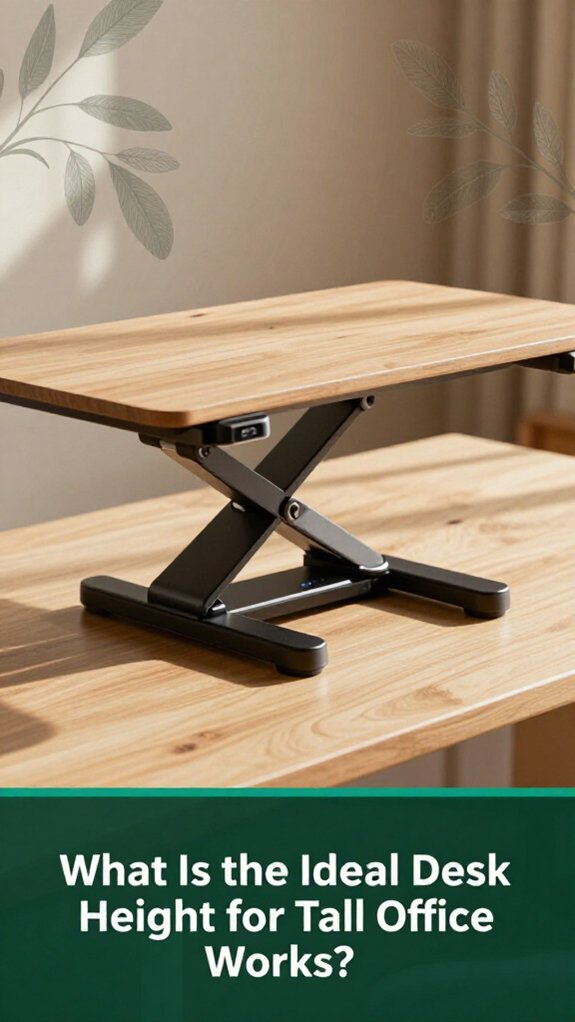
Ever notice how your neck starts to feel like it’s doing doubles just after a few hours at your desk? That’s your body telling you the desk’s too low or high for your height. According to OSHA ergonomic guidelines, the ideal height is when your desk surface matches your standing elbow height, allowing your forearms to stay neutral and relaxed. Proper alignment of your workspace can help prevent discomfort and long-term injuries. For tall individuals, this generally means:
All right, now you’ve got the basics. Set your desk, adjust your chair, and say goodbye to stubborn neck cramps maintaining proper ergonomic setup can reduce musculoskeletal strain and improve comfort throughout your workday.
You probably already know the feeling your neck tilts forward or upward after staring at your monitor for a while, and suddenly your head feels like it’s balancing a bowling ball on top of your spine. According to OSHA ergonomic guidelines, maintaining proper monitor positioning can help prevent this discomfort.
The top of your screen should be at or just below eye level. Why? Because a 15°–20° downward gaze (which means looking slightly downward at your monitor) minimizes neck extension and keeps your cervical spine in a neutral position. This position reduces strain on the cervical vertebrae and prevents conditions such as cervical disc herniation or thoracic kyphosis.
Position your monitor so the top is at or just below eye level to reduce neck strain and promote spinal health.
If you wear bifocals or trifocals, the top of your screen should be below eye level. This adjustment helps you avoid unnecessary neck extension or tilting, which can contribute to muscle strain in the cervical and upper thoracic regions.
Use an adjustable monitor stand or a gas-spring arm tall users, you’ll need more than the standard 30 cm lift to achieve proper eye-level positioning. Many ergonomists recommend investing in height-adjustable solutions to accommodate individual body types and monitor sizes.
Distance from your monitor matters, too. Keep it about an arm’s length away (roughly 50 to 70 centimeters) this distance keeps your neck relaxed and your eyes comfortable, reducing the risk of eye strain and maintaining proper cervical curvature.
All right, let’s be honest nobody wants to be fiddling with their workspace every five minutes, trying to find that “perfect” position. You want your setup to work for you, not against you.
So, combine adjustable features smartly: set your desk height between 28 and 30 inches when seated, and 45 to 47 inches for standing. According to OSHA ergonomic guidelines, these ranges help maintain neutral arm and wrist positions, reducing the risk of repetitive strain injuries.
Make sure your chair’s seat height hits about 20 to 22 inches (the height that allows your feet to rest flat on the floor comfortably), and use the seat depth to support your thighs without pinching behind the knees. Proper seat depth reduces pressure on the popliteal fossa, which is important for lower limb circulation.
Attach your monitor arm so the screen is at or just below eye level, with enough tilt and swivel to avoid neck strain research on spinal biomechanics suggests that keeping the monitor at eye level helps prevent thoracic kyphosis and cervical discomfort.
And don’t forget a footrest if your chair is too high, to keep your lower limbs properly supported, which helps prevent lower back pain and sciatic nerve compression.
When all these pieces work together, your workspace becomes your friend, not your nemesis, promoting better posture and comfort during long periods of work.
When your desk setup feels like it was made for someone half your height, the right ergonomic accessories become absolute game-changers. Consider a height-adjustable footrest; it supports your knees at a 90° angle (per OSHA ergonomic guidelines), which improves circulation and reduces pressure on your femoral artery. This is especially important for tall users because standard desks often leave your knees or thighs unsupported, leading to discomfort and potential circulation issues.
A height-adjustable footrest ensures proper support and circulation, especially for taller users.
Next, a dual-monitor arm is essential. It elevates your screens to align with your eye level, helping to prevent neck craning and shoulder hunching, which many ergonomists recommend to reduce musculoskeletal strain. This effectively creates a raised platform for your screens, promoting a neutral head and neck posture.
Using a monitor arm can help avoid the development of thoracic kyphosis and related upper back discomfort.
Additionally, a tilt-adjustable keyboard tray enables your wrists to sit in a neutral, comfortable position not twisted or bent in awkward angles. According to research on spinal biomechanics, a wrist position aligned with the forearm reduces the risk of repetitive strain injuries like carpal tunnel syndrome.
An adjustable tray also allows you to set the keyboard at a height that keeps your elbows close to your sides, ideally at about a 90° angle.
By combining these accessories, you turn an uncomfortable, makeshift setup into a workstation that supports your height and existing ergonomic needs.
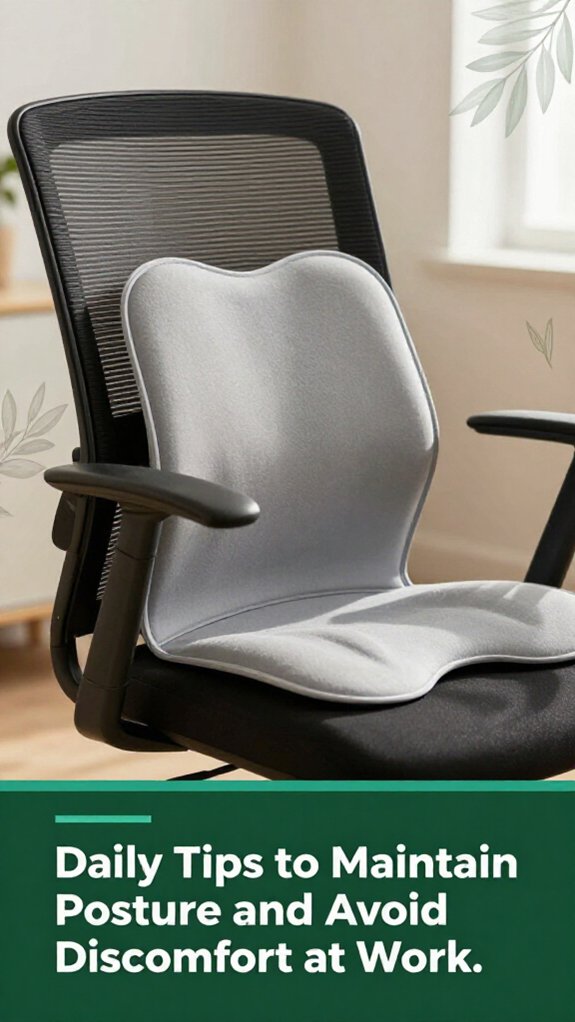
A sturdy, pain-free day at work often depends on a few simple habits that help maintain proper posture. You’ve probably felt that awkward heaviness in your shoulders or lower back after a few hours per Mayo Clinic recommendations, many ergonomic issues stem from prolonged poor positioning.
Here’s what you can do daily:
Although these habits may seem small, they add up to make your workday more comfortable and can help prevent conditions like sciatica or carpal tunnel syndrome.
Incorporating these practices regularly will significantly enhance your ergonomic health at work.
You want your keyboard at or just below elbow height with a slight negative tilt think about your wrists staying straight, not bent like you’re trying to crack a nut.
Keep your mouse within easy reach, surface just above the keyboard, and your upper arm close to your body.
All right, now make sure your desk lets your forearms be parallel to the floor and avoid reaching your shoulders will thank you.
If you’re very tall, you’re going to want a footrest that’s adjustable, with a travel range of at least 4–6 inches, so your knees stay comfy at around 90–100 degrees.
Find one with a wide surface, rounded edges, and textured anti-slip coating.
Look for a sturdy build steel or reinforced aluminum and make sure it can support at least 250 pounds.
Trust me, a good footrest keeps your hips happy and your back from turning into a question mark.
You should be micro-adjusting your setup every 30 to 60 minutes, no joke.
I get it it’s easy to forget. These tiny tweaks reset your posture and keep those muscles from getting stiff and fatigued. A quick stretch or recheck of your chair height can save you from back pain later.
Honestly, setting an alarm or reminder works wonders; your body will thank you, and you’ll stay comfortable longer.
You’ll know your ergonomic setup’s off when your lower back aches, your chair’s seat edge presses into your thighs, or your monitor feels like it’s plotting to give you a crick in the neck.
If your arms hunch up, your hips feel squished, or you’re constantly repositioning, it’s a dead giveaway.
Basically, if your body’s communicating “this isn’t right,” listen those signals aren’t just complaints, they’re the warning signs.
To avoid shoulder strain at a tall desk, you wanna keep your elbows roughly at 90°, supported on the desk or armrests, not raised or drooping.
Use a footrest if your knees are higher than hips, so you don’t lean forward and lift those shoulders like you’re trying to touch the ceiling.
Also, keep your shoulders relaxed, not hunched, and your monitor at eye level to prevent distracting neck tension.
All right, you get it now your workstation’s a stage, and you’re the star performer. Just like tuning a musical instrument, small adjustments make a huge difference in how you feel afterward. Remember, your body’s like that classic car needs just the right tune-up to keep cruising smoothly. So go ahead, tweak that chair, elevate that monitor, and keep your posture in check. Because, trust me, your back will thank you when your next barbecue turns into a full-on dance floor.





