Physical Address
304 North Cardinal St.
Dorchester Center, MA 02124
Physical Address
304 North Cardinal St.
Dorchester Center, MA 02124

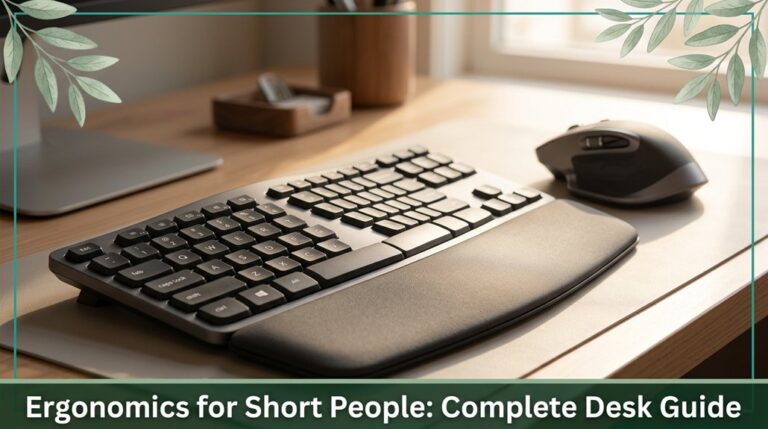
Discover how to optimize your workspace as a shorter person with our ergonomic tips. Learn to set your desk height, monitor position, and use adjustable accessories to prevent neck and wrist pain for all-day comfort.
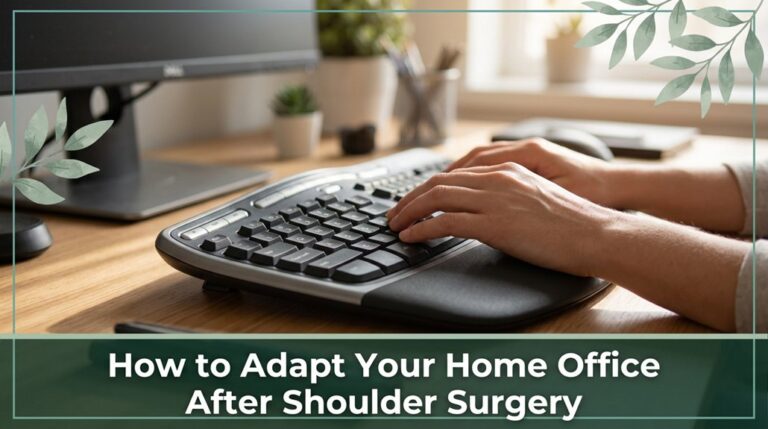
Learn effective ways to modify your home office after shoulder surgery. Adjust your furniture for better posture and avoid strain, ensuring a comfortable workspace that promotes healing and productivity.
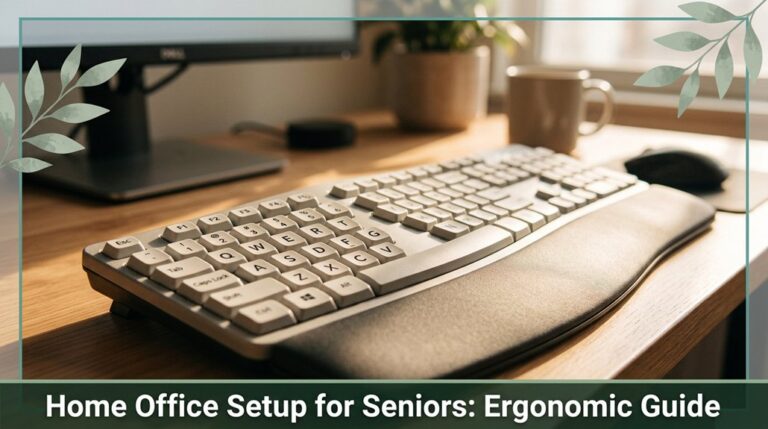
Learn how to set up your home office ergonomically for seniors, reducing neck, shoulder, and back discomfort while improving comfort and productivity.
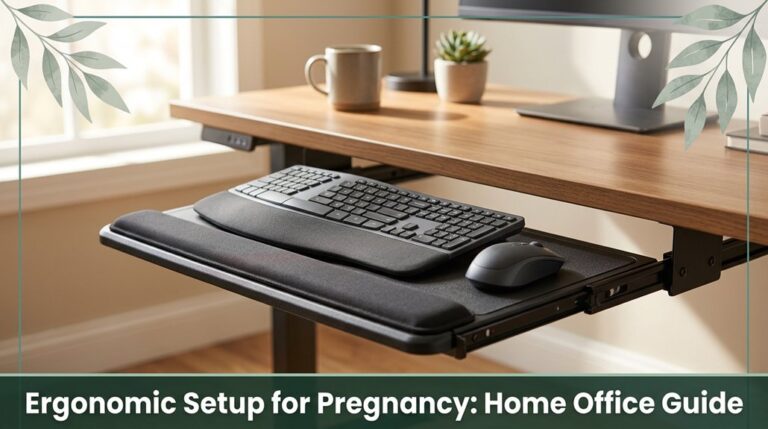
Learn how to adjust your home office for ergonomic comfort during pregnancy, including support tips and setup tweaks as your bump grows.
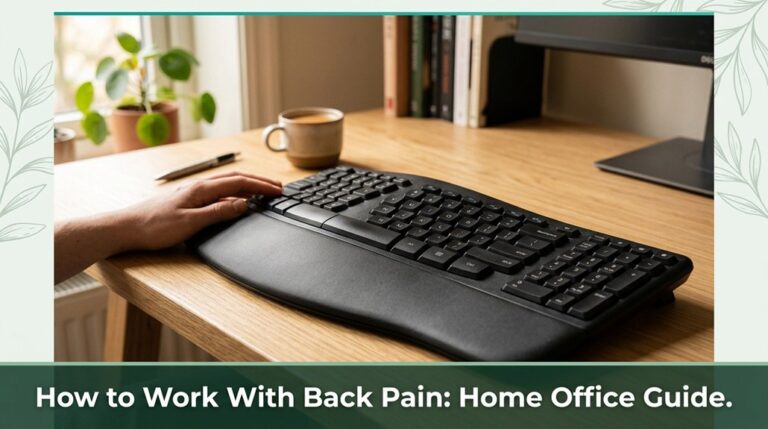
Learn effective strategies for managing back pain while working from home, including ergonomic tips and movement practices to improve comfort and spinal health.
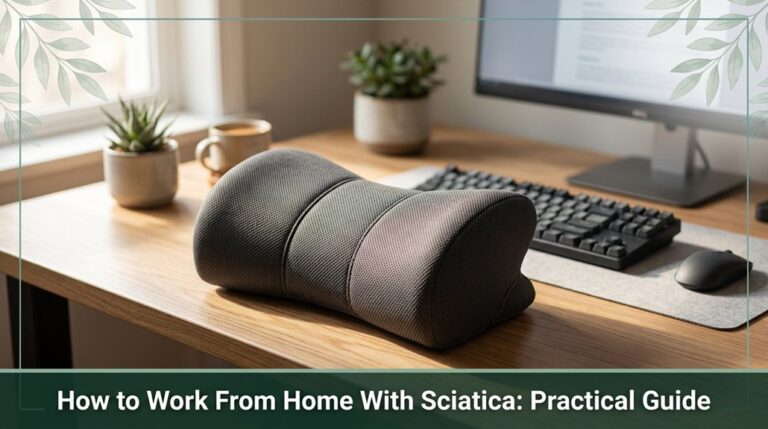
Learn practical tips to manage sciatic pain while working from home, including ergonomic setups, movement routines, and stretches for relief.
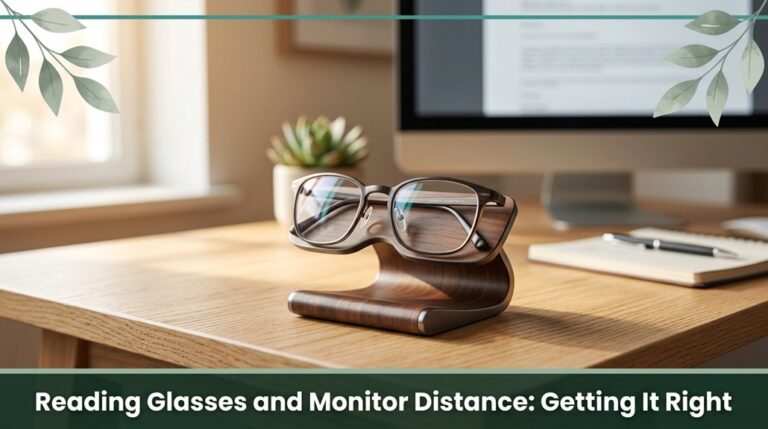
Proper monitor distance and suitable reading glasses are essential for reducing eye strain and avoiding headaches and backaches. Find your optimal setup for comfort and productivity.
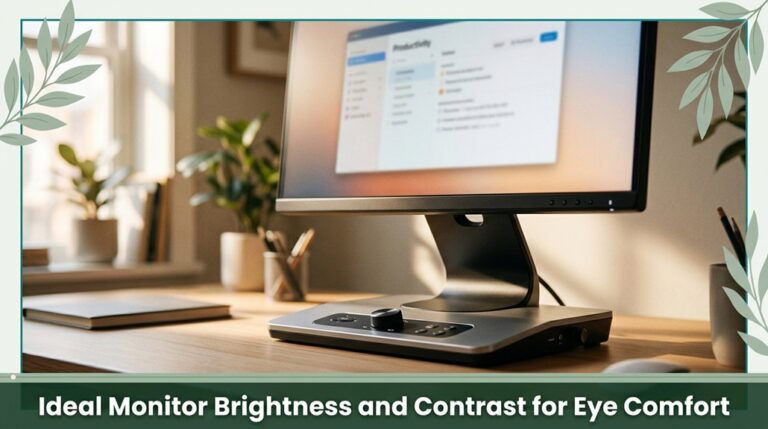
Learn how setting your monitor's brightness to 120–150 nits in bright rooms and adjusting contrast to around 1000:1 can reduce eye strain. Proper placement, flicker-free tech, and matte finishes enhance comfort, helping your eyes stay less fatigued during long hours of screen use.
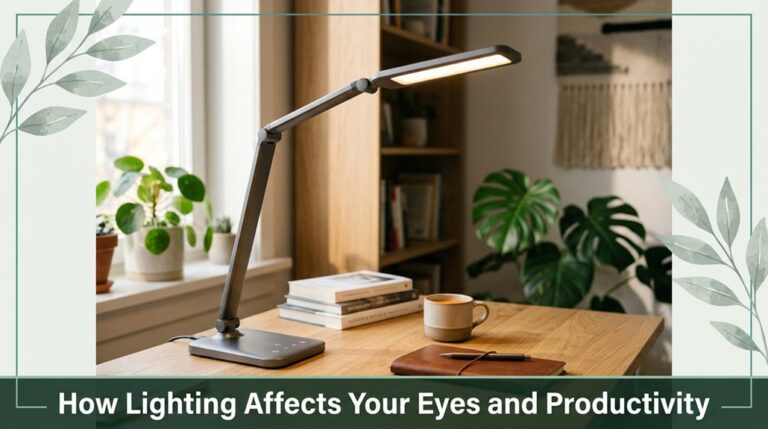
Discover how proper lighting can reduce eye strain and boost your productivity by making screens more comfortable to view and helping you stay alert throughout the day.
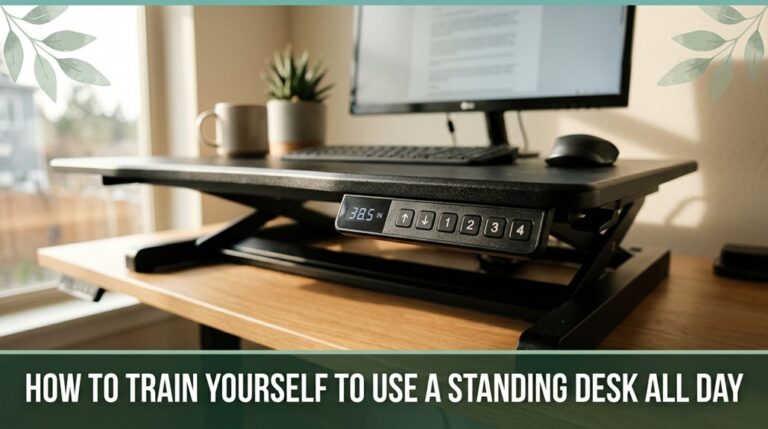
Learn how to gradually adapt to using a standing desk all day with tips on ergonomic setup, scheduling breaks, and listening to your body for comfort and health.



