Physical Address
304 North Cardinal St.
Dorchester Center, MA 02124
Physical Address
304 North Cardinal St.
Dorchester Center, MA 02124

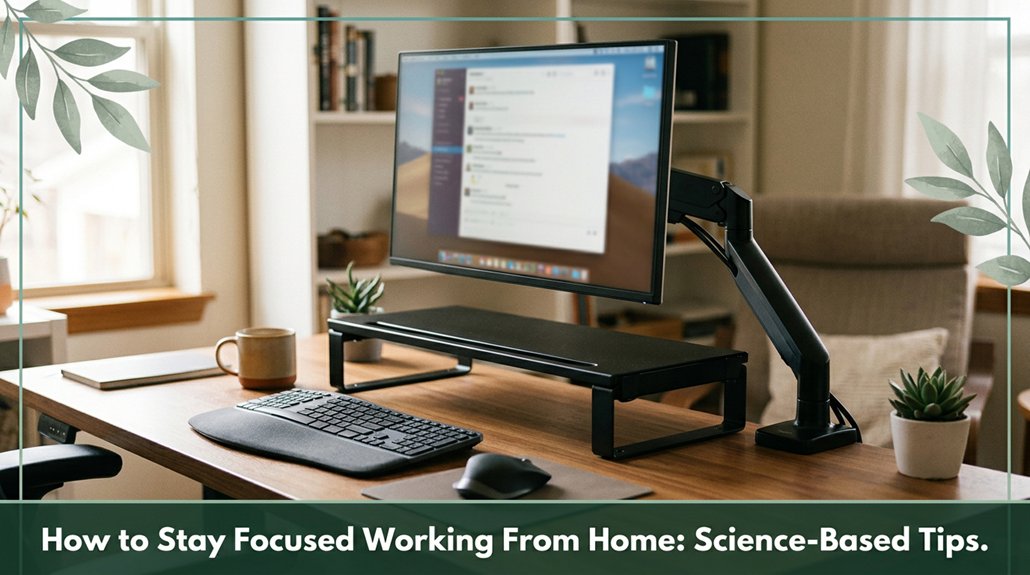
Staying focused while working from home can feel like an uphill battle your emails ping, your cat demands attention, and suddenly, hours have slipped by. The key isn’t just resisting distractions; it’s about crafting an environment that aligns with how your brain naturally shifts gears.
Clear clutter to free up mental space, set up a dedicated focus zone, and use natural light along with ergonomic furniture to stay comfortable. Time-block your day and try the Pomodoro Technique that’s how your brain stays engaged without burning out. Establish routines, like a quick changeover ritual, to signal to your mind that it’s game time and keep at it to unlock more science-backed tricks that truly work.
This article contains affiliate links. If you purchase through them, I may earn a small commission at no extra cost to you. I only recommend products I genuinely believe in.
Imagine your home workspace as a command center or, better yet, a small fortress built specifically for focusing. When you work from home with intention, the benefits become clear: physical boundaries such as a dedicated desk reduce your task ramp-up time from about 15 minutes to under 5 minutes.
This allows you to transition into work more quickly, conserving mental energy that might otherwise be spent on switching gears. Research indicates that a well-organized workspace can significantly boost concentration and overall productivity.
Visual clutter, which many people tend to accumulate in home environments, can impair cognitive function and make it more difficult to concentrate. According to research on cognitive load, a cluttered workspace drags down your mental capacity, decreasing focus and productivity. Bright, natural light and consistent background noise help your brain stay engaged longer think of it as creating a mental bubble, free of interruptions.
Creating a workspace that supports ergonomics and comfort can further improve your ability to focus and sustain productivity.
A dedicated focus zone isn’t just about claiming a corner of the room; it’s about creating a mental signal that says, “Hey, this is where the magic happens.” You want to carve out a space where your brain knows, “This is work time,” and it can switch gears faster.
To do that, consider these tips:
Use a separate room, closet, or partitioned corner to reduce interruptions by up to 66 percent according to OSHA ergonomic guidelines. An enclosed or semi-enclosed space minimizes distractions and helps maintain focus. Incorporating ergonomic principles into your setup ensures comfort and supports sustained concentration throughout your work sessions.
Add a door or visual divider; your brain perceives it and says, “Focus mode activated.” This visual cue triggers your mental switch into deep work state.
Keep this space consistent; each time you use it, your brain gets trained to immerse in concentrated tasks. Regularity strengthens the mental association with focus.
Maintain a clear boundary between your focus zone and relaxation zone; this prevents task-switching chaos, helping you stay sharp. This separation aligns with ergonomic principles that support sustained attention and reduce cognitive fatigue.
Incorporating these strategies helps create an effective mental and physical environment for focused work. Remember, a well-defined focus zone signals your brain to enter productivity mode and reduces unnecessary distractions.

Your workspace is essentially begging for a clear-out, even if you don’t notice it right away.
Think of your desk like a brain placeholder it’s taking in all that visual noise, which makes decision‑making 30% harder, according to research on cognitive load. All that clutter forces your brain to filter out excess stimuli, slowing your information-sorting process and reducing your ability to problem-solve. Recognizing organizational habits can guide decisions on workspace improvements and help you find effective solutions tailored to your needs.
Plus, clutter raises stress levels your cortisol levels spike, and you might feel more emotionally drained. When your workspace is cluttered, it can trigger a stress response that hampers cognitive function and emotional well-being. Research shows that clutter not only impacts stress but also correlates with procrastination and indecision, further hindering productivity.
Clutter spikes cortisol, increasing stress and draining emotional energy. A tidy space supports mental clarity and well-being.
Here’s the thing: every time you clear off that mountain of papers or toss out junk, you free mental space.
This act can make you faster search times drop, focus lengthens, and your head feels a little lighter. Small daily decluttering rituals save you time and help maintain your mental sanity more than you might realize.
Keeping a tidy workspace promotes clear thinking and supports overall cognitive health, especially for those who work at a desk for extended periods.
All right, now that you’ve tackled the clutter, it’s time to turn your attention to your lighting setup because, according to OSHA ergonomic guidelines, working in a poorly lit space can cause eye strain and discomfort. You want consistent lighting that’s gentle yet effective. Aim for about 200 to 300 lux to avoid dark corners that may cause your eyes to strain or overwork.
Proper lighting reduces visual stress, making it easier to focus and work efficiently. Use ceiling or wall fixtures to spread light evenly across your workspace. Incorporate natural light by positioning your desk perpendicular to windows; this helps reduce glare and harsh reflections. Blinds can soften the glare from direct midday sunlight, creating a more comfortable environment. Keep your monitor brightness levels matched to your lighting so your eyes don’t have to constantly adjust, which can lead to fatigue.
Consider installing dimmable LED bulbs, providing flexibility to adjust lighting based on the time of day or task. Some evidence suggests that appropriate task lighting can reduce the risk of digital eye strain and improve visual comfort during extended screen use. Additionally, ensuring your workspace is free from monitor glare can make a significant difference in reducing visual discomfort. Remember, consistent, gentle lighting helps prevent eye fatigue and supports overall ergonomic health.
Think of ergonomic furniture as your personal bodyguard at your desk. It’s designed to keep you comfortable and prevent those small aches that often develop after prolonged periods of work. You’ll want a chair that adjusts its height so your feet rest flat on the ground, and your knees form a 90-100° angle this promotes healthy circulation, according to OSHA ergonomic guidelines.
Support for the spine is essential in chair selection, ensuring the lumbar support aligns with your natural S-curve and reduces lower-back strain. Lumbar support that aligns with your spine’s natural S-curve reduces lower-back strain and helps prevent conditions such as lumbar disc herniation or sciatica. Armrests positioned 2–3 inches from your torso keep your shoulders relaxed and reduce tension in the trapezius and levator scapulae muscles.
Matching your desk height to your elbows around 90°, with enough space for your legs maintains proper posture and prevents thoracic kyphosis. An adjustable standing desk enables you to switch between sitting and standing positions, which many ergonomists recommend to reduce static load and fatigue. Regularly varying your posture is essential for spinal health, especially if you sit for more than 6 hours a day. Here’s a quick guide:
| Factor | What to Do | Why It Matters |
|---|---|---|
| Chair Height | Feet flat on the ground, knees at 90-100° (to promote circulation and reduce lumbar or sacral strain) | Promotes healthy blood flow and prevents lower-back discomfort |
| Lumbar Support | Aligns with your lumbar vertebrae’s natural curve | Reduces lower-back strain and risk of sciatica |
| Desk Height | Elbows at 90°, wrists neutral, with sufficient legroom | Prevents musculoskeletal strain, including thoracic kyphosis or carpal tunnel syndrome |
| Movement | Switch between sitting and standing regularly | Avoids prolonged static load, which can contribute to spinal disc compression and muscle fatigue. Incorporating movement breaks can significantly enhance comfort and reduce stiffness. |
| Armrests | Positioned 2-3 inches from your torso | Keeps shoulders relaxed, reducing trapezius tension |
Summary: Proper ergonomic furniture and workstation setup support spinal health and help prevent musculoskeletal disorders. Incorporating ergonomic principles into your workspace can significantly improve your overall comfort and productivity.
You’ve probably noticed that distractions aren’t just annoying they’re sneaky little time thieves. It’s like your computer becomes a gossip, whispering, “Hey, check this out,” and suddenly, an hour’s vanished.
So, why not set clear digital boundaries? Turn off nonessential alerts; research on digital distractions suggests this cuts interruptions by about 23 minutes each hour. Use structured notification summaries or enable Do Not Disturb mode during work blocks; doing so can make you feel 22% less stressed.
Batch check emails twice daily to cut task-switching by 40%, which improves focus and productivity. Additionally, conduct a notification bankruptcy audit by reviewing and disabling low-priority pings; many ergonomists recommend that reducing these notifications can eliminate around 80% of unnecessary distractions.
Creating these digital fences strengthens your focus because no one can concentrate when their phone incessantly yells, “Hey, look at me!” every minute.
Establishing clear digital boundaries helps you reclaim valuable focus and time.
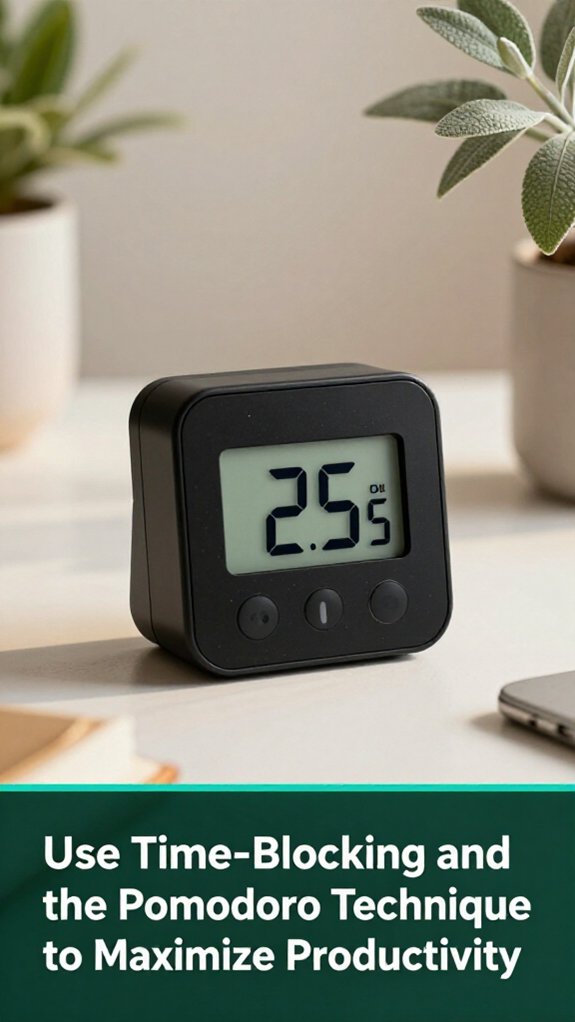
Now that you’ve started setting digital boundaries, it’s time to become even more intentional with your time management. Think of structured calendar blocks as assigning seats in a restaurant you prevent decision fatigue and maintain focus. Allocating 30-60 minute chunks aligns with deep-work bursts, which support sustained concentration without leading to mental exhaustion. According to research on cognitive fatigue, working in focused intervals enhances overall productivity.
Between these blocks, include buffer periods your mental spa breaks to reset and recharge. The Pomodoro Technique involves 25-minute focus sprints followed by 5-minute breaks, which help keep procrastination at bay and foster a sense of urgency. This technique capitalizes on the brain’s natural attention span, preventing burnout and maintaining motivation over longer periods.
By combining both approaches using your calendar to structure “what” you do and Pomodoros to define “how” you work you create a powerful, balanced system. Matching these cycles to your personal energy peaks such as tackling demanding tasks during your alert hours can make you more efficient.
Tracking your completed cycles and progress not only promotes accountability but also makes continuous improvement feel effortless.
All right, let’s talk about something surprisingly simple but ridiculously effective: shift rituals. You probably know the feeling you finish a task, but your mind lingers, and your attention residue clings like a bad smell. According to research on task switching and cognitive load, these rituals help signal to your brain that it’s time to move on.
These small actions tell your brain, “Hey, we’re done here, let’s switch gears,” making shifts smoother and focus sharper.
Ease into your next task with these simple routines to improve mental clarity and productivity. Sometimes, the simplest tricks are the biggest game-changers.

All right, you’ve just wrapped up your workday, but instead of feeling a true sense of closure, your mind might still be swirling with unfinished tasks or loose ends. It’s like your brain is trying to hold onto every idea, email, or decision left hanging, making it hard to truly switch off.
According to research on spinal biomechanics, mental clutter can contribute to stress and physical tension, especially in the lumbar and cervical regions.
Here’s the thing: take five minutes to jot down all those open loops in a trusted system your note app, a notebook, whatever works. Focus on specific next steps, pending decisions, or follow-up dates. Then, prioritize tomorrow’s top three tasks using a simple method like Ivy Lee, which helps manage cognitive load and enhances focus.
Be sure to set realistic goals to avoid overstimulation and frustration. Finish with a quick workspace tidy-up, close all tabs, shut down your computer, and say your termination cue. That way, your mind gets a reset, and you’re ready to relax without carrying yesterday’s mental baggage.
Creating a definitive end-of-day routine can help you mentally detach and prepare for tomorrow’s success.
You should personalize your workspace by arranging your desk perpendicular to natural light, avoiding glare but still getting those mood-boosting views of greenery or even indoor plants.
Adjust your chair and monitor for ergonomic comfort think “no weird neck angles” and move around every 10–30 minutes to reset your body.
Add a splash of lemon scent or calming colors like sage-green to keep your brain engaged without burnout.
All right, resisting digital distractions is like steering a ship through fog you need clear signals.
Silence notifications during deep work, disable those tempting Slack and email alerts, and schedule specific times to check messages.
Use Focus Mode or Do Not Disturb on your devices, and batch communication checks.
It’s about controlled access think of your digital world as a garden; snip the weeds before they choke your focus.
You gotta match your tasks to your energy dips and peaks.
All right, in the morning, your brain’s firing on all cylinders save your most demanding work for then, no matter how tempting it’s to check emails.
Come mid-afternoon, when your focus drops, shift to easier stuff.
And don’t forget, taking a break or a quick walk after those cycles helps your brain reset, so you’re ready for the next burst.
You can keep focus during long sessions by building habits, like sticking to a set start and end time, and using changeover rituals think a quick walk or deep breath to signal your brain it’s game time.
All right, turn off notifications, too, because interruptions are the enemy of flow.
Chunk your work into 25- or 90-minute blocks, and celebrate small wins. Your brain needs structure, not chaos, to stay sharp longer.
You’ll want to track your deep work hours using simple tools like spreadsheets or time blocks, so you see where your focus is leaking.
To improve, protect your peak hours like that first 90 minutes after waking and batch small tasks or emails.
Honestly, measuring progress feels like giving yourself a little scoreboard; it keeps you honest and motivated, plus you’ll spot patterns that boost your focus days or weeks down the line.
All right, here’s the thing: staying focused at home isn’t about perfection; it’s about smarter habits. Remember, “A place for everything, and everything in its place” it’s your secret weapon against chaos. So, set that dedicated workspace, cut the clutter, and work with purpose. When you do, you’ll notice those tricky distractions lose their grip. And honestly, feeling in control makes all the difference like finally finding the seatbelt that actually clicks.





