Physical Address
304 North Cardinal St.
Dorchester Center, MA 02124
Physical Address
304 North Cardinal St.
Dorchester Center, MA 02124

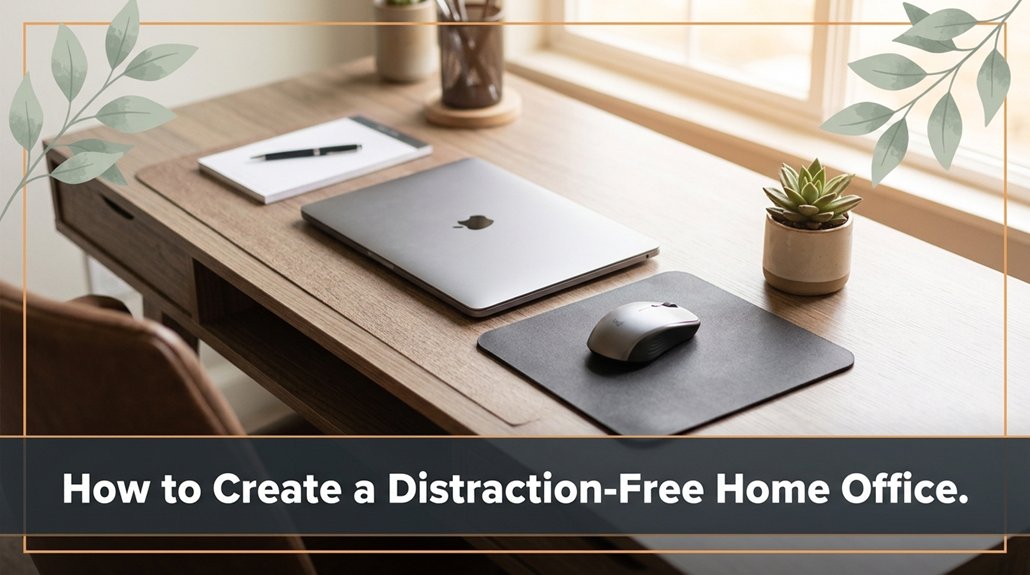
Struggling to focus in your home office? Clutter and distractions can make it feel impossible to get into a productive groove. To make your space work for you, start by clearing away papers and cables your brain doesn’t need extra chaos. Then, carve out a dedicated, tidy zone for work so your mind knows when it’s time to concentrate. Silence your phone notifications are a biggest distraction and set clear boundaries with family members. Build a routine that signals your brain it’s time to focus, making it easier to stay on track. Stick with these steps, and you’ll find it gets easier to maintain your focus and get things done.
So, the first step to creating a distraction-free home office is figuring out what’s pulling your attention away. Trust me, it’s harder than it sounds because distractions hide everywhere your phone, noisy pets, or that never-ending stream of notifications.
Grab a notepad, and for a day or two, jot down what pulls your focus off work. Notice the times when your mind drifts or interruptions happen, such as the ping of social media notifications or household noises like the vacuum running in the background.
Once you identify these culprits, you can develop a plan to minimize them. Think of this step as a reconnaissance mission: understanding what derails your concentration is essential because it allows you to implement targeted solutions.
Knowing your distractions helps you create focused, effective solutions for your ideal home office.
Without knowing which specific distractions are most disruptive, building a truly distraction-free home office becomes just guesswork. So, do the legwork now your future self will thank you in the form of improved peace and increased productivity. Recognizing how clutter and distractions can interfere with focus aligns with minimalist designs which promote clarity and reduce visual noise.
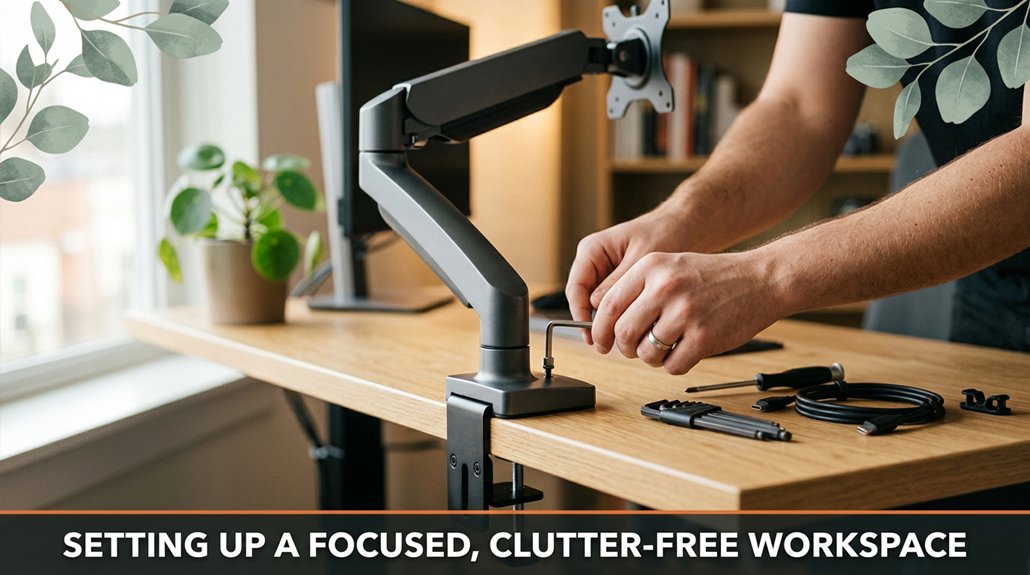
Setting up a focused, clutter-free workspace might seem straightforward just toss everything off your desk, right? But hold on. You know damned well it’s more than that. First, clear everything away papers, snacks, that mystery cable you’ve been avoiding. All that stuff just adds noise and mental distraction.
Next, designate a specific area for what’s essential: your monitor, keyboard, and maybe a notebook or a task planner. Keep only what you need for today within arm’s reach; the rest can be stored elsewhere. For example, if you use a charging station, place your smartphone and tablet there to avoid cluttering your workspace.
All right, now, consider your peripheral devices. If you have a second monitor that you rarely use, store it out of sight perhaps in a drawer or on a shelf to prevent visual distraction. When it’s not in use, it shouldn’t occupy your immediate workspace, as it can lead to unnecessary mental clutter and tempt you to multitask unnecessarily.
And don’t forget the power cords. Make them neat by bundling them with zip ties or cable clips, and route them along the edges of your desk to keep surfaces clear.
Clutter isn’t just visual; it’s mental noise that hampers focus and productivity. A tidy work surface promotes clarity of thought and helps you start each day feeling reset. Regularly organizing your workspace layout can improve efficiency and reduce stress, ensuring your environment supports concentration rather than detracting from it.
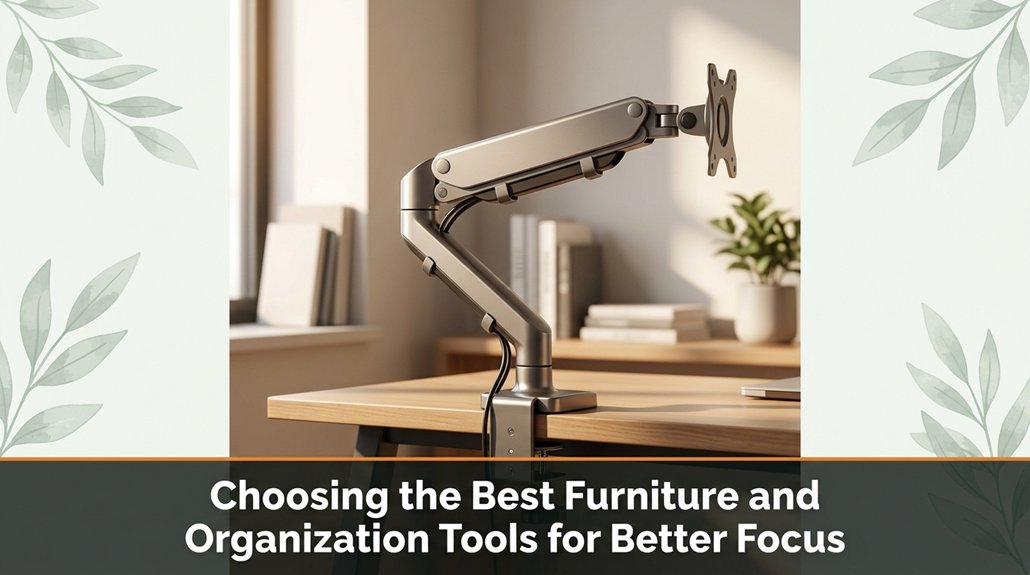
Choosing the right furniture and organization tools can significantly impact your ability to stay focused trust me, I’ve made the mistake of buying a fancy desk only to realize it doesn’t fit your workflow or, worse, makes your chair wobble every time you lean back.
Select a desk height that feels natural when you sit upright; don’t just rely on the default “standard” height. An adjustable standing desk can be beneficial, but keep in mind that these often come with complex assembly and height-setting puzzles that may not suit everyone.
Next, grab a sturdy ergonomic chair with proper lumbar support your back will thank you. Look for a chair with adjustable height (preferably between 16 and 21 inches from the floor), adjustable armrests, and a recline feature to encourage proper posture during marathon work sessions.
When choosing storage solutions, prioritize practicality over aesthetics. Use modular filing cabinets, desktop organizers, or open shelving with labeled bins that cater to your specific needs whether it’s files, books, or office supplies. Remember, clutter attracts chaos; organized surfaces promote clarity and efficiency.
Organize as you go, not after everything has piled up into a mountain. Regularly tidying your workspace helps maintain focus and prevents overwhelm, setting a productive tone for your workday. Additionally, incorporating ergonomic principles into your furniture choices can enhance comfort and reduce strain during long work hours.
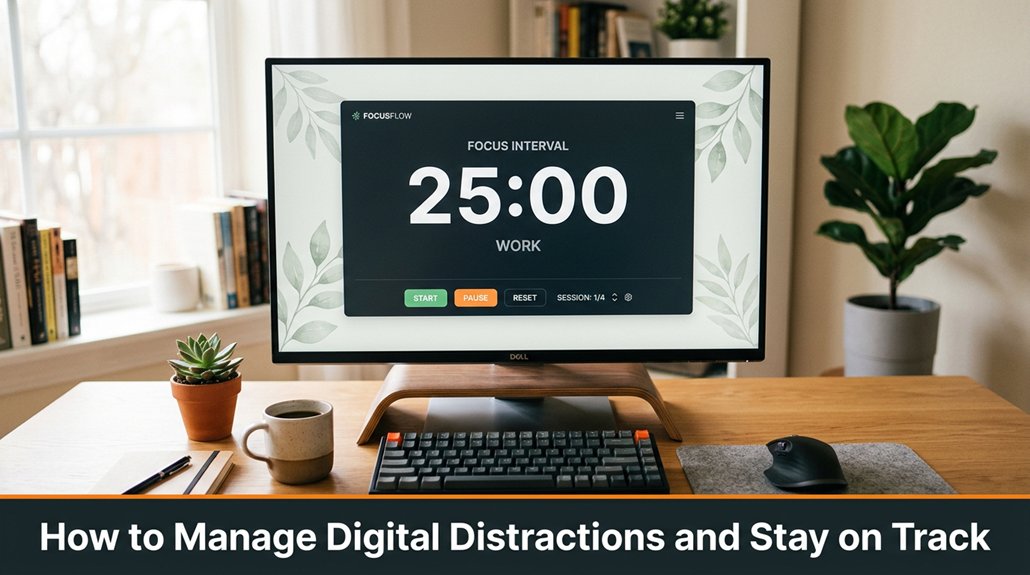
Managing digital distractions isn’t just about closing browser tabs and muting notifications; it’s about constructing a fortress of focus around your work to prevent interruptions. First, turn off non-essential notifications on your computer and smartphone. For example, disable pop-up alerts from messaging apps, news feeds, or game notifications to eliminate constant temptations. Remember, that game alert or social media ping can wait prioritizing your focus is crucial for productivity.
Next, set specific, designated times to check email and social media accounts. By establishing scheduled windows for instance, 10-10:30 a.m. and 3-3:30 p.m. you avoid the habit of task-switching and minimize distraction-driven interruptions. Use website blocker tools like Freedom or StayFocusd, which allow you to customize blackouts on distracting websites during your peak work hours. Trust me: the urge to check a quick message or scroll through feeds can be strong, but succumbing to this urge is a productivity trap that drains your time and breaks your concentration.
If your smartphone is constantly buzzing with notifications from messaging apps, social media, or news sources, put it on Do Not Disturb mode or turn it face down on your desk. Position it in a way that you can’t see incoming alerts easily, reducing the temptation to pick it up impulsively. Studies show that even the presence of a phone within sight or reach can diminish your attention span and cognitive performance.
Long story short: actively controlling your digital environment is essential. You need to set boundaries and establish routines to resist digital temptations. If you don’t, your digital world will seize control, and before you know it, it could be 3 p.m., and you may have done nothing but scroll through social media feeds.
Effective management of digital distractions requires deliberate effort and consistent habits, but in the end, it allows you to maintain focus, work efficiently, and accomplish your goals.

When you’re trying to carve out focused work time in a household full of distractions, the last thing you want is for your family’s routines to derail your day, even if they don’t realize it. Set clear boundaries early by communicating your schedule this includes your “urgent work” hours and ask for their respect during those times. Explain to family members what you need and why whether it’s being unavailable between 9 a.m. and 11 a.m. or during specific chores so they understand that your focus is essential.
Use physical cues to reinforce these boundaries. For example, hang a “Do Not Disturb” sign on your door or close your door completely when you need undisturbed work time. Consistency is key; if you’re flexible today, your family might test your boundaries tomorrow. Firm, predictable reactions help establish a routine that others can expect and respect.
Remember, boundaries aren’t just about silence they’re about setting clear expectations for respectful behavior. If you want your household to support your work efforts, it’s vital to be explicit about what types of interruptions are acceptable and which are not, especially during crucial periods of concentration. Establishing workplace boundaries can help you maintain focus and be more productive. This proactive communication makes it easier for everyone to collaborate and minimizes misunderstandings.
Let’s face it: building a routine that actually helps you focus isn’t as simple as waking up, opening your laptop, and calling it a day. You’ve probably already tried to start work at 8 a.m., only to be distracted by your phone, the cat, or that sock on your chair.
Here’s the thing: consistency is your best friend. Choose specific start and break times each day such as beginning work at 8:30 a.m. and taking a 10-minute break at 11 a.m., even if you’re working flexibly.
Setting clear, regular schedules helps your brain establish patterns, reducing decision fatigue and minimizing distractions.
In addition, create a daily “transition ritual” such as a quick 2-minute stretch, brewing a fresh cup of coffee, or organizing your notes in a dedicated notebook or digital app like Evernote or OneNote.
Stick to this ritual consistently every time you begin work. Your brain will recognize the signal and associate it with focused effort, rather than chaos or procrastination.
Establishing a routine involves creating recognizable cues that signal your shift into work mode. For example, turning on a specific desk lamp set to a warm 3,000K LED bulb, or playing a particular playlist of instrumental music.
These small yet deliberate actions help your mind associate these signals with transition, so you can switch into concentration more smoothly and reliably. Incorporating natural light and biophilic elements into your workspace can further reinforce this focus, creating an environment that promotes calmness and reduces stress.
There’s no sugarcoating it: you can’t just set your alarm for 8 a.m., open your inbox, and expect to stay on top of everything without a clear plan. You need to get serious about time management to maximize your productivity while working from home.
First, block your day into specific chunks reserve mornings for deep work tasks like project development, and dedicate afternoons to emails or meetings. Use a timer to structure your work sessions set it for 45 minutes of focused work followed by a 10-minute break. This technique helps maintain concentration and prevents burnout.
The toughest part is sticking to this schedule consistently, so establish a routine that works for your energy levels.
Next, set clear daily priorities by writing down the three most important tasks that must be completed before the day ends. This focus prevents your to-do list from becoming overwhelming and keeps you aligned with your goals.
Avoid multitasking, as it reduces overall productivity and increases errors. Concentrate on one task at a time, and give it your full attention before moving on to the next.
Finally, review your day each evening by reflecting on what you accomplished and identifying areas for improvement. This practice allows you to adjust your strategies to stay efficient and accomplish more in less time.
Establishing an ergonomic workspace is also crucial, as it supports your physical well-being and helps sustain focus throughout your workday.
Distractions at home can feel like those pesky Wi-Fi dead zones your work just stalls no matter how much you try to power through. You might find yourself 45 minutes into assembling furniture when you realize step 4 assumed something that step 2 never mentioned.
First, silence your phone. There’s no need for explanations here; notifications from social media apps, emails, or messaging platforms are the biggest disruptions to concentration.
Next, set clear boundaries with family members or roommates. Although they’re “home,” it doesn’t mean you have a free pass to be interrupted whenever. Communicate your work schedule and ask for designated quiet times to minimize interruptions.
Now, tackle background noise using noise-canceling headphones, such as Bose QuietComfort 45 or Sony WH-1000XM5, can significantly improve your focus by blocking out ambient sounds. If headphones aren’t an option, a fan or white noise machine can mask distracting sounds effectively.
Environmental clutter is sneaky it’s easy to overlook the impact of a cluttered workspace on focus. Clear your desk of unnecessary items like loose papers, unused stationery, or empty coffee mugs.
Specifically, keep only the essential work tools, such as your laptop, a comfortable mouse, a notepad, and a pen. When your view is free from clutter, your brain perceives the space as more organized and less overwhelming, helping you stay engaged longer.
If your dog’s incessant barking or other pet noises interfere with your concentration, don’t hesitate to use background music preferably instrumental or ambient tracks or white noise. Playing music on a quality set of speakers, like Sonos One or JBL Charge series, can help create a consistent auditory environment that blocks out disruptive sounds while maintaining a calm atmosphere conducive to focus.
Implementing these specific strategies can turn your home work environment into a more productive space, helping you maintain concentration despite everyday distractions.
Alright, creating a distraction-free home office is like building a tiny island in a stormy sea. You clear the clutter, set boundaries, and anchor firmly with routines and tools. Sure, some days you’ll hit waves your kid’s art project or a sudden email storm. But with your focus as your lighthouse, you’ll steer through it. Remember, it’s about steady navigation, not perfection. Now, go claim that calm workspace you’ve got this.





