Physical Address
304 North Cardinal St.
Dorchester Center, MA 02124
Physical Address
304 North Cardinal St.
Dorchester Center, MA 02124

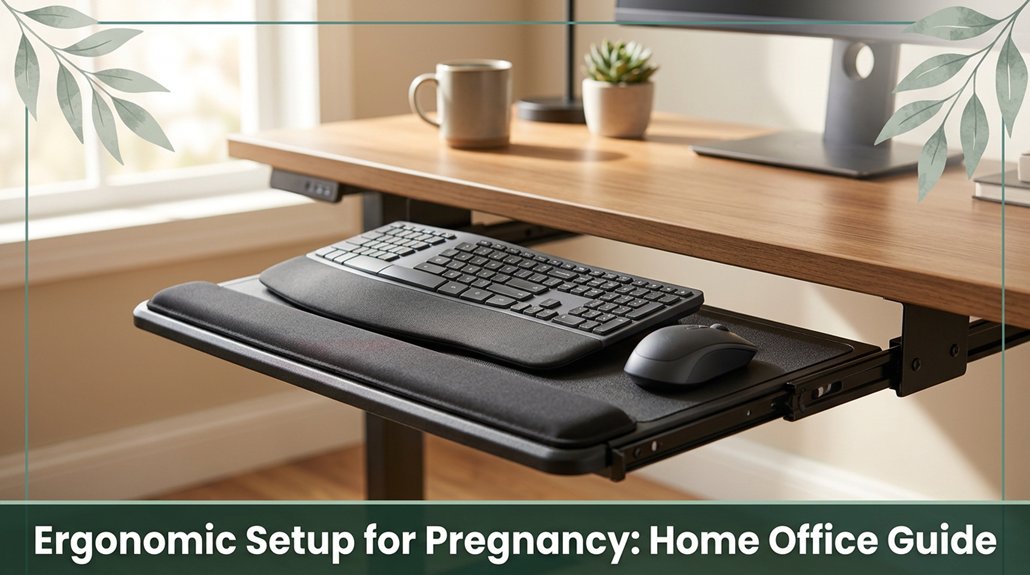
If you’re pregnant and stuck at a desk, you need to tweak your setup so your body stays happy. Your chair should support your lower back with adjustable lumbar support, and your feet should be flat on the floor with knees at 90 degrees no squishing thighs or feeling like your belly’s going to spill over.
Keep your monitor just below eye level, and position your keyboard so your elbows stay comfy at 90. Stay moving, stretch a bit and trust me, as your bump grows, your setup will need a few tweaks, and I’ll show you how.
This article contains affiliate links. If you purchase through them, I may earn a small commission at no extra cost to you. I only recommend products I genuinely believe in.
Since you’ll probably spend a significant part of your day seated at your desk, it’s easy to overlook how much your posture and how you set up your space matters when you’re pregnant. You want an ergonomic setup pregnancy that keeps you comfortable and prevents pain.
According to OSHA ergonomic guidelines, pregnancy hormones loosen ligaments, making your back, neck, and shoulders more vulnerable to strain. This is especially true if your posture isn’t properly aligned. Hormonal changes can also cause increased joint flexibility, which may lead to instability and discomfort if your workspace isn’t supportive.
An ergonomic chair with lumbar support helps keep your lumbar spine in its natural lordotic curve, reducing disc pressure and the risk of lower back pain. Adjusting your desk height so that your forearms are parallel to the ground (approximately 90 to 100 degrees at the elbows) ensures proper shoulder and wrist alignment.
Taking micro-breaks every 20 to 30 minutes can prevent stiffness and improve circulation. Using footrests and alternating between sitting and standing every 30 minutes can maintain healthy blood flow and reduce swelling, which is common during pregnancy.
Incorporating proper postural alignment principles ensures that your muscles and joints remain in optimal position, reducing strain. Ultimately, the right workspace setup isn’t a luxury; it’s essential. Proper ergonomic design is key to keeping you and your bump comfortable, safe, and healthy throughout your pregnancy.
All right, let’s talk about how you can set up your home office desk and chair so you actually feel good doing your work because if your lower back isn’t complaining by mid-morning, I’ll eat my hat. First, pick a chair with lumbar support that you can adjust; according to OSHA ergonomic guidelines, reduced lower-back pain is worth it.
Make sure your seat height allows your knees to bend at approximately 90°, which helps prevent thigh pressure and promotes proper circulation. Having your feet flat on a footrest or the floor ensures optimal lower limb blood flow and comfort.
Your seat should have enough room for your belly, with features like a cut-out or adjustable depth to avoid thigh pressure and accommodate pregnancy-related changes. Armrests should keep your elbows at a 90° angle, reducing strain on your shoulders and neck.
Additionally, position your monitor slightly below eye level about 15 to 20 degrees downward to prevent neck and cervical strain, according to research on spinal biomechanics. Incorporating proper lumbar support can further prevent back pain by maintaining the natural curve of your lower back during extended periods of sitting.
Your monitor and keyboard might be the least glamorous parts of your setup, but they’re just as important for keeping you comfortable especially during pregnancy. Trust me, I’ve been there. You want the top third of your screen at or just below eye level, so your neck remains in a neutral position avoiding unnecessary turning or cervical strain.
According to OSHA ergonomic guidelines, maintaining this eye level helps reduce neck discomfort and promotes better cervical spine alignment. Keep your monitor about an arm’s length away, around 50–70 cm (which helps prevent eye strain and minimizes that relentless forward head tilt).
Research on spinal biomechanics suggests that maintaining this distance helps you focus without overreaching or leaning forward. Tilt the screen up 10–20°; research indicates that this downward tilt reduces glare and cervical extension, decreasing the risk of thoracic kyphosis and neck pain. Your keyboard should sit directly in front of you, with your elbows bent at approximately 90° meaning your forearms are parallel to the ground.
Using a riser or adjustable stand is especially helpful as your belly grows during pregnancy. Many ergonomists recommend elevating the keyboard and mouse to keep wrists in a neutral position, which can help prevent carpal tunnel syndrome and wrist strain. Incorporating proper support for your lower back can further reduce discomfort during long hours of work. Ensuring your workspace is well-organized and adjusted for comfort can make a significant difference as your body changes.
Let’s talk about small, deliberate movement, because honestly, it’s the secret to staying comfortable. You’ve probably felt that sensation where your neck is totally fine until hour three, and then it’s like, nope, not anymore.
According to OSHA ergonomic guidelines, taking micro-breaks every 8 minutes can help prevent discomfort. Just 30 seconds of stretching or light movement is enough to energize your calves and keep blood flowing. Incorporating regular movement intervals into your routine helps maintain circulation throughout the day.
Switch between sitting and standing often; start with 15 minutes standing per hour, as research on spinal biomechanics suggests. Remember to shift your weight, use a footrest, and perform calf raises to prevent swelling in the lower limbs and reduce pressure on the lumbar and sacral regions.
Keep your shoulders relaxed, head upright, and avoid leaning forward (which puts extra strain on the cervical and thoracic spine). Tiny adjustments might seem minor, but they add up to a much happier, more comfortable workday.
Incorporate these small practice strategies to maintain spinal health and reduce discomfort caused by prolonged sitting.
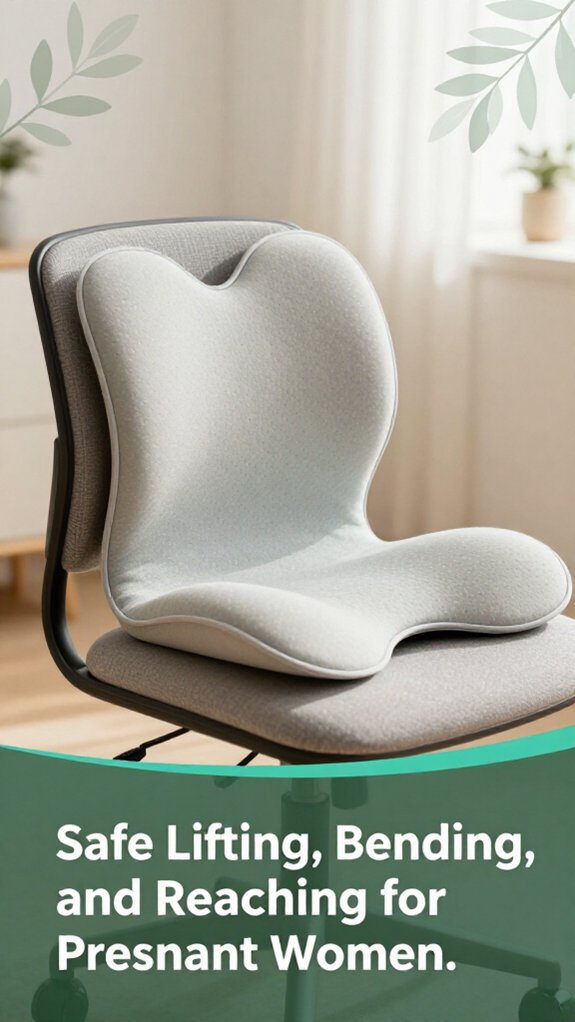
Number one on your list for staying comfortable while pregnant and working is mastering the art of safe lifting, bending, and reaching. Trust me, it’s all about preventing unnecessary strain your lumbar, thoracic, and sacral spine, as well as your shoulders and your growing belly, will thank you.
Keep objects under 20 pounds; if it’s heavier, get help or use tools like carts, dollies, or ergonomic lifting devices, according to OSHA ergonomic guidelines. When bending, bend at your knees and hips rather than your waist think of sitting back into a chair to reduce lumbar strain.
Keep loads close to your body to minimize stress on your back and shoulders. Exhale as you lift or bend, which helps activate core muscles and stabilize your spine, per Mayo Clinic recommendations.
Avoid twisting your torso during lifting or reaching, as research on spinal biomechanics suggests this movement increases the risk of injury, especially during pregnancy.
For reaching, keep objects within arm’s length no helicopter arms needed to avoid overextending muscles and joints. Use stools, step ladders, or adjustable surfaces for higher shelves instead of overstretching or balancing on tiptoes.
Your goal is moving smarter, not harder, so you stay comfortable and safe all day long. Additionally, being aware of ergonomic principles can further help you reduce strain and maintain good posture as your pregnancy progresses.
When it comes to creating a cozy, healthy home office, lighting, temperature, and noise mightn’t seem like the most exciting aspects of setup, but trust me, they’re game-changers especially if you’re pregnant. You’ve probably noticed how harsh overhead lighting can cause eye strain, or how a room that’s too hot or cold disrupts your focus and comfort.
According to Mayo Clinic recommendations, maintaining a comfortable environment supports better concentration and reduces physical stress.
Maintaining a comfortable environment enhances focus and alleviates physical stress during pregnancy.
Here’s what you can do:
Maintaining proper workspace ergonomics also plays a vital role in preventing physical discomfort and supporting overall health during pregnancy, so pay attention to your body’s signals and adjust your setup accordingly. Your environment should support your body’s needs, particularly considering pregnancy-related comfort and health. Proper lighting, temperature, and noise control can significantly enhance your focus, reduce discomfort, and promote overall well-being in your home office.
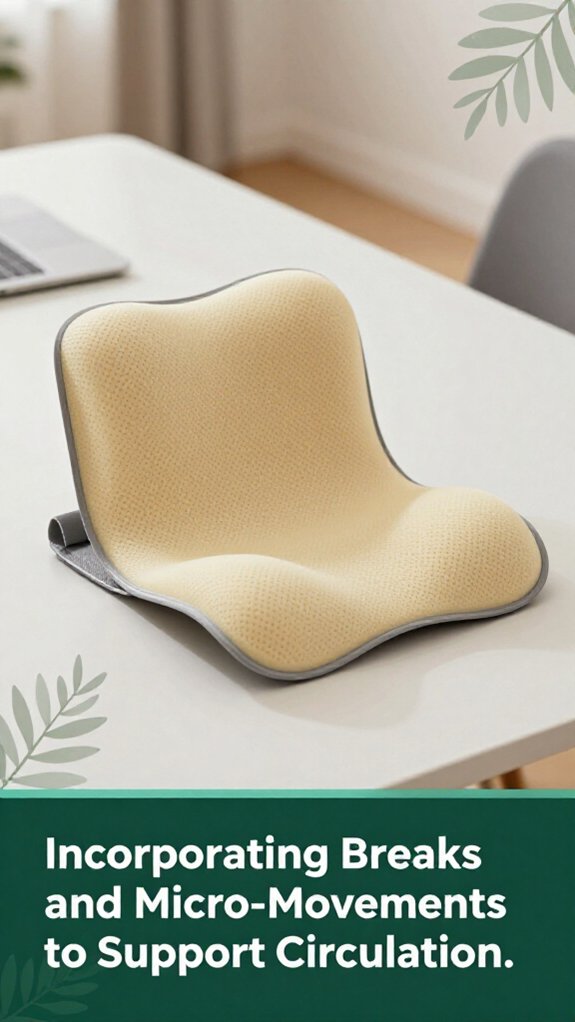
All right, you probably know that sitting for too long makes your legs feel like balloons and your back start to protest louder than your inbox on a Monday morning.
Here’s the thing: taking tiny breaks every 30 minutes is a game changer. A quick 1-2 minutes of simple movements, like ankle pumps or seated marches, boosts circulation and cuts swelling per Mayo Clinic recommendations. Additionally, a five-minute break every hour can reduce discomfort by up to 30 percent.
Standing and performing light stretches such as calf raises or hip abductions help keep blood flowing and prevent that sluggish, heavy feeling in your lower limbs and lumbar region.
The magic lies in keeping your muscles engaged even briefly, which research on spinal biomechanics suggests can enhance circulation. Regular micro-movements are small but effective; they can lower the risk of blood clots, fight fatigue, and make your workday significantly more comfortable and manageable.
As your pregnancy progresses, your home office setup needs a bit of a makeover think of it as giving your workspace a little TLC, like tending a garden that’s blossoming in new directions.
All right, now it’s all about staying comfy and preventing those annoying aches such as sciatica, neck stiffness, or wrist discomfort from creeping in during long work hours.
Focusing on ergonomic adjustments can improve your comfort and support your body’s changing needs as pregnancy advances.
You can prevent varicose veins by moving around often like every 30 minutes because staying static makes blood pool in your legs.
Use a footrest, sit slightly tilted, and do calf raises or ankle circles to pump that blood back up.
Wear compression stockings, stay hydrated, and elevate your feet during breaks.
All these little habits help keep the blood flowing and prevent those pesky veins from showing up.
You should do gentle neck and shoulder rolls every hour to melt tension and keep your posture happy.
Add upper back stretches, pelvic tilts, and seated leg extensions they’re like a little tune-up for your muscles.
Don’t forget ankle circles and foot pumps to boost circulation.
All right, this mix keeps your core engaged, relieves back pain, and makes standing all day feel a bit less like a workout.
Choosing the safest chair and desk for pregnancy comfort is like finding the perfect dance partner you want stability, flexibility, and support.
You need an adjustable chair with lumbar support at the sacral level, a seat that doesn’t cut off circulation, and a swivel base for easy movements.
Pair it with a sit-stand desk that’s adjustable, keeps your elbows at a comfy angle, and minimizes reaching.
All right, now, sit back, relax, and get comfy!
You should try low back stretches like the pelvic tilt or gentle cat-cow. These moves loosen tight muscles and help realign your spine, easing that dull, persistent ache.
All right, I get it standing all day or hunching over your laptop can turn your back into a cramping mess. These stretches target the lumbar area, counteracting strain, and when done regularly, they’re like giving your back a little happy hour after work.
You should jack up your workspace as your belly grows don’t wait for discomfort to hit, or you’ll likely struggle later.
Use adjustable-height desks, stack books under your monitor or keyboard, and add a footrest to keep everything at the right angle.
All right, your hips and back will thank you because this keeps your posture aligned, reduces strain, and honestly makes working in those third-trimester jeans a little easier.
All right, you’ve got the setup figured out and your body’s probably feeling a bit more comfortable at least for now. But let’s be honest, as your pregnancy progresses, everything’s going to shift the chair that was just right might start to feel a little too tight, the monitor height will need tweaking, and your movement needs will change. Keep listening to your body. Trust me, a little attention now, and you’ll be dodging discomfort like a pro when it really counts.





