Physical Address
304 North Cardinal St.
Dorchester Center, MA 02124
Physical Address
304 North Cardinal St.
Dorchester Center, MA 02124

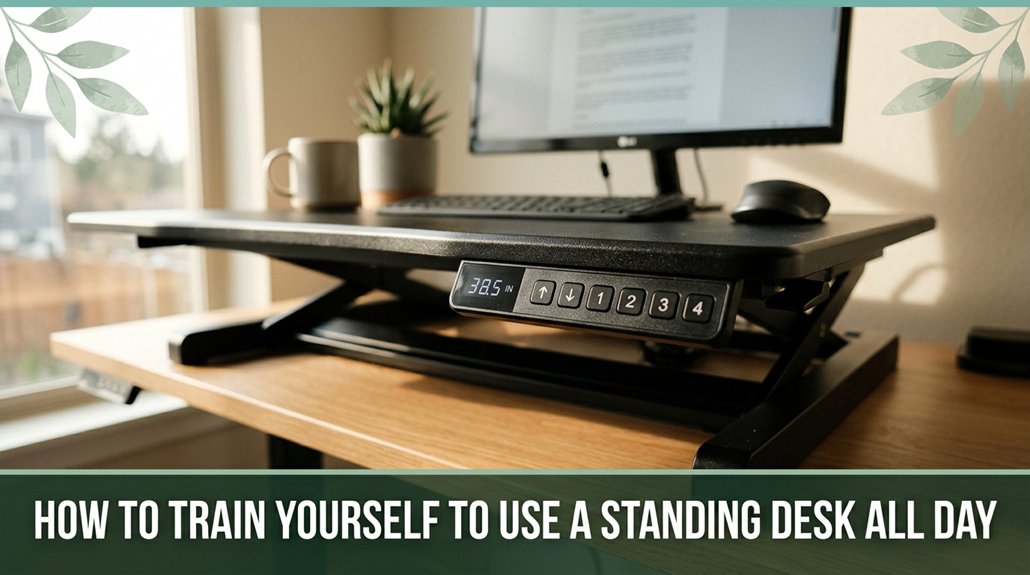
Look, I get it you want to be able to stand all day without feeling like a rusty machine. The key is gradually building your routine: start with short 20-minute standing breaks every couple of hours, and use reminders to stay accountable.
Make sure your workspace is ergonomic screen at eye level, elbows at 90°, and a comfy anti-fatigue mat helps. Listen to your body; if your lower back or legs start to complain, shift and adjust. Stick with it, and you’ll master standing comfortably without misery. Want tips on perfecting your setup? Keep going.
This article contains affiliate links. If you purchase through them, I may earn a small commission at no extra cost to you. I only recommend products I genuinely believe in.
Alright, building a standing desk routine might seem a little intimidating at first, like trying to learn a new dance step. But trust me, you don’t need to leap into full-on stand-up mode right away.
When you’re figuring out how to start using a standing desk, begin with manageable chunks about 20 minutes every 2 hours of sitting. Using a timer or desk reminder can help ensure you don’t forget or get too comfortable sitting. An anti-fatigue mat helps keep your feet, knees, and lower back comfortable, especially during early standing periods.
Start with 20-minute standing intervals every 2 hours, and use reminders to build comfort gradually.
Keep your elbows at approximately 90°, which aligns with ergonomic recommendations, and position your computer screen at eye level to prevent neck and thoracic strain these are key to avoiding cervical and upper back discomfort. Remember to monitor height so you can adjust your screen to eye level for optimal comfort.
Research on spinal biomechanics suggests that maintaining proper lumbar and thoracic support reduces the risk of developing postural issues like kyphosis or sciatica. Track your standing minutes daily to gradually build endurance and comfort.
Steady progress is more sustainable than aiming for perfection. Remember, the goal is to create a manageable, safe routine that promotes healthier posture and minimizes musculoskeletal strain.
One of the biggest wins for your comfort when setting up a standing workspace is nailing the right desk height and elbow alignment. You want your elbows at roughly 90°, with forearms parallel to the floor, which helps maintain proper shoulder and wrist posture and reduces strain, according to OSHA ergonomic guidelines. Think of it as your arms hugging your sides, not shrugging up or reaching forward. To get this right,:
All right, do this, and you’re less likely to wake up feeling like you’ve been doing bicep curls all day. Additionally, incorporating movement and alternating between sitting and standing can improve blood flow and overall comfort during long work hours.
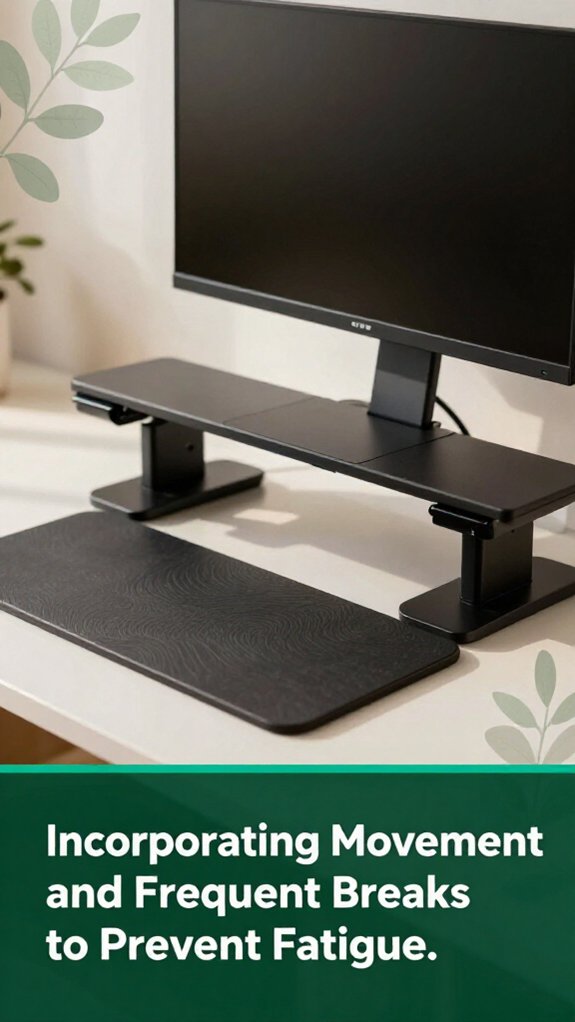
When you’re on your feet for a while, you probably start to feel that dull, nagging fatigue creeping into your legs and lower back like your lumbar, sacral, or dorsal muscles are begging for a break.
According to OSHA ergonomic guidelines, this sensation indicates muscle fatigue that can potentially lead to musculoskeletal discomfort if unaddressed.
Muscle fatigue from prolonged standing can lead to discomfort if not addressed promptly.
Research on spinal biomechanics suggests that taking micro-breaks every 20–40 minutes can help reduce static muscle load and lower fatigue. Although it may seem like a lot of fuss, it’s simple: just shift your weight or perform calf-raises for 20–30 seconds every 10–15 minutes.
Incorporating regular movement these small actions also support maintaining your ergonomic posture and flexibility, which are essential for preventing stiffness and long-term musculoskeletal issues.
These movements boost circulation in the lower extremities, such as the calves and thighs, and prevent discomfort related to prolonged static postures.
During longer breaks, make sure to walk around or stretch your torso, neck, and shoulders. This helps relieve tension in your thoracic and cervical regions, promoting overall spinal health.
Your body will thank you, and maintaining regular movement will help keep your energy steady throughout the day.
Keeping things comfortable while you stand isn’t just about good shoes or shifting weight. It’s about having the right tools in your corner. Trust me, I’ve been there, feeling those foot aches after a few hours. Here’s what really helped:
1. Anti‑Fatigue Mat: It reduces foot pain and encourages tiny movements that boost circulation especially if you’re standing on hard floors. Thicker mats are better if you’re in it for the long haul, according to OSHA ergonomic guidelines. Material durability also plays a role in ensuring the mat maintains its supportive properties over time.
These tiny movements prevent stagnant blood flow and reduce fatigue, which can help prevent the development of musculoskeletal discomfort in the lower extremities.
2. Adjustable Footrest: Elevates your feet, easing pressure on your lumbar, sacral, and knee joints. It also encourages dynamic movement, which is highly beneficial during prolonged standing periods.
Many ergonomists recommend a footrest set at an angle of approximately 15-20 degrees (which promotes proper posture and reduces lower back strain). Using an adjustable footrest can help maintain spinal alignment and reduce risks of conditions like sciatica.
3. Monitor Arm/Height Mount: Keeps your computer screen at eye level, approximately 20-30 inches away and aligned with your natural line of sight. No more craning or neck fatigue your cervical and thoracic spine remain neutral and supported.
According to Mayo Clinic recommendations, maintaining a monitor height at eye level helps prevent neck strain and reduces the risk of thoracic kyphosis over time.
Listening to your body might sound intuitive, but it’s surprisingly easy to ignore those signals until they scream sometimes literally after hours of standing. According to OSHA ergonomic guidelines, signals like lower back tightness and leg discomfort are indicators that your posture or movement patterns need adjustment.
Proper support and setup are essential in preventing these discomforts from developing into more serious problems. All right, here’s the trick: keep checking in. Use a wearable device to track your standing duration, or glance into a webcam app to catch posture issues like forward head tilt, which can contribute to cervical strain.
Listening to your body alerts you to necessary posture adjustments during long standing sessions.
Micro-movements such as calf raises, ankle circles, and shifting your weight help reduce muscle fatigue. The key is to adjust gradually start with small blocks of movement, but listen if pain or discomfort, like sciatica or lumbar strain, kicks in. The goal? Keep it pain-free while maintaining awareness of your body’s signals. Remember, your body is the real boss here, guiding you toward healthier standing habits.
Foot and leg fatigue can sneak up on you when you’re least expecting it, especially if you’re standing on a hard surface all day. I get it you’re standing, trying to focus, then suddenly, your calves feel like baked spaghetti. According to OSHA ergonomic guidelines, using an anti-fatigue mat can help alleviate this discomfort by reducing pressure on the lumbar and lower limb muscles.
Shifting your weight every 10–15 minutes is key. This practice helps keep circulation moving and keeps your calves and lower extremities comfortable, which may reduce the risk of developing muscle strain or venous insufficiency. Proper footwear also matters think cushioned shoes or fitting into supportive insoles, as many ergonomists recommend to provide stability and absorb shock during prolonged standing.
If your standing desk isn’t at the correct height or you’re not balancing your stance, you may develop musculoskeletal issues such as lumbar or sacral strain. Keep your feet supported by a sturdy, non-slip surface, and ensure your desk height allows your elbows to be at a 90-degree angle, according to Mayo Clinic recommendations. Using a high-density, anti-fatigue mat can further improve comfort and support ergonomic features, especially in environments where you stand for extended periods.
Shifting your stance periodically and wearing supportive shoes are crucial to preventing discomfort and promoting better posture.
You can gradually increase your standing time by listening to your body. All right, when you start feeling discomfort like your lower back or calves whining take a step back and cut the standing interval down a bit.
Over days, up it slowly, maybe adding five minutes each week. Keep moving, stretch, and don’t forget to shift weight or do calf raises.
Your muscles and joints will thank you, eventually feeling stronger and less cranky.
Your best bet for prolonged standing? Think of your shoes like a trusty sidekick supportive, flexible, and ready.
Go for shoes with a rigid shank or supportive midfoot, at least a 2 cm cushioned midsole, and a rocker-bottom sole to shift weight.
Wide toe boxes prevent swelling.
And don’t forget, removable orthotics or insoles with arch support boost comfort.
All right, keep your feet happy, and your back will thank you later!
You’ll know your setup’s ergonomic if your elbows are at about 90–110°, your monitor’s at or just below eye level, and your screen’s about arm’s length away.
Your wrists should stay straight while typing, and your shoulders relaxed, not shrugged.
If you find yourself leaning or your neck straining, that’s a sign something’s off.
Basically, your body should feel comfortable, not like it’s fighting against your workspace.
You should take longer breaks every 60 to 90 minutes of work, buddy. Trust me, your legs, back, and brain will thank you.
After about an hour, standing gets tiring muscles need a breather. Head to the break room or do some light stretching for 10-15 minutes.
Basically, listen to your body; if you start feeling discomfort or stiffness, it’s time for a longer pause.
You can prevent lower back and knee pain by thinking of your body as a well-balanced seesaw.
All right, keep your desk at elbow height, so you don’t hunch forward or slump, and switch positions every 30-60 minutes.
Micro-movements, like shifting weight or taking brief walks, keep blood flowing.
Support your feet firmly on an anti-fatigue mat and wear comfy shoes because, let’s face it, standing all day shouldn’t feel like a workout class.
Alright, so think of your standing desk routine as training a wild puppy patience, consistency, and plenty of breaks. You’ll stumble, adjust, and maybe even swear a little, but soon enough, your body will start to thank you. Remember, it’s all about listening to that little voice in your back telling you when to sit or stretch. Stick with it, and you’ll find your balance, avoiding the chaos of trying to stand all day like a human stork.





