Physical Address
304 North Cardinal St.
Dorchester Center, MA 02124
Physical Address
304 North Cardinal St.
Dorchester Center, MA 02124

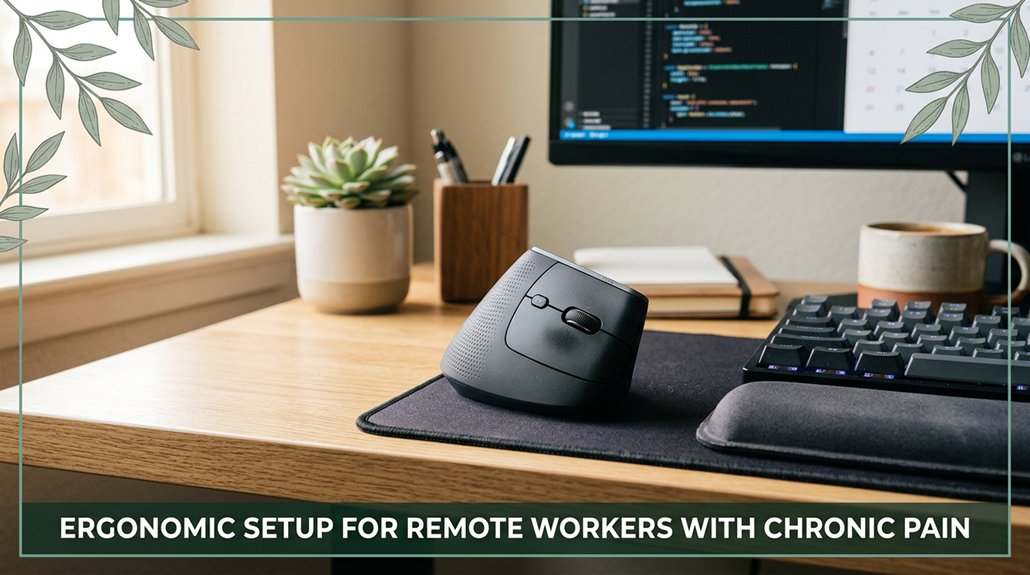
Your lower back or shoulders start screaming after hours of sitting? That neck tension creeping in? Your workspace needs to support your body, not fight against it. Use an adjustable chair with lumbar support, keep your monitor at eye level, and switch between sitting and standing with a height-adjustable desk.
Make sure your elbows stay at 90 degrees, and take short breaks trust me, your body will thank you for it. Keep going, and you’ll discover even more ways to feel better while you work.
This article contains affiliate links. If you purchase through them, I may earn a small commission at no extra cost to you. I only recommend products I genuinely believe in.
Alright, let’s be honest you probably never thought about how your chronic pain might be secretly sabotaging your perfectly “ergonomic” setup, but here’s the thing: pain isn’t just a feeling; it’s a signal that your body’s asking for a little extra help.
According to OSHA ergonomic guidelines, pain indicates that your workspace may need adjustments to better support your anatomy.
When you have chronic pain, your ergonomic setup needs to be tailored, not just “good enough.” For instance, if you’re dealing with lower-back pain, you’ll want lumbar support whether it’s a cushion or a built-in feature to keep your lumbar spine in alignment.
Research on spinal biomechanics suggests that proper lumbar support can reduce strain on the sacral and lumbar regions, which is crucial for those with existing lower back issues.
Seat depth also matters. You should aim to have 2 to 3 fingers roughly 1 to 1.5 inches between the edge of the seat and your behind, to prevent sciatic nerve pressure that can exacerbate sciatica symptoms.
Many ergonomists recommend adjusting your seat depth so your thighs rest comfortably without pushing against the edge, promoting better circulation and reducing discomfort. Personalized workspace adjustment is pivotal when managing chronic pain, as individual differences in body dimensions require customized ergonomic adjustments to effectively alleviate discomfort.
Armrests should be adjustable so your shoulders stay relaxed. Keeping your shoulders in a neutral position helps prevent rotator cuff strain and thoracic kyphosis, which can worsen with improper arm support.
Correct armrest height ensures your elbows are roughly at a 90-degree angle (per Mayo Clinic recommendations), supporting the upper limbs without excessive shoulder elevation.
It’s not just about comfort; it’s about preventing pain from turning into a long-term disability or a persistent office saga.
The right ergonomic furniture is like having a good buddy who knows just when to step in and make things more comfortable. You want what supports your body, not what fights against it. Here’s what you need:
1. An adjustable chair with lumbar support that follows your spine’s natural curve and breathes with mesh or foam cushioning. According to OSHA ergonomic guidelines, lumbar support helps maintain the lower back’s proper alignment and reduces the risk of lumbar strain or disc herniation.
2. A height-adjustable desk that you can switch between sitting and standing preferably every 30 to 45 minutes, if you can. Making these adjustments helps prevent prolonged static postures that can lead to musculoskeletal discomfort.
3. Desks with rounded edges are recommended to keep your wrists in a neutral, relaxed position, reducing the risk of wrist strain and conditions like carpal tunnel syndrome.
4. A monitor arm or stand that brings your screen to eye level so your neck stays neutral and flexion is minimized. Research on spinal biomechanics suggests that keeping the monitor at eye level helps prevent cervical strain and reduces the likelihood of developing thoracic kyphosis or neck pain.
5. An ergonomic keyboard and mouse, such as a split keyboard or vertical mouse. These tools help minimize strains on your forearms and wrists, keeping them in a friendly, natural position.
According to Mayo Clinic recommendations, such ergonomic accessories can help reduce the risk of repetitive strain injuries, including tendinitis and median nerve compression.
6. Incorporating ergonomic chair designs without armrests can provide excellent support while allowing easier movement and quick adjustments, particularly beneficial for those with limited space or seeking greater mobility in their setup.
While this furniture isn’t magic, it significantly improves workplace comfort and reduces the risk of musculoskeletal pain.
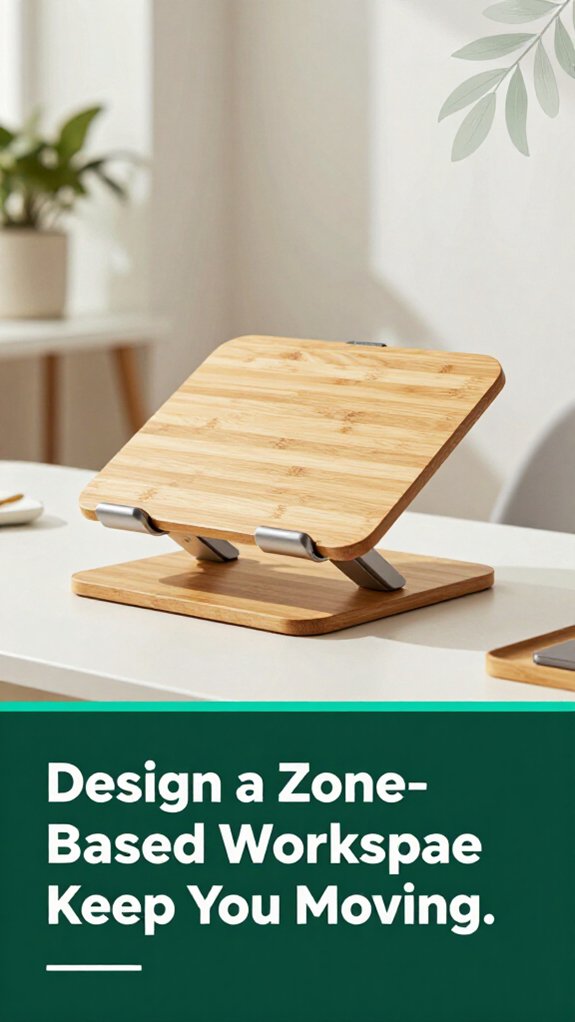
When you’re working at your desk, it’s easy to forget that movement is actually your best friend. According to OSHA ergonomic guidelines, many people spend hours glued to their chairs, reaching for objects that are too far away, which can contribute to musculoskeletal strain.
Your workspace should be divided into zones to promote movement and reduce discomfort. Poor ergonomic design can lead to increased muscle tension and fatigue, making it even more important to incorporate movement into your routine. Proper adjustments, such as monitor height and chair support, are essential for a comfortable and productive working environment.
Zone 1 contains your main tools keyboard, mouse, and primary monitor that should be within arm’s reach, ensuring your elbows stay at roughly 90 degrees (which helps maintain healthy shoulder and wrist posture). Keeping these items close minimizes the risk of repetitive strain injuries like carpal tunnel syndrome.
Zone 2 holds items you need occasionally, such as reference materials or your phone. These should be placed just a bit higher or farther than your main zone but still within close reach to prevent over-stretching your arms or back. This placement encourages ergonomic movement and reduces the risk of thoracic kyphosis due to prolonged poor posture.
Zone 3 is for seldom-used items, which can be stored on a rolling cart or at a greater distance. Keeping rarely accessed objects out of your immediate workspace minimizes clutter and encourages intentional movement. Doing so helps prevent habitual poor postures that may lead to lumbar or sacral strain.
Finally, the floor space constitutes your movement zone where you perform standing stretches, brief walks, or posture resets. Regularly moving into this zone promotes circulation and reduces the risk of lower back pain associated with prolonged static sitting. Incorporating dynamic movement practices into your daily routine can significantly enhance your musculoskeletal health.
Look, I get it you’ve been glued to your screen for what feels like forever, and suddenly your neck starts protesting in ways that make you question your life choices. Here’s a quick fix:
Just remember, small adjustments can prevent significant discomfort over time.
According to research on spinal biomechanics, proper sitting posture supports musculoskeletal health and reduces the risk of chronic issues.
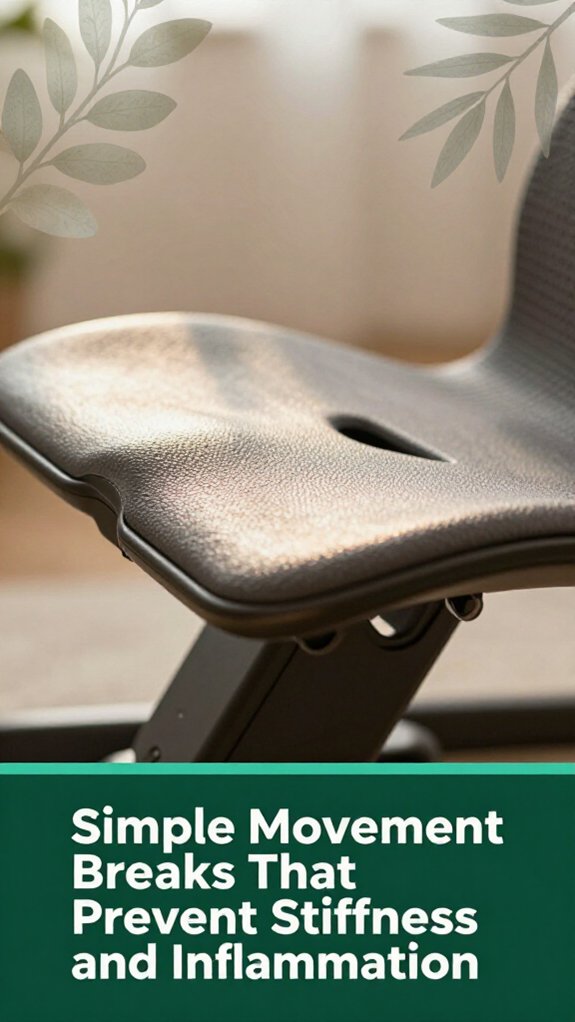
Ever feel like your muscles are protesting loudly after sitting still for what feels like forever? I’ve been there, and I get it that stiff, creaky feeling that sneaks in unnoticed. The good news? Short micro-breaks of just 20 to 60 seconds every 20 to 40 minutes can be a game changer.
According to OSHA ergonomic guidelines, these breaks help reduce static muscle loading and promote circulation, which means less stiffness and inflammation. Movement breaks, even brief ones, have been shown to significantly lower discomfort and improve overall musculoskeletal health. Standing for 1 to 3 minutes each hour decompresses your lumbar and thoracic spine and lowers fatigue.
This brief standing period can help prevent issues like thoracic kyphosis and lumbar disc compression. And don’t forget the 20-20-20 rule: every 20 minutes, look 20 feet away for 20 seconds to relax those tired eye muscles and neck tension, reducing strain on cervical muscles and nerves.
Incorporating proper ergonomic positioning into your routine can further enhance comfort and prevent strain. Adding a quick walk or some dynamic stretches for your neck, shoulders, back, and legs can further improve circulation and flexibility. According to research on spinal biomechanics, these small movements help maintain spinal health and reduce the risk of musculoskeletal discomfort.
All right, let’s talk about environment because if your workspace isn’t comfortable, no matter how good your stretching game is, you’re still fighting an uphill battle.
Here’s what you need to focus on:
All these small adjustments turn your environment into a pain-relief partner, not an enemy.
Keep these tips in mind to create a workspace that promotes comfort and supports musculoskeletal health.
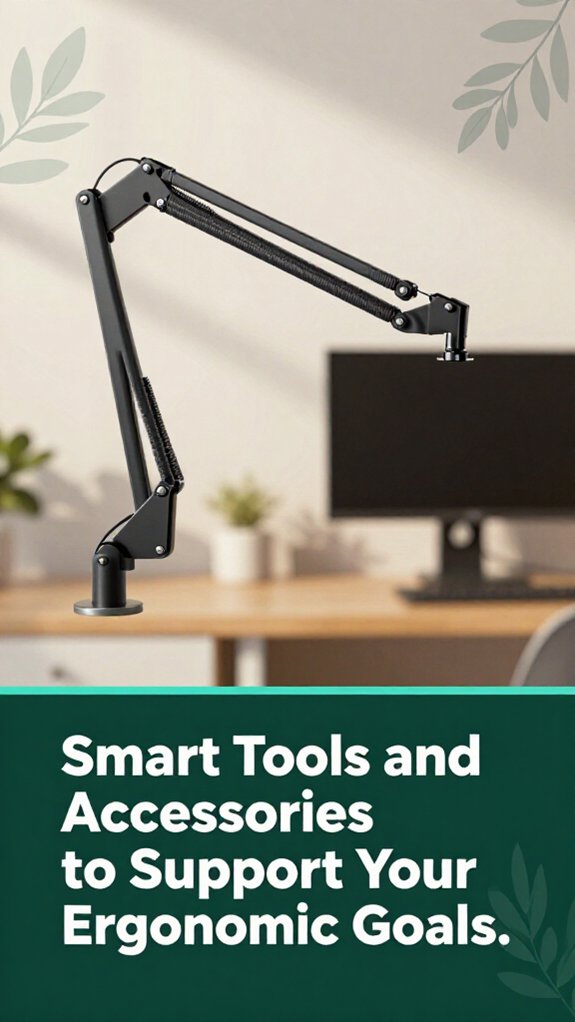
You probably realize that sometimes, all it takes is one awkward arm position or a quick glance at your screen to start feeling that familiar ache creeping in. I get it these little moments add up. That’s where smart tools come in.
For starters, height-adjustable desks allow you to shift your posture about every 30 minutes, which research on spinal biomechanics suggests can reduce lower back pain over time. According to OSHA ergonomic guidelines, changing posture regularly helps prevent musculoskeletal disorders.
Adjust your desk height every 30 minutes to help prevent back pain and improve posture throughout the day.
A vertical mouse or split‑column keyboard keeps your wrists in a more neutral, less strained position, reducing the risk of conditions like carpal tunnel syndrome. Trackballs can decrease shoulder and upper arm strain, especially for people who sit for more than 6 hours a day.
Monitor arms with 360° rotation and height adjustment put screens at your eye level, preventing cervical and thoracic kyphosis caused by craning the neck downward.
Wearables that track posture or muscle tension provide gentle reminders to move, promoting better muscular balance across the lumbar, thoracic, and cervical regions. These devices can help mitigate the development of postural imbalances and spinal misalignments.
All of these gadgets come together to make your workspace smarter and kinder to your body, supporting your ergonomic goals effectively.
Sometimes, no matter how carefully you set up your workspace, things drift out of place faster than your phone battery on a long workday. You’re tweaking settings, and suddenly your monitor’s a little lower, or your chair’s just a tad off.
Here’s the trick:
All right, just a little habit of checking in like a mini health check for your setup keeps everything comfortable.
Your body’s smarter than it seems; just give it the right support repeatedly, to prevent the development of musculoskeletal disorders such as repetitive strain injuries or sciatica.
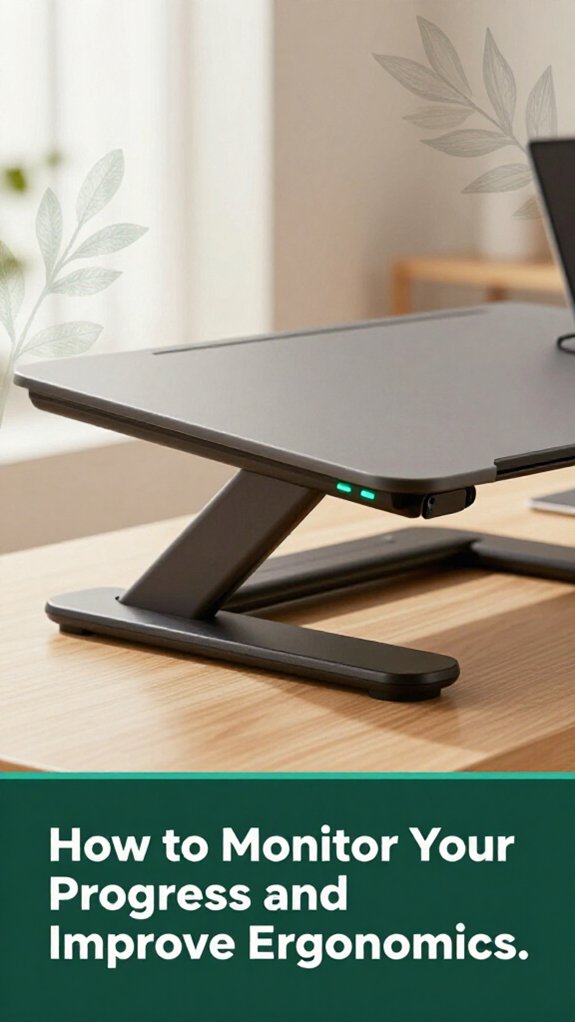
Now that you’ve got your workspace set up, the next step is figuring out if it’s actually working for you. Think of it as a daily health check-in, but for your desk life. You’ll want to track your pain levels with a quick diary app to see if they’re trending down over time. Monitoring your sitting time, noticing slouching patterns with sensors, and noting how often you take micro-breaks those tiny pauses are also important because they help reduce muscle strain and improve circulation.
Use tools like posture sensors or screen time analytics to spot patterns in your ergonomics. If your pain isn’t improving or your posture’s slipping, it’s time to tweak your setup: add lumbar support to maintain the natural curve of your lower back, adjust your monitor to eliminate neck strain, or set reminders to prompt micro-breaks.
Keep an eye on these trends over days and weeks, because steady progress matters more than perfection. Research on spinal biomechanics suggests that small, consistent changes in ergonomics can significantly reduce discomfort and prevent long-term musculoskeletal issues.
All right, so you’ve been adjusting and tweaking your workspace, but if you’re still waking up with a stiff neck or that nerve-tingling feeling in your hand, it’s time to pay attention.
Here’s when you should seriously consider professional help:
1. Pain lasts longer than 2–3 weeks despite your ergonomic fixes your body’s saying, “I need more than a DIY fix.”
According to Mayo Clinic recommendations, persistent musculoskeletal pain may indicate underlying issues that require medical evaluation.
2. You notice numbness, tingling, or significant loss of sensation in your limbs, like your hand is trying to send a secret message but can’t quite get the words out.
Research on nerve conduction suggests these symptoms could be signs of nerve compression, such as carpal tunnel syndrome or nerve impingement in the cervical or lumbar spine.
3. Sharp, shooting pain spikes during specific tasks like lifting your coffee or typing.
Such episodes may indicate nerve irritation or musculoskeletal injury that needs professional assessment to prevent further damage.
4. Your mobility decreases or stiffness interferes with your daily routine.
This could involve thoracic kyphosis or lumbar joint stiffness, which may be signs of underlying joint or muscular issues beyond just a sore back, requiring medical or physical therapy intervention.
Trust me, it’s better to check early than to wait until it’s a full-blown issue.
If any of these signs are present, seeking professional help promptly can prevent chronic pain and long-term disability.
You can customize your workspace by adjusting your chair height and lumbar support for your specific pain spots, like the lower back or neck.
Move your monitor to eye level so you don’t strain looking down or up.
Switch between sitting and standing, and use footrests or arm supports as needed.
All right, listen small tweaks make a huge difference when pain flares up; don’t be afraid to experiment.
You need cost-effective upgrades that make a difference.
All right, get yourself a monitor riser or a laptop stand twenty bucks well spent, trust me. Then, add a lumbar cushion or a rolled towel to support your lower back cheap and surprisingly effective.
Don’t forget adjustable chairs and footrests; these tiny tweaks fix posture and reduce pain fast.
Finally, take breaks, stretch, and move every 25 minutes that’s your secret weapon.
You integrate ergonomic practices by creating zones for sitting, standing, and reclining think of it as giving your workspace a little personality.
Use portable dividers or rugs to keep areas distinct, and rotate through them to avoid static pain.
Share adjustable equipment, set checklists, and schedule micro-breaks.
It’s like a dance you move smoothly from one position to another, keeping pain at bay while making the space work for you.
Absolutely, ergonomic furniture can make a real difference for fibromyalgia.
You’ll want adjustable chairs with lumbar support, so your back isn’t always screaming later.
Sit-stand desks help break up stiff muscles, and monitor arm mounts keep your neck from contracting into a painful bend.
All right, you probably already know pain flares are unpredictable, but these tweaks can help you stay a bit more comfortable, or at least make pain less relentless.
You’ll notice signs like nagging neck or lower back pain after long stretches at your desk, or muscle fatigue that won’t quit.
Maybe you feel shoulder tension from office-type postures or wrists aching after typing.
Your pain gets worse when you’re stuck in static positions or your monitor dips below eye level.
Basically, if your body’s telling you to move or adjust, it’s a sign your ergonomics are fighting back and it’s time to listen.
Alright, think of your workspace like a well-tuned instrument when all the strings are just right, you play smoothly; if one’s off, even a little, the discomfort comes knocking. You’re not just “stretching” or “adjusting” here; you’re tuning your body to work with you, not against you. Stick with this, keep listening to your aches as clues, and soon your desk setup won’t just be ergonomic it’ll be like your personal pain-free symphony.





