Physical Address
304 North Cardinal St.
Dorchester Center, MA 02124
Physical Address
304 North Cardinal St.
Dorchester Center, MA 02124

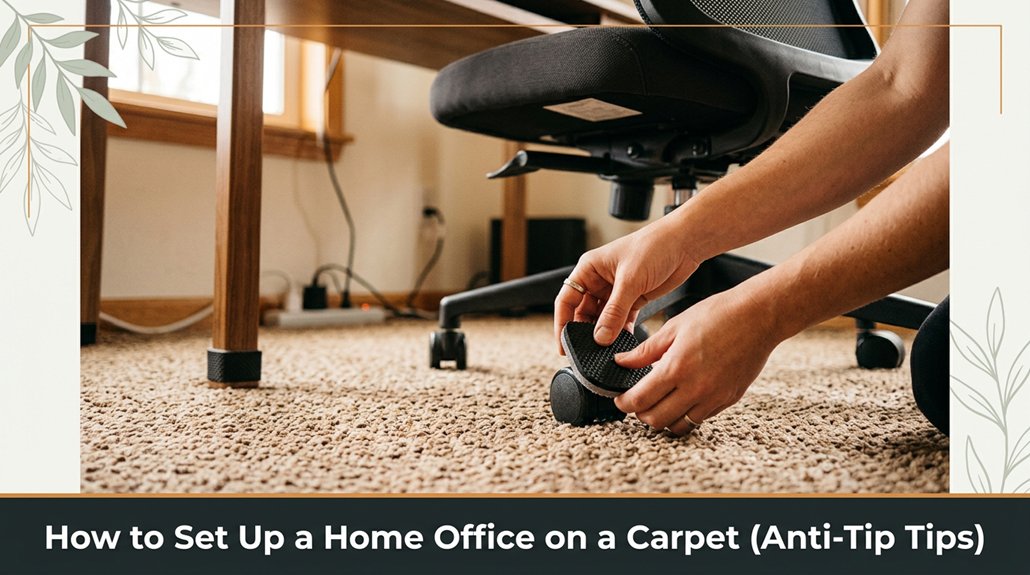
Setting up a home office on a carpet can be tricky you don’t want your furniture sliding or tipping over as you work. If your lower back is talking to you by 3pm, you already know this is a problem worth solving.
Stick with stable furniture with wider bases, and avoid tiny wheels that sink or slide on plush carpets. Install anti-tip devices they’re more helpful than you might think and secure cables with clips or zip ties, running them along edges to prevent tripping.
Use grip pads or rubber bumpers under your furniture to stop shifting, and keep checking the balance as you go. Want more tips? Keep going you’ll be surprised how simple fixes can turn chaos into comfort.
Alright, before you start hauling in furniture or popping down your new office chair, take a beat and really assess your home office setup carpet.
Look at the type of carpet you have low pile, plush, or shag and reflect on how your furniture will sit on it. If you leap straight into setup, you might find your desk wobbling or your chair sinking unevenly.
Now’s the time to evaluate any high-traffic spots will they wear your setup down fast?
Consider high-traffic areas to prevent quick wear and tear on your home office setup.
Measure your space walls, windows, and outlets so you know what’s feasible.
Because, honestly, I’ve seen setups where folks ignore the carpet’s thickness and wind up with unstable furniture or a whole lot of frustration.
Understanding the impact of carpet composition on furniture stability can help you make better choices from the start.
Trust me, a little prep now saves big headaches later.
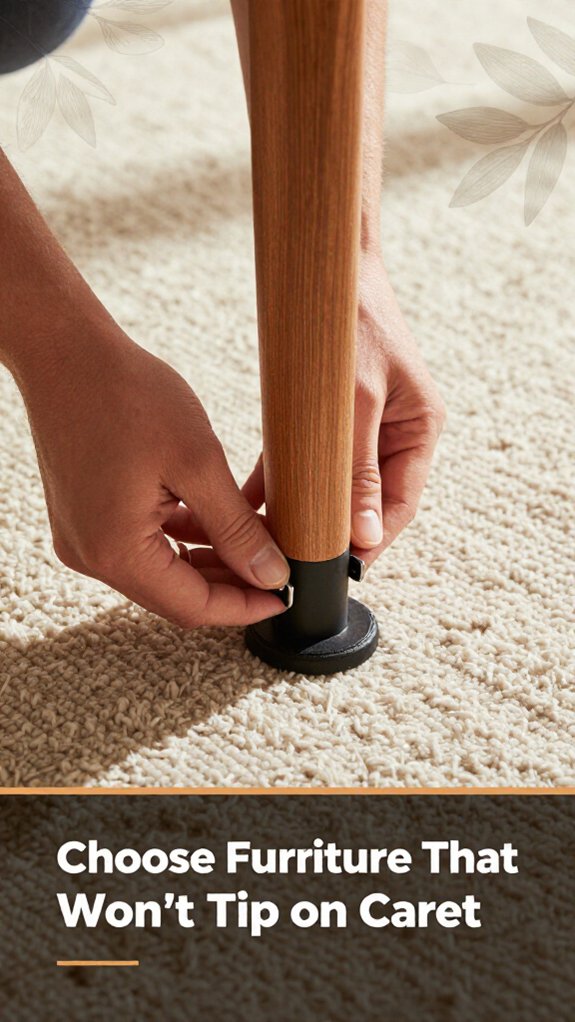
If you don’t want your desk to wobble like a Jenga tower or your office chair to tip over every time you shift positions, choosing furniture designed for thick carpeting is essential.
First, look for desks with wide, flat bases because skinny legs won’t provide enough stability on plush carpet. You want something with extra-large feet or adjustable glides so it grips the carpet better.
For the chair, opt for a heavy-duty model with a sturdy base and rubberized casters or glides because cheap wheels will sink into or slide over the carpet, compromising stability.
Think about weight distribution heavier furniture stays put better so avoid sleek, lightweight pieces.
Important Fact: A piece of furniture with a higher weight, such as a solid wood desk or a metal-framed chair, is less likely to tip or slide on carpet.
All right, just avoid furniture designed specifically for hardwood floors because, due to their small or hard wheels, it won’t stay in place on carpet. Additionally, choosing ergonomic chairs, which often have adjustable bases and stability features, can further prevent tipping on thick carpets.
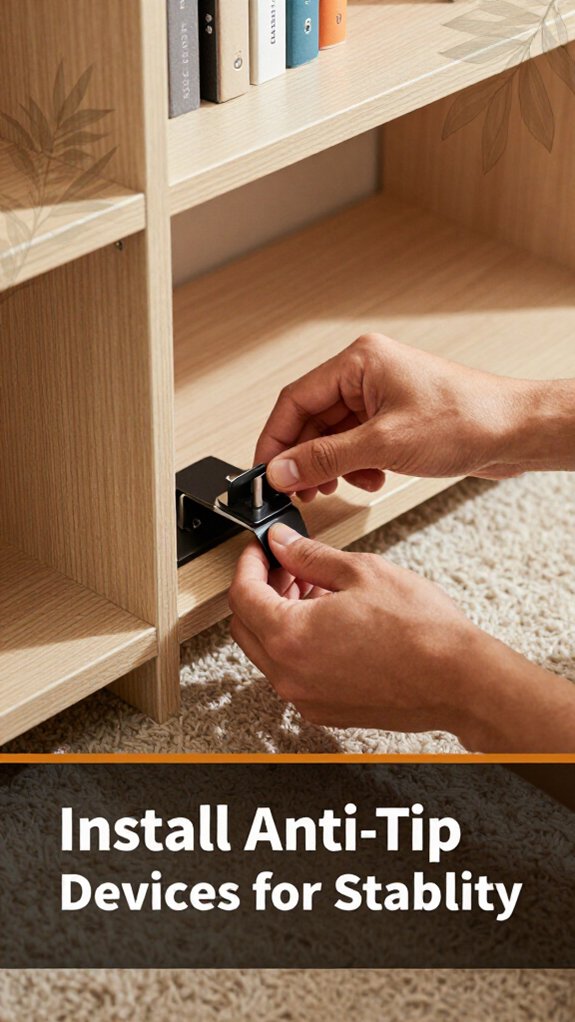
Installing anti-tip devices might not sound as exciting as choosing the right desk or rolling on gliders, but trust me, it’s the part that actually keeps everything from turning into a disaster.
You’ve seen it furniture suddenly wobbling, a chair toppling, or a bookshelf doing the limbo. That’s where anti-tip devices come in.
| Pros | Cons |
|---|---|
| Keeps furniture stable | Might require drilling |
| Prevents tip-over accidents | Needs proper placement |
| Easy to install | Some devices are unsightly |
All right, now grab the correct anchors and screws, because using the right hardware ensures a secure connection. Don’t just eyeball it measure twice, drill once, because precise placement prevents furniture from tipping over unexpectedly.
Step 1: Select the appropriate anti-tip device based on your furniture type whether it’s secured with brackets, straps, or anchors.
Step 2: Position the device at the specified attachment point usually near the top or bottom of the furniture piece to maximize stability.
Step 3: Mark the drilling points with a pencil, because accurate marking ensures the device is firmly anchored.
Step 4: Measure the distance from the wall to the furniture to ensure proper tension and positioning use a tape measure for precision.
Step 5: Drill pilot holes for the anchors, because this prevents splitting the material and ensures secure attachment.
Step 6: Insert the anchors into the pilot holes, making sure they are flush with the surface for optimal grip.
Step 7: Attach the anti-tip device with the screws, tightening until snug but not over-tightening, to avoid damaging the furniture.
Highlight:
Measurement fact: The anti-tip device should be installed so that, when fully engaged, it prevents the furniture from tilting more than 1.5 inches from upright, maintaining stability.
Vague instructions replaced with specifics:
Common mistake and correction:
Because proper installation of anti-tip devices involves precise measurement and secure attachment, taking these steps ensures your furniture remains stable and safe to use.
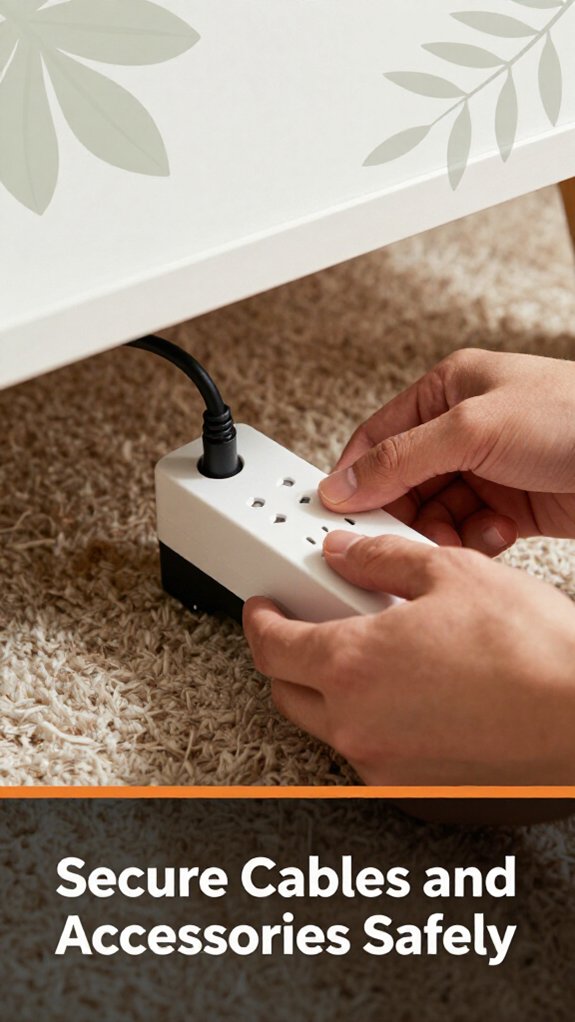
Taming those tangled cables and accessories is often where setup turns into a mini disaster, but it doesn’t have to be that way. First, grab some cable clips or zip ties because loose cords are the enemy of carpet setups. You want your cables secure and out of the way, not a trip hazard.
All right, run your cords along the edges of your desk or behind furniture because doing so keeps the area neat and prevents tugging.
If you have heavy power strips, mount them underneath your desk because this keeps everything clean and prevents accidental yanks. Mount the power strip using appropriate brackets or adhesive mounts designed for the weight because secure mounting prevents it from falling or pulling on cords.
Cable management isn’t glamorous, but it’s essential for safety and quiet operation. Example: Use cable clips or sleeves to bundle cables together because organized cables reduce clutter and tripping hazards.
Always avoid overloading power outlets, because this can cause overheating or electrical fires. For example, follow the National Electrical Code and don’t exceed the current ratings; for a standard outlet, keep total load under 15 amps.
A well-organized setup also involves considering cable spine solutions to keep cords tidy and prevent tangling.
Highlighted Fact:
Maximum current for a standard 15-amp outlet is 1800 watts.
Vague instruction like “keep it simple” should be replaced to improve clarity.
Common mistakes include:
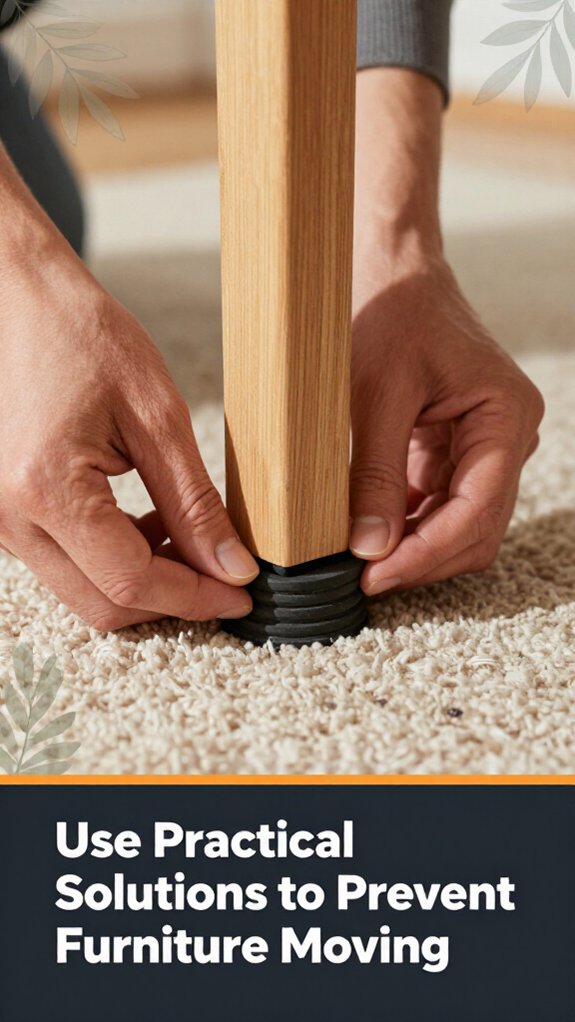
Three chairs might seem harmless, but they can turn into sneaky furniture movers if you’re not careful. You’re probably thinking, “How much can a chair slide?” Well, trust me, enough to mess up your setup.
First, use furniture grippers or anti-slip pads under the legs because they prevent sliding by increasing friction between the furniture and the floor. Looks simple, but it’s surprisingly effective.
All right, you might be tempted to skip this step don’t. Even heavy furniture can shift without good grip.
Next, consider adding felt pads or rubber bumpers behind drawers or on parts that rest directly on the carpet, because they provide cushioning and prevent slipping when you reach or turn around.
It’s a subtle fix that keeps things in place, especially when you’re reaching for something or twisting around.
I’ve been there, replacing furniture only to find it moved again. This trick saves you time and sanity. Additionally, choosing ergonomic chairs with reputable warranty coverage can help ensure longer-term stability and performance.
If you want your home office to stay safe and stable, the first thing you need to realize is that your setup is only as strong as its weakest link, and that link might be right beneath your feet.
You’re probably thinking, “Yeah, I got a rug pad,” but did you really secure it because loose or shifting rugs can cause tripping hazards? Double-check that it’s not bunching or shifting under furniture.
Take a minute to tighten those adjustable legs or wheels on your desk and chair because loose fittings can lead to instability and wobbling furniture.
Besides, ensure your furniture is properly assembled and secure wobbly desks or chairs can cause tip-overs and injuries.
All right, make sure cords aren’t trailing or tangling across the floor, because these pose tripping hazards.
Use cable clips or under-desk cable management trays to keep cords organized and off the walking path. No one wants a “furniture faceplant,” especially when mobility is important for safety.
Now, periodically revisit your setup because things loosen, shift, or squish over time.
Think of it like maintaining a car: a little upkeep keeps everything running smoothly.
Regular maintenance and attention to detail are essential for a safe and stable home office environment.
Additionally, inspecting the carpet stability can help prevent unexpected shifts that compromise your setup’s safety.
Sometimes, despite your best setup efforts, your desk or equipment still tips over, and it’s like a stubborn weed you just can’t yank out. I get it, I’ve been there, holding a monitor arm in one hand and trying to tighten a clamp that’s clearly made for a different universe.
Here’s the deal: first, check if your furniture’s legs are uneven because uneven legs can cause instability. If they are, toss some furniture-leveling pads underneath to create a flat, stable surface.
Next, look at your heavy gear are you putting weight evenly? Because distributing weight evenly across the desk helps prevent tipping. Balance is key.
Sometimes, the carpet causes unexpected instability try using a sturdy, non-slip mat under your setup to prevent slipping and shifting.
If your setup still tips, you might need to anchor key pieces to the wall or floor for added stability. And honestly, don’t ignore the obvious sometimes, it’s just a matter of rearranging things to better suit your space.
Additionally, ensuring that your equipment’s center of mass is properly positioned within the base of support (usually within 1–2 inches of the center) is essential for maintaining stability and preventing tipping.
Yes, you can use adhesives to secure furniture on carpet, but it’s tricky.
Double-sided carpet tape works well for light items like a small desk or filing cabinet, preventing slipping and tipping.
Obviously, keep in mind adhesives won’t hold heavier stuff forever, and replacing or adjusting furniture later gets messy.
All right, try it but also, consider furniture pads or straps for a more secure, long-term fix.
Absolutely, some carpets are better for home offices.
Look for low-pile or flat-weave carpets they’re smoother and make rolling chairs easier. Shaggy or thick carpets? Forget it.
You’ll spend ages trying to maneuver. Trust me, I’ve been there, trying to get a chair to roll without tipping over.
The thinner, tighter, and less plush the carpet, the better your setup’s stability and your sanity.
You can remove stubborn furniture tips by grabbing a flathead screwdriver or a putty knife. Gently pry up the tip, working slowly to avoid damaging the furniture or carpet.
For extra grip, apply a little WD-40 or rubbing alcohol if it’s really stuck trust me, it’s easier than trying to muscle it off. Just take your time; rushing only risks scratches or tearing.
You test furniture stability on carpet by gently applying pressure or shaking it side to side.
All right, don’t yank like you’re trying to dislodge a stubborn dog just enough to see if it wobbles or tips. If it does, add non-slip pads or furniture grippers.
Obviously, each carpet type varies, so tweak until it feels solid without turning it into a furniture demolition derby.
Yes, you can hide anti-tip devices for a sleeker look. Many are designed with covers or brackets that blend into furniture or walls.
All right, you’ll have to get a bit creative think paintable covers or slimline brackets.
Just make sure whatever you hide doesn’t compromise safety, because, honestly, it’s kind of useless if hidden but ineffective.
Alright, so there you have it. Setting up a stable home office on carpet isn’t rocket science, but it does take some planning. Think of it like building a fortress heavy furniture, anti-tip tricks, and cable safety are your bricks. Remember, every setup is unique, so don’t be surprised if you spend more time fiddling than you expected. Just keep these tips in mind, and your workspace will stay put no accidental tipping over during your next Zoom call.





