Physical Address
304 North Cardinal St.
Dorchester Center, MA 02124
Physical Address
304 North Cardinal St.
Dorchester Center, MA 02124

If you’re spending long hours at your desk working from home, you probably feel those aches and stiffness creeping in by the end of the day. Fixing your posture doesn’t mean big changes it’s about small, intentional tweaks.
Make sure your desk hits elbow height so your forearms are parallel and your monitor is at eye level no more craning or hunching. Sit back with support, keep your feet flat, and take micro-breaks to stretch or move. Switch between sitting and standing, and if you do these right, your body will thank you. Keep going, and you’ll learn the trick to lasting comfort.
This article contains affiliate links. If you purchase through them, I may earn a small commission at no extra cost to you. I only recommend products I genuinely believe in.
Alright, let’s start with the basics: setting up your workspace so your body doesn’t rebel against you by the end of the day. If you want to improve posture working from home, your desk surface should be at elbow height when your arms are relaxed. This position helps keep your forearms parallel to the floor and prevents shoulder shrugging, which can contribute to upper trapezius tension and shoulder impingement.
According to OSHA ergonomic guidelines, proper desk height reduces musculoskeletal discomfort and promotes neutral spinal alignment.
Your keyboard and mouse should be directly in front of you, about 6 to 12 inches from your torso. This distance ensures you avoid twisting the trunk or reaching excessively, which can cause strain on the cervical, thoracic, and lumbar spine. Maintaining a comfortable reach minimizes the risk of developing conditions like thoracic kyphosis or cervical radiculopathy.
Keep your keyboard and mouse 6 to 12 inches from your torso to prevent spine strain and promote proper posture.
Elevate your laptop with a stand or use an external monitor so the top of the screen is at or just below your eye level (roughly 20 inches away from your eyes). This positioning encourages a neutral cervical spine and prevents neck strain.
Clear your space of clutter keep essential tools within arm’s reach and store unnecessary items out of sight. This organization prevents awkward twisting or overreaching, reducing the risk of repetitive strain injuries.
Switching between sitting and standing with an adjustable desk allows you to promote movement and reduce static loading on the lumbar and sacral regions research on spinal biomechanics suggests this can help prevent lower back pain and improve circulation.
Additionally, maintaining proper workspace setup can support spinal health and help sustain good posture throughout your workday.
A well-organized workspace designed to promote proper ergonomics helps avoid musculoskeletal discomfort and maintains your posture throughout the day.
Sinking into your chair for a long stretch of work, you might notice your shoulders creeping up toward your ears or your neck feeling like it’s been doing the limbo all day, which isn’t ideal but understandable. According to OSHA ergonomic guidelines, hunching forward often occurs when your chair doesn’t provide proper upper back, thoracic, or shoulder support.
Proper support from a chair can significantly reduce the tendency to hunch, helping to maintain better posture throughout the day. When you sit back fully, with your back against the rest, your lumbar, thoracic, and sacral curves are supported, which is essential for reducing strain and promoting spinal alignment. Keep your shoulders relaxed and rolled back, avoiding a scrunched forward posture.
Your ears should line up directly over your shoulders, not jutting outward, to prevent added tension in the cervical spine. This position helps to give your neck and shoulder muscles a much-needed break, even after hours of sitting. Additionally, using chairs with adjustable lumbar support can further improve your seated comfort and spinal health.
Maintaining proper alignment and posture can improve long-term comfort and reduce the risk of developing musculoskeletal issues such as thoracic kyphosis or cervical strain. In summary, proper seated posture supports spinal health and enhances endurance during prolonged computer work.
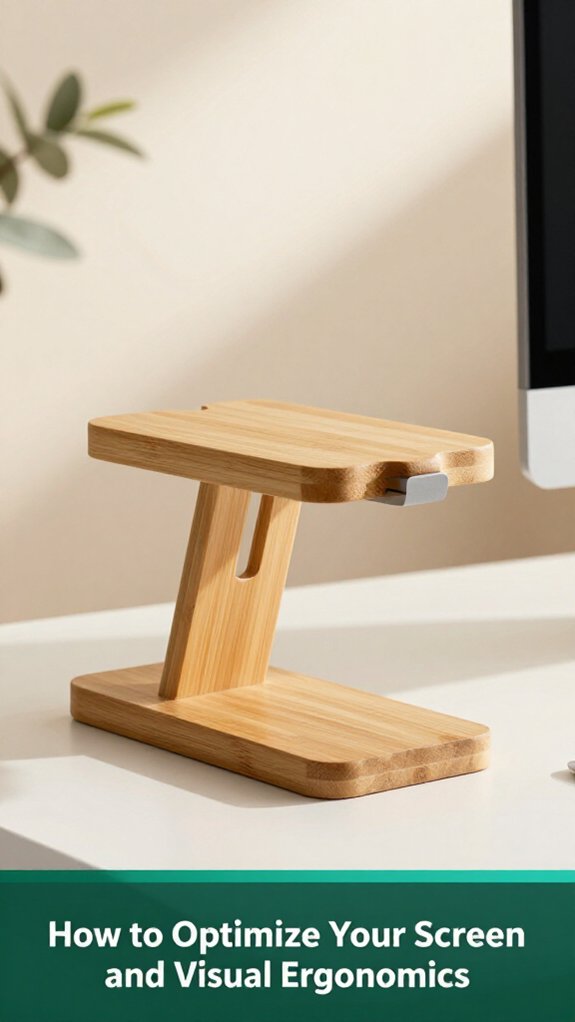
Now that you’re sitting comfortably and your shoulders aren’t sticking up as if you’re about to summit Everest, let’s talk about your screen. You want the top of your monitor at or just below eye level, which helps prevent neck strain and maintains proper cervical alignment according to OSHA ergonomic guidelines. Avoid craning your neck or tucking your chin excessively, as this can contribute to tension in your cervical and upper thoracic regions.
Adjust the height of your monitor first; then, modify your chair so that everything aligns naturally, supporting a healthy spinal posture. Keep your monitor approximately an arm’s length away, around 50 to 75 centimeters (which is about 20 to 30 inches). This distance helps reduce eye strain and prevents the tendency to lean forward, which can cause neck and shoulder discomfort. Many ergonomists recommend this spacing because it allows your eyes to comfortably focus without excessive effort or distraction.
Tilt the screen upward 10 to 20 degrees, supporting a neutral neck position that minimizes thoracic kyphosis and cervical strain think of it as giving your head a little comfy pillow. This tilt helps align your gaze naturally and reduces the muscle load on your neck and shoulders. Manage glare by using blinds or anti-glare filters. Glare leads to eye fatigue and prompts awkward head and neck positions as you adjust your view to see your screen clearly.
Proper lighting reduces frustration, prevents unnecessary muscle tension in the cervical and facial muscles, and helps maintain optimal visual ergonomics. Research on spinal biomechanics suggests that minimizing glare and ensuring proper lighting can significantly decrease musculoskeletal discomfort associated with prolonged computer use. Additionally, regularly reassessing monitor positioning can help you adapt to changes and maintain ergonomic efficiency over time.
When you’re glued to your desk for hours on end, it’s easy for your muscles to start protesting muscles get tight, joints feel stiff, and suddenly that hour-long meeting leaves you feeling like you’ve aged five years in the span of a coffee break. According to OSHA ergonomic guidelines, prolonged static postures can contribute to musculoskeletal discomfort and postural issues.
A mix of stretches and quick movement routines can save you from that “I just aged completely” feeling. Try wall pec stretches and doorway openers to loosen tight pectoral muscles, which can help counteract rounded thoracic kyphosis caused by prolonged sitting. Incorporate exercises like superman lifts and bent-over rows to strengthen the upper-back muscles, including the trapezius, rhomboids, and erector spinae, which are essential for maintaining proper spinal alignment.
Include neck mobility drills and micro-breaks such as shoulder rolls and ankle circles to keep your cervical, thoracic, and lumbar joints mobile. These small movements can help prevent stiffness and improve circulation during long periods of sitting. Paying attention to proper ergonomic setup can further reduce the risk of strain and discomfort.
| Exercise | Purpose | Duration/Reps |
|---|---|---|
| Wall pec stretch, hold | Opens chest, relieves shoulder tension | 30 seconds per side |
| Superman exercise | Activates spinal erectors, enhances lower back stability | 10 reps, 3 seconds each |
| Micro-break walking | Prevents stiffness, improves circulation | 2-3 minutes every 30 minutes |
| Seated pelvic tilts | Promotes lumbar spinal alignment, alleviates lower back strain | 15-20 reps |
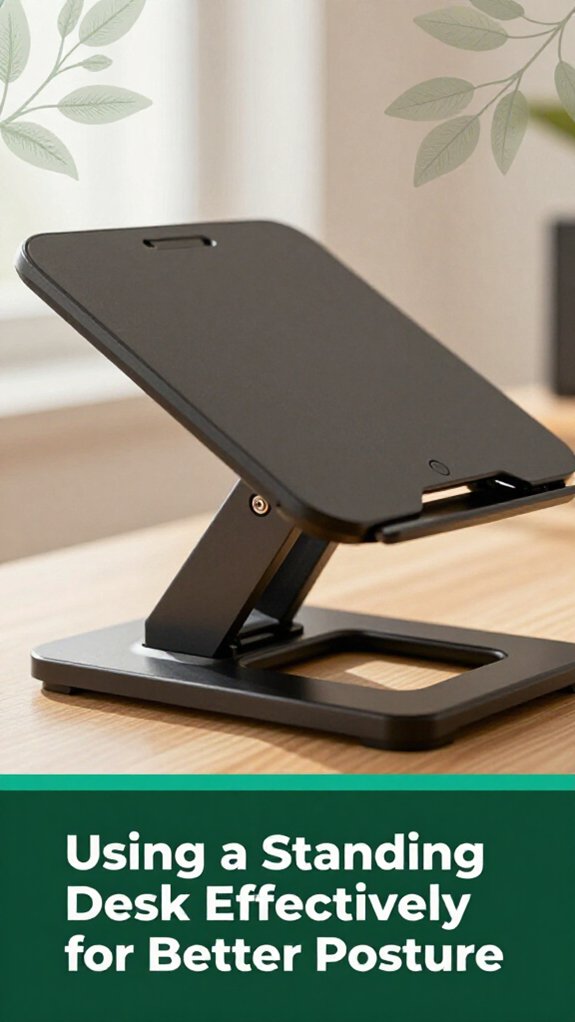
You might think that simply standing more will fix all your posture issues, but there’s more to it than just swapping sitting for standing. You need a plan.
For starters, alternate every 30 to 60 minutes stand for 20–60 minutes then sit again so your muscles don’t get stiff or tired. Alternating between sitting and standing can help prevent musculoskeletal issues and boost circulation.
Keep your desk at elbow height, so your arms form about a 90° angle (which helps reduce strain on your shoulder and forearm muscles), and position your monitor 20–28 inches away (this distance prevents eye strain), with the top of the screen at eye level (to maintain cervical spine alignment). Customizable intervals (30 to 60 minutes) based on desk setup and comfort are crucial, allowing you to incorporate stretching for at least 30 seconds during breaks to enhance circulation.
Alternate every 30–60 minutes between standing and sitting to keep muscles flexible and prevent fatigue.
Use an anti-fatigue mat to reduce pressure on the lumbar and lower limb muscles, and shift your weight every 10–15 minutes to maintain proper blood flow and prevent musculoskeletal discomfort.
Keep your wrists straight and your shoulders relaxed to avoid tension in the cervical, thoracic, and shoulder regions (according to OSHA ergonomic guidelines). Monitoring your body cues and adjusting your sit-stand durations, typically around 20–30 minutes each, can help you find a routine that balances movement with comfort and improve overall ergonomic health.
All right, that might sound simple, but trust me, your body will thank you no more surprises during video calls!
Living well long-term, especially when it comes to posture, is all about making small habits stick like giving your body a gentle nudge to move more frequently. Honestly, those tiny breaks every 30 minutes matter more than you think. Standing up, walking a bit, or even doing neck rolls can prevent that dreaded spinal compression or stiff shoulders.
Now, strengthening your core with daily planks or seated pelvic tilts keeps your lumbar and lower thoracic supportive muscles active, which is key to avoiding that “why does my back ache?” feeling per Mayo Clinic recommendations.
All right, remember to tweak your workspace monitor at eye level, feet flat on the floor (which helps maintain 90-degree angles at the hips and knees) and stay hydrated.
These habits aren’t glamorous, but they’re the backbone of a long-term posture win. Trust me, your back will thank you.
You can remind yourself with digital alerts or sticky notes saying “Sit tall” or “Shoulders back” trust me, your smartphone vibrating every 30 minutes becomes a gentle nudge.
All right, set a timer, use visual cues, or even attach a mirror.
You’ll find that little prompts turn into habits after a while, your body naturally falls into better posture, and you stop feeling like a slouch at the end of the day.
All right, ergonomic accessories are your new best friends. You’ll want an adjustable monitor stand so your screen isn’t bursting your neck’s comfort zone, and a lumbar support pillow because, let’s face it, your lower back deserves a hug.
A good ergonomic mouse keeps your wrist happy, and a sit-stand desk lets you switch gears without turning into a stiff statue. These little upgrades make a big difference in keeping pain at bay.
Stress messes with your posture more than you think. When you’re stressed, your shoulders tend to lift and your chest rounds, throwing off your spinal alignment.
Your brain gets distracted too, so you forget to maintain good form, and your muscles tighten up. The result? Fewer breaks, prolonged sitting, and that nagging neck or back ache.
Managing stress with quick breathing or breaks can help you stay conscious and keep your posture in check.
You’ll know your posture needs a fix when you notice your shoulders rounding forward like you’re trying to hide from a ghost, or your head seems to be jutting out like a curious turtle peeking around a shell.
Maybe your lower back aches after sitting too long, or your neck feels tense even before your first coffee.
Basically, if you’re feeling unstable or tight, it’s time to pay attention and make some adjustments.
You can prevent neck strain by keeping your monitor at eye level seriously, no more looking down or up.
Take regular breaks to stretch your neck, roll your shoulders, and loosen up those muscles.
All right, I know it sounds simple, but small changes like this reset the position of your head and shoulders, reducing that nagging tension before it turns into a full-blown, “I need a neck massage” situation.
So, really, good posture isn’t about making things perfect it’s about giving yourself a break, a bit of both mindfulness and movement. Think of it like tuning a guitar; a little tweak here and there, and you’ll sound way better or, in this case, feel a whole lot better. You’ll notice tiny changes, but over time, your body will thank you, and maybe you’ll actually enjoy working from home, posturally speaking.





