Physical Address
304 North Cardinal St.
Dorchester Center, MA 02124
Physical Address
304 North Cardinal St.
Dorchester Center, MA 02124

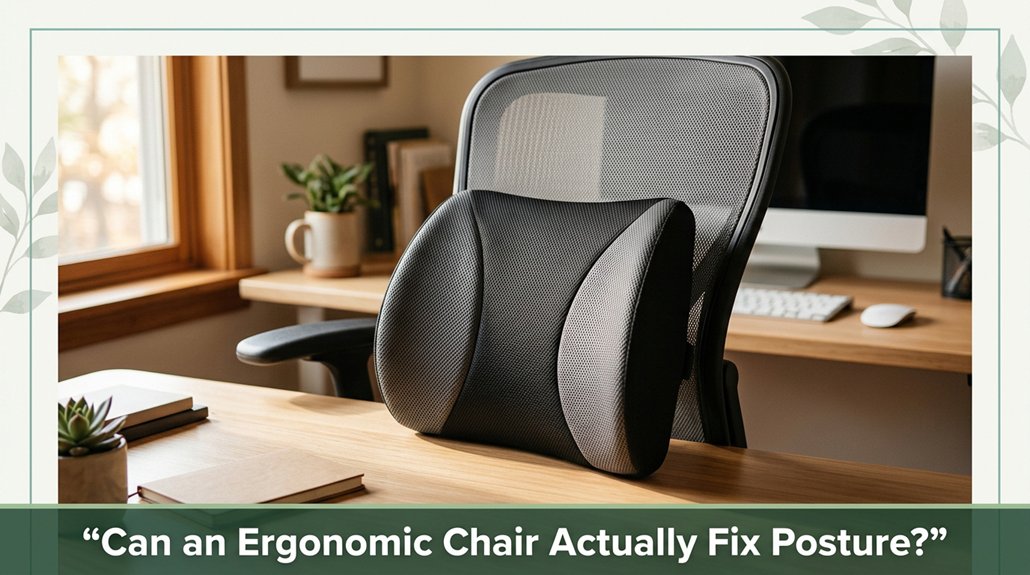
You sit all day and end up feeling like a floppy noodle? An ergonomic chair can support your posture and probably reduce discomfort but it won’t fix underlying muscle imbalances or bad habits. It’s like having a good pillow for your back; it helps, but you still need to stretch, move, and set up your workspace right. If you stick around, you’ll find out how to make these tools really work for you.
This article contains affiliate links. If you purchase through them, I may earn a small commission at no extra cost to you. I only recommend products I genuinely believe in.
Most of us have that moment you’re cruising through your work, and suddenly you realize your back is protesting in ways you didn’t notice when you first sat down. So, can an ergonomic chair fix posture? Yes, if you use it correctly.
These chairs support your spine with adjustable lumbar support that aligns with your natural lumbar lordosis, reducing shear forces on your intervertebral discs, according to OSHA ergonomic guidelines. Proper seat height and depth help keep your hips and pelvis in a neutral position, preventing strain.
The seat height should be adjusted so that your feet rest flat on the floor and your knees are at approximately a 90-degree angle, which helps maintain optimal lumbar and sacral alignment. The seat depth should allow about 2 to 4 inches (5 to 10 centimeters) of space between the edge of the seat and the back of your knees, supporting proper circulation and reducing pressure on the thighs.
Armrest adjustability eases shoulder tension by allowing your arms to rest comfortably at a 90-degree elbow angle, which reduces strain on the cervical and thoracic regions of your spine. Dynamic tilt mechanisms encourage micro-movements, promoting movement shifts that reduce static pressure on the lumbar and sacral regions.
Additionally, studies suggest that adjustable chairs can lead to a reduction in musculoskeletal symptoms if used with proper posture awareness. Regularly testing adjustments ensures that the chair’s support features remain effective and aligned with your body’s changing needs. In other words, an ergonomic chair functions like a personal physiotherapist in your office if you make the most of its features, it can help maintain healthy spinal alignment and reduce discomfort.
All right, let’s talk about the features of an ergonomic chair that can actually help keep pain at bay. You want a chair with lumbar support adjustability meaning it molds to your spine’s natural lumbar curve, which research on spinal biomechanics suggests can reduce pressure on your intervertebral discs by up to 40 percent.
Look for seat height and depth adjustments; these help ensure your feet are flat on the ground and your thighs are parallel to the floor. This position is essential for reducing muscle fatigue and improving circulation, especially for people who sit more than six hours a day.
Don’t forget armrest configuration: adjustable height, width, and depth help prevent shoulder and neck tension by keeping your arms relaxed and supported, which reduces strain on the cervical and thoracic regions.
These features work together to provide targeted support where it’s needed most your lower back, shoulders, and neck so you can sit smarter, not harder. Proper ergonomic support can help you maintain spinal health and potentially avoid post-work back pain, making these adjustments a vital part of your workspace setup. Additionally, mesh backrests promote airflow and temperature regulation, which is crucial for comfort during long hours of sitting.
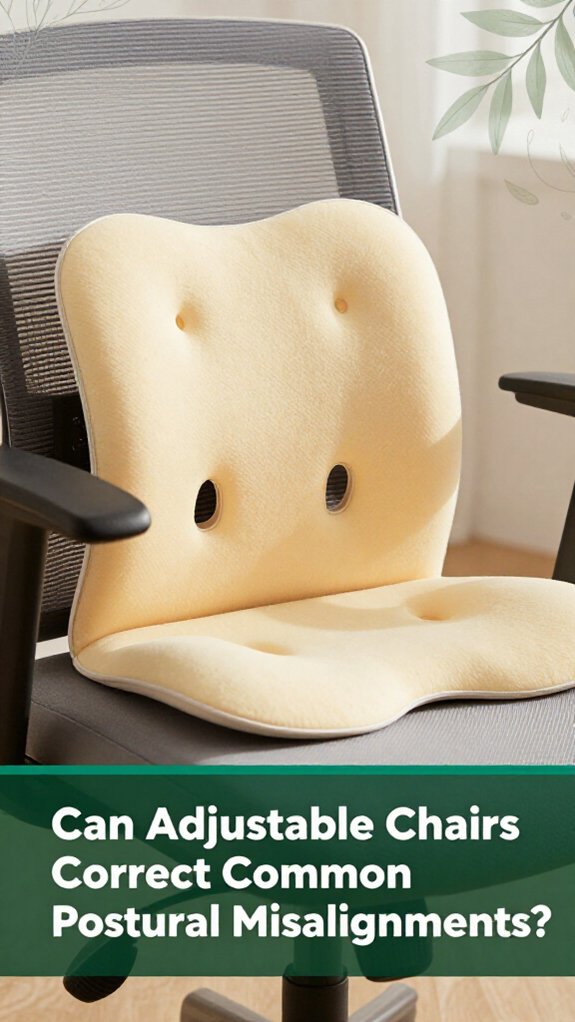
Sometimes, just adjusting the chair back can actually straighten out some of those nagging postural misalignments you’ve probably gotten used to by the end of the day.
All right, your lumbar, thoracic, and even cervical curves change when you recline, according to OSHA ergonomic guidelines; research on spinal biomechanics suggests that lumbar angles increase slightly, while neck angles decrease, helping to reduce strain.
This means you can tweak your seat to temporarily unload your spine, which may alleviate discomfort caused by prolonged poor posture. Incorporating ergonomic features like adjustable lumbar support or seat tilt can further enhance these benefits, promoting better posture during long sitting sessions.
Here’s the thing: no single chair magically fixes everything. However, some chairs like the Saddle promote better pelvic and lumbar posture if you set your hip angle correctly. For example, the Saddle chair encourages a favorable lumbopelvic position, provided you adjust your hips to an optimal angle, typically around 90 to 100 degrees, which supports spinal health.
| Chair Type | Effect on Spinal Region | Notable Feature |
|---|---|---|
| Vari-Kneeler | Larger lumbar lordosis | Helps tilt the pelvis back, supporting lumbar curve |
| Swopper | Smaller neck and head tilt | Encourages dynamic movement to prevent stiffness |
| Saddle | Favorable lumbopelvic posture | Requires specific hip angle for optimal fit |
| Standard Office | No consistent correction | Less adaptable to individual postural needs |
| Dynamic Seat | Wide spinal adaptation | Promotes frequent postural shifts to reduce fatigue |
Look, if you’ve ever sat at your desk feeling that nagging ache in your lower back or that stiff, tired feeling in your shoulders after just a few hours, you know how static chairs can leave you feeling pretty stuck, literally.
Now, dynamic chairs are a different story. They encourage micro-movements, which can help reduce discomfort and boost work efficiency. Here’s what you should know:
Basically, these chairs are designed to keep you moving just enough to feel better without turning your desk into a rollercoaster.
Choosing an alternating or dynamic seat can be beneficial, especially for those who sit more than 6 hours a day, as it helps mitigate the risks of static postures like lumbar disc compression, thoracic kyphosis, or sacral pressure.
Incorporating movement into your sitting routine can lead to improved spinal health and reduced musculoskeletal discomfort.
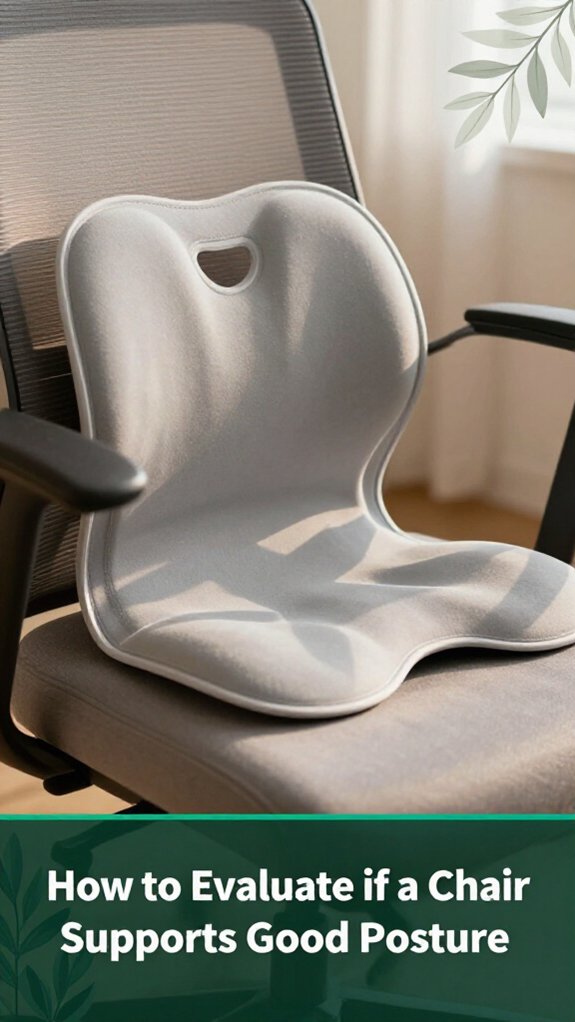
Ever wonder if your chair is actually doing its part to support good posture, or if it’s just along for the ride? Okay, here’s how to evaluate: focus on seat height, lumbar support, and armrest adjustability these are your secret weapons.
When sitting, your feet should be flat on the floor or footrest, with knees at roughly 90 degrees (which helps reduce lumbar shear and lowers back strain according to OSHA ergonomic guidelines). The space between the seat edge and the back of your knees should be about 1 to 2 inches; this ensures proper thigh circulation and comfort.
Lumbar support should align with your natural lower back curve, known as the lumbar lordosis. The backrest needs to be adjustable between 90 and 110 degrees per Mayo Clinic recommendations, this range supports optimal spinal alignment and reduces muscular fatigue. Ensuring your chair features adjustable lumbar support can greatly enhance comfort and maintain healthy posture over long periods.
Armrests? They should keep your shoulders relaxed, with forearms parallel to the floor to avoid shoulder tension. Adjustability is key here so you can position them to support your arms comfortably during tasks.
Here’s a quick visual summary:
| Aspect | Good Support Criteria | Why It Matters |
|---|---|---|
| Seat Height | Feet flat, knees at 90 degrees | Reduces lumbar shear, lowers back strain |
| Lumbar Support | Adjustable, matches lumbar spinal curvature | Prevents low-back pain and thoracic kyphosis |
| Armrest Adjustment | Keeps shoulders relaxed, supports forearms | Avoids shoulder tension and neck strain |
| Seat Depth and Edge | 1-2 inches from knees, waterfall edge design (curved front) | Guarantees thigh circulation and comfort |
You might be wondering if investing in that fancy ergonomic chair will really do enough to improve your posture over time. The truth is, the long-term effects are still uncertain. Sure, some research suggests immediate pain relief and better spinal alignment when you sit in specific chair types, like saddle chairs or those with adjustable features, according to OSHA ergonomic guidelines.
Ergonomic chairs may improve comfort temporarily, but long-term posture needs movement and exercise beyond just a good chair.
But, here’s the thing: no one has extensively tested what happens after a year or more of consistent use.
If you’re hoping your chair alone will prevent back discomfort in the long term, you might be disappointed. Mismatched dimensions such as seat height, lumbar support, or seat pan depth that don’t match your body measurements can actually worsen posture, stressing muscles like the lumbar erector spinae and thoracic paraspinals that you want to relax.
Static chair designs might restrict movement, which research on spinal biomechanics suggests can contribute to muscle stiffness and increased risk of discomfort.
The evidence indicates that improvements in posture vary between individuals, especially those who’ve existing lower back issues or are prone to thoracic kyphosis. Most experts agree that additional movement, stretching, and targeted exercises are necessary to maintain spinal health. For instance, incorporating regular breaks to stand, walk, or perform ergonomic stretches can make a significant difference.
Therefore, if you’re serious about fixing your posture, remember that the ergonomic chair is just one piece of the puzzle. Consistent movement, proper ergonomic setup, and strengthening exercises are essential for long-term posture improvement.
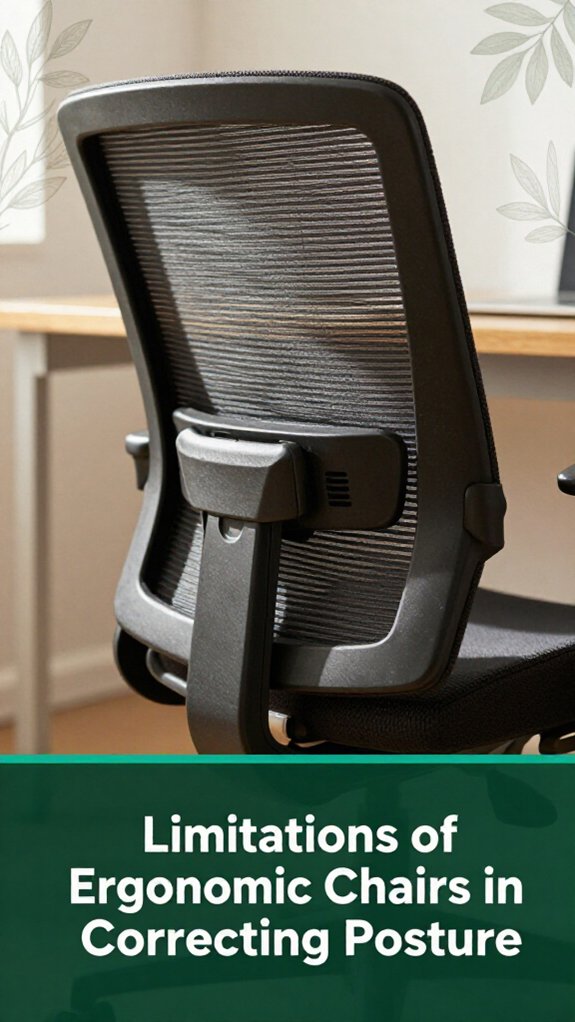
All right, let’s talk about one of the biggest limitations of ergonomic chairs: they can’t fix muscle imbalances or the habits that got you into poor posture. According to OSHA ergonomic guidelines, no matter how advanced your chair is, it won’t strengthen weak glutes, core muscles, or upper back muscles. Those tight hips and chest muscles often associated with anterior pelvic tilt and thoracic kyphosis still persist unless you actively stretch and strengthen them.
Chairs don’t provide resistance training or therapy; you have to do that yourself. Even when you find the “perfect” fit, most people barely adjust their chair settings, ignoring the fact that your posture shifts daily based on activity and fatigue.
Here’s the reality: sitting statically in any chair for hours can contribute to spinal issues, including lumbar disc compression and sacral nerve irritation. Research on spinal biomechanics suggests that movement and altering positions are essential to maintaining spinal health.
You need to incorporate movement, develop good habits, and put in effort beyond just choosing an ergonomic seat. Without regular movement and targeted exercises, poor posture and muscle imbalances will persist, regardless of the chair’s quality.
The key takeaway is that ergonomic chairs are helpful tools but not substitutes for active posture correction and strength training.
Sometimes, it’s the little things in your workspace setup that make all the difference like how your desk, chair, and monitor are arranged. You probably already know that when your monitor’s too low or high, your neck pays the price, which can contribute to cervical strain and tension headaches.
According to OSHA ergonomic guidelines, keeping the monitor at or just below eye level helps reduce neck strain and encourages a natural head posture.
Keeping your monitor at eye level promotes better posture and reduces neck strain.
Sitting too far from your screen turns your torso into a stretching exercise, increasing thoracic kyphosis and muscle fatigue. To support proper spinal alignment, position your workstation so that your monitor is about an arm’s length away, with your upper arms close to your torso.
Here’s what helps:
All these adjustments aren’t magic, but they work like a charm small changes that, over time, promote a healthier spine and may prevent common postural issues such as lower back pain and repetitive strain injuries.
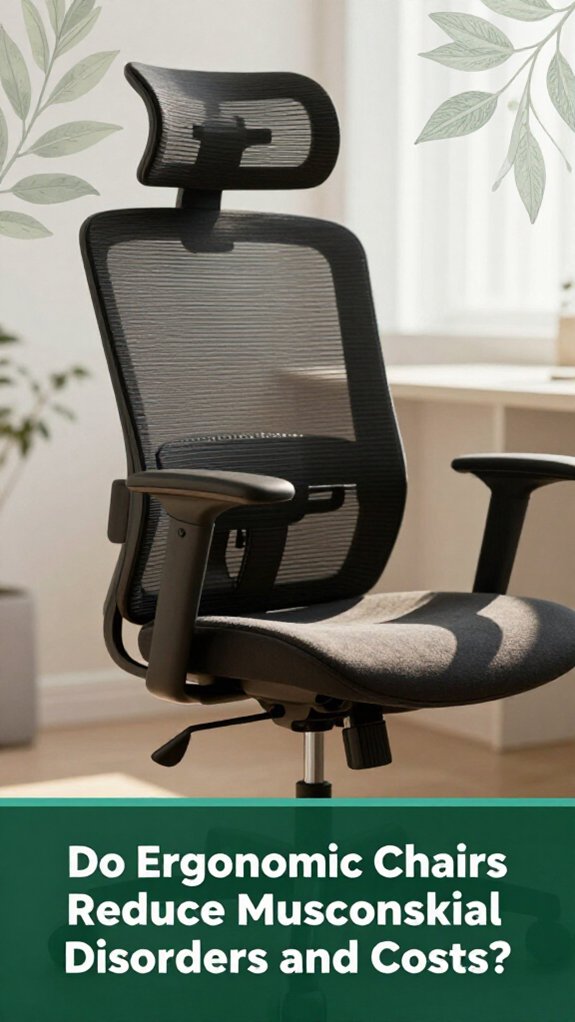
When it comes to whether ergonomic chairs actually reduce musculoskeletal disorders and save your employer money, the research provides some interesting clues and a few caveats. Studies show that ergonomic chairs can decrease pain, especially in the lumbar region, with improvements observed immediately and over time.
However, they are not a complete solution. The most effective features are not just aesthetic elements like headrests or lumbar supports they are adjustability and design features that match your body, such as seat height, pan depth, or swivel function. According to OSHA ergonomic guidelines, proper adjustability helps maintain neutral spine alignment and reduces strain.
| Benefit | Evidence | Caveat |
|---|---|---|
| Lower pain scores | Meta-analyses and clinical trials show reductions in lower back and lumbar pain | Long-term durability of ergonomic features remains unclear |
| Cost reductions | Potential for healthcare savings and decreased absenteeism | Difficult to quantify exact savings in current studies |
| Improved comfort | Users report faster recovery from discomfort and less fatigue | Not all ergonomic features are equally effective for everyone |
For people who sit more than 6 hours a day, ergonomic chairs help alleviate musculoskeletal discomfort, but don’t expect them to solve all issues alone. They should be part of a comprehensive ergonomic strategy, including regular movement and proper workstation setup.
Remember, ergonomic chairs are beneficial, but they are not a magic fix; think of them as one important component of an overall ergonomic approach.
Alright, so now that you’re thinking about making your chair work for you, let’s talk about picking one that actually supports better posture. You want something adjustable because no one body fits all, right?
Fit your seat height so your feet are flat on the floor and your knees are at a comfy 90 to 100 degrees (which helps reduce pressure on your knee joints and promotes good circulation).
Adjust your seat height so your feet rest flat and knees are at 90–100 degrees for better circulation and knee support.
Make sure the seat depth leaves a 1 to 2-inch gap behind your knees; this allows proper circulation and prevents pressure on the back of your thighs, as recommended by ergonomics guidelines.
Look for a backrest that aligns with your natural lumbar curve, which supports the lower back and helps prevent lumbar strain. According to OSHA ergonomic guidelines, an adjustable backrest is essential so you can customize support in all directions, especially for the lumbar region.
This prevents the lower back from bearing excessive load and reduces the risk of disorders like lumbar disc herniation and sciatic nerve irritation.
And don’t neglect armrests: they should be height-adjustable, shift in width, and allow you to close in without stuffing your elbows. Proper armrest positioning helps prevent shoulder and neck strain, which can contribute to thoracic kyphosis or tension in the cervical spine.
Look, ergonomic chairs can help reduce some musculoskeletal pain if you use them right. They’re good for lower-back discomfort and supporting proper spinal alignment, but they won’t prevent all pain forever.
Your body’s movements, muscle use, and work habits matter just as much. So, don’t rely solely on a fancy chair. Mix it with stretches, breaks, and good posture habits, and you’ll be way better off.
Yes, ergonomic chairs can work differently for everyone.
All right, your body’s unique, so what’s perfect for your coworker mightn’t be for you. You might need adjustable features, like seat height or lumbar support, to really dial in comfort.
Now, keep in mind, they won’t cure everything overnight. You still need to move around and stretch, but a well-fit chair can definitely help support your posture, especially if you tweak it to fit your body.
You might be surprised, but ergonomic chairs are actually more effective in industries like manufacturing, office work, and garment factories.
Here’s the thing studies show they reduce back and limb pain greatly, especially when paired with work surface adjustments or training.
I’m sure you’ve felt that dull ache after hours at the sewing machine or computer. In these industries, the right chair helps realign your posture and relieves strain, making a real difference.
You should adjust your ergonomic chair every 30 minutes or so. Trust me, I’ve been there – after a while, your back starts feeling like stale bread.
Every half hour, shift the recline a bit, check your lumbar, move your feet, and tweak armrests as needed.
It’s all about keeping your joints lubricated and muscles engaged, not static which means fewer aches and a lot more comfort, long after the workday.
Yes, ergonomic chairs can reduce the need for constant movement and stretching, but they won’t eliminate it.
Here’s the thing they promote better posture by supporting your body correctly and encouraging small, frequent posture shifts. This helps prevent muscles from stiffening up like a wax statue.
Still, you gotta get up, stretch, and move around because no chair’s gonna do all the work for you your body craves variety, not just a fancy seat.
So, can an ergonomic chair truly fix your posture? Well, they’re a great start, but remember, no device alone can do all the work. Your body needs movement, the right workspace setup, and good habits too. Think of the chair as a helpful tool not a magic fix. Stay mindful of how you sit, keep moving, and don’t be surprised if, over time, you notice less nagging pain. Because, honestly, that’s really what it’s about.





